KI-Bildgenerator

Verwandeln Sie Ihren Text mit dem kostenlosen KI-Bildgenerator von Venedig in atemberaubende Bilder.

Why use Venice as an AI image generator?

Hosted image apps often keep a history of what you typed so they can train the next version. They also watermark pictures until you pay.

Venice does not use your prompts to train AI models. Venice does not keep a picture folder of what you made on its computers on the default path.

Z-Image Turbo is the free photo-like default. Chroma covers a wider range of styles on the free tier as well.

Pro and credits unlock Nano Banana Pro and Grok Imagine Quality, plus making the picture larger, removing the background, and making close copies.

Within the law, Venice does not add a second “manners” filter on top of what the image AI model can already do. Illegal content is still blocked.

Free accounts get 15 image requests per day. Studio lives at venice.ai/studio. Agent mode at venice.ai/chat/agent can also make images in the same thread as text and video.

Prompting tips for generating images with AI

  • Lead with the subject, then the lighting, then the camera. “A kitchen” is a stock photo. For example, “a cramped galley kitchen, overhead fluorescent lights, 35mm, slight grain” is a shot.

  • Set the shape of the picture before you fall in love with a crop. Venice Studio has common sizes including 16:9, 9:16, and 1:1.

  • Name what must not appear. Image models fill the scene with extra objects if you do not forbid clutter.

  • If you need readable text in the image, say so and keep the string short. Long headlines still fail often. Plan a design tool for type.

  • Use prompt enhancement as a draft, then cut the extra adjectives it adds. Extra “cinematic” words push you toward the same look as everyone else.

  • For photo-like pictures, stay on Z-Image Turbo first. Switch to Grok Imagine Quality when skin and fabric are the point and you have credits.

  • For illustration, try Chroma or Wai Illu (Pro) instead of forcing a photo AI model to “look like anime.”

  • Make close copies rather than a brand-new prompt every time. You keep the layout and change one thing.

  • You own usage rights to what you generate here, subject to law. Do not generate illegal content. Those blocks stay on.

  • Build a personal “do not add” list: extra text, logos you do not own. Paste it until it is habit.

  • If you need a series, number the frames in the prompt so the layout can stay consistent.

  • If you will print the picture, test it at that size. Pictures that look great on a phone can fail, for example, at 24 inches.

  • Say the time of day once and the season once. Mixed weather is how you get a scene that cannot exist.

  • If you need a product in a hand, describe the hand first. Empty products that float look fake.

  • Decide the crop before the style. A square picture that should have been a poster wastes the daily limit on the wrong frame.

So verwenden Sie Venice AI

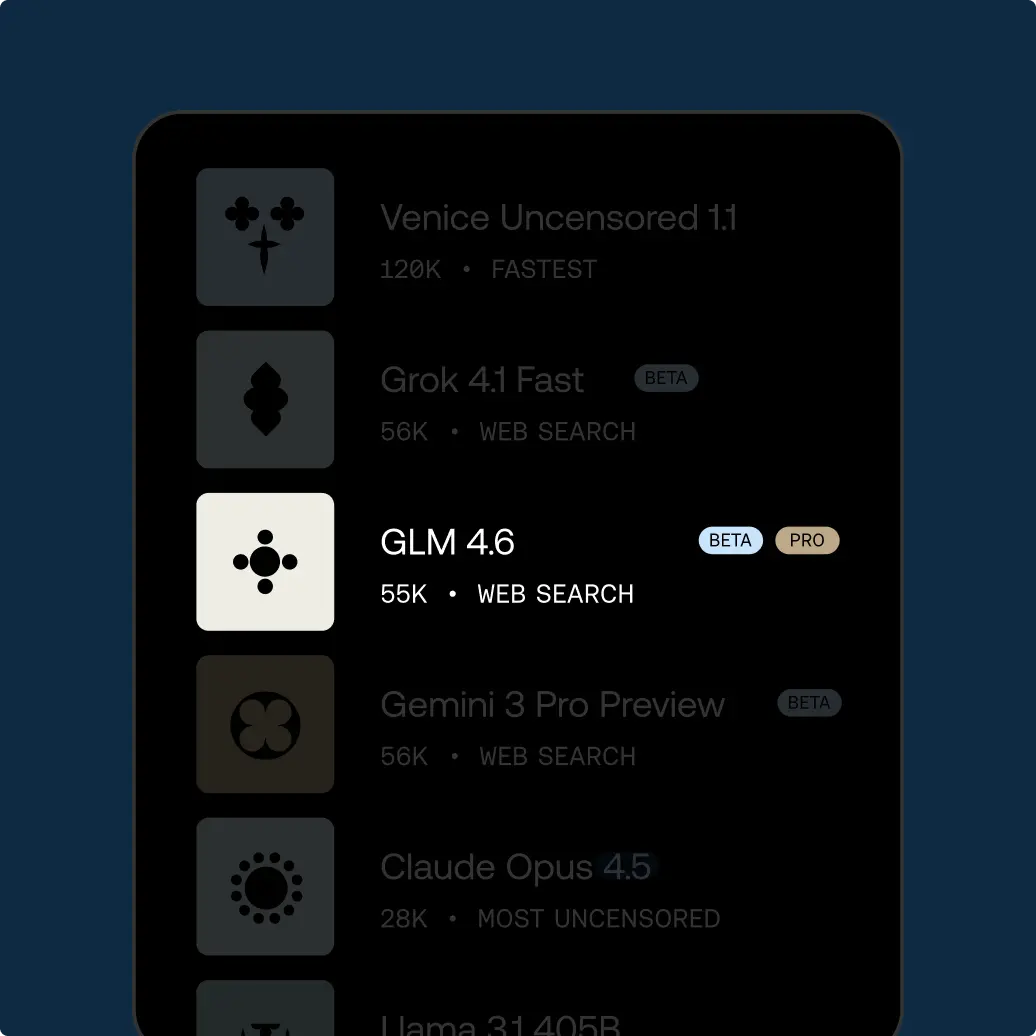
Select your model

Try unrestricted AI today

Free

$0/mo

Entdecke Venice mit grundlegenden KI-Modellen

✓Grundlegende KI-Modelle
✓10 Text-Prompts pro Tag
✓15 Bild-Prompts pro Tag
✓API-Zugang (Bezahlung mit Credits)
✓Privat und unzensiert

Pro

$18/mo

Dein privates KI-Studio: jedes Modell, jedes Medium, ohne Grenzen.

✓Zugriff auf alle Pro-Modelle
✓Unbegrenzte Text-Prompts und 1.000 Bilder pro Tag
✓Erstelle Videos und Musik und nutze Frontier-Bild- und Textmodelle mit Credits
✓Bild-Superkräfte: hochskalieren, Hintergründe entfernen, Varianten erstellen und mehr
✓Erstelle und teile benutzerdefinierte Charaktere
✓Erweiterte Kontextfenster für tiefes Arbeiten und längere Gespräche
✓Verschlüsselte Chat-Sicherung und -Wiederherstellung
✓100 Credits pro Monat für Video, Musik, Premium-Modelle und API

Most Popular

Pro Plus

$68/mo

Alles aus Pro, skaliert für ambitionierte Creator und Power-User

✓Alles aus Pro
✓Höhere Limits für die Bildgenerierung bei Venice-Pro-Modellen
✓7.500 Credits pro Monat für Video, Musik, Frontier-Bildgenerierung, LLMs und API
✓2-monatiges Credit-Banking: ungenutzte Credits werden übertragen

Max

$200/mo

Alles aus Plus, für den ultimativen Zugang für Venice-Power-User

✓Alles aus Plus
✓Die höchsten Limits für die Bildgenerierung bei Venice-Pro-Modellen
✓22.500 Credits pro Monat für Video, Musik, Frontier-Bildgenerierung, Frontier-LLMs und API
✓3-monatiges Credit-Banking

API-Tarife

Nutze die API nach Verbrauch oder wähle Pro Plus mit 75 $ monatlicher Nutzung und zweimonatigem Banking beziehungsweise Max mit 225 $ und dreimonatigem Banking. Beide Pläne enthalten alle Pro-Funktionen der Plattform.

Modellpreise ansehen