 Venice.ai
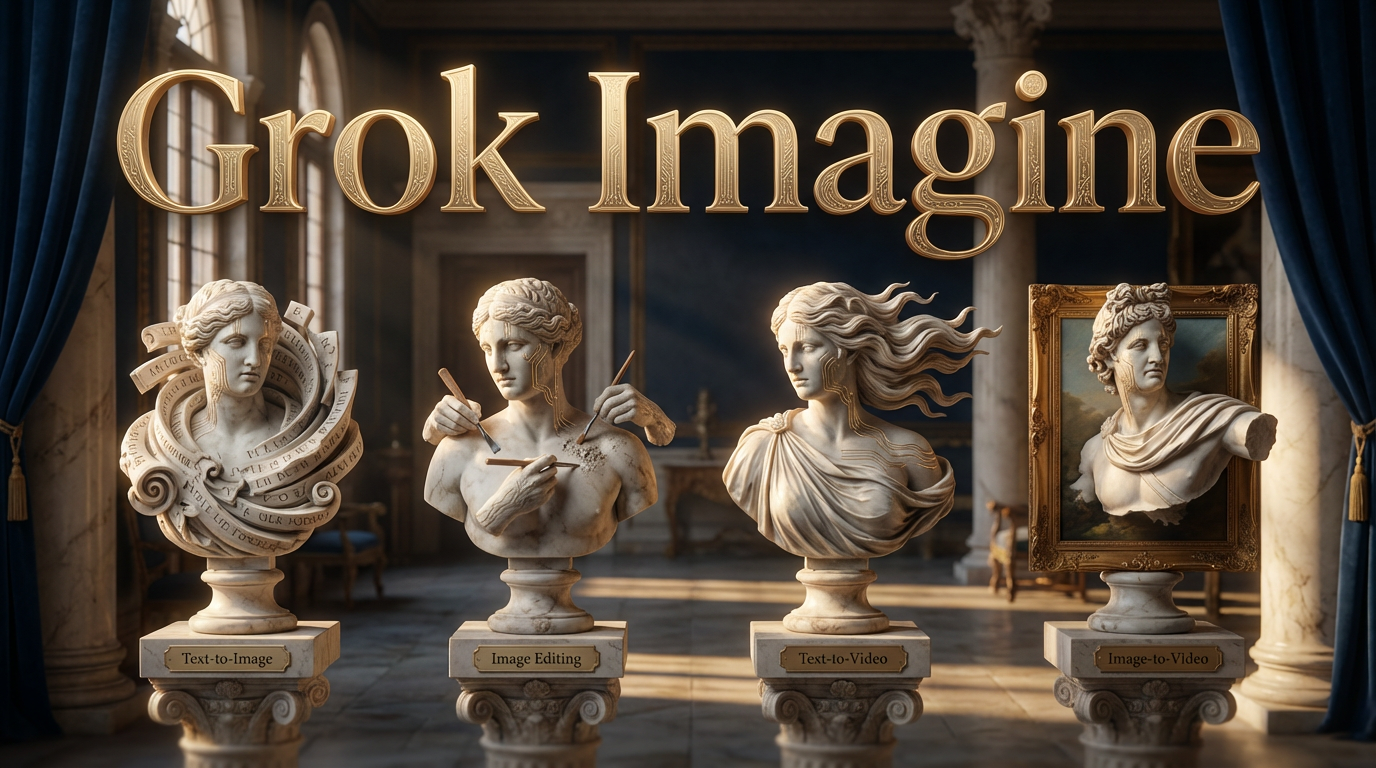
Grok Imagine is xAI's full creative suite — now available on Venice. Four models covering the complete image and video generation pipeline, all with anonymous inference.
What's Included
Text-to-Image (grok-imagine)
Generate photorealistic images from text prompts. Supports multiple aspect ratios (1:1, 3:2, 16:9, 9:16, 2:3), prompts up to 10,000 characters, and style presets for consistent output.
Text-to-Video (grok-imagine-text-to-video)
Generate videos with audio directly from text descriptions. Choose 5, 10, or 15 second durations at 480p or 720p resolution. Seven aspect ratio options available.
Image-to-Video (grok-imagine-image-to-video)
Turn any still image into motion with automatically generated audio. Upload your image, add a prompt describing the motion you want, and get a video back.
Image Editing (grok-imagine-edit)
Upload an existing image and describe what you want changed. Swap styles, refine details, transform the look — without starting from scratch. See the full editing workflow in action below.
The Full Workflow
Here's what you can do with Grok Imagine — generate an image, edit it, then animate it:
1. Generate an Image
2. Edit the Image
3. Animate It
API Access
All Grok Imagine models are also available through the Venice API. Stake DIEM to access daily refreshing credits. More information about how DIEM works here.
Try it now at venice.ai/chat.
Back to all posts