Free AI Recipe Generator
Why use Venice for recipes?
A lot of recipe chatbots remember what you type. That can include what is in your fridge, or a food allergy in your family. They also tend to suggest the same popular dishes over and over.
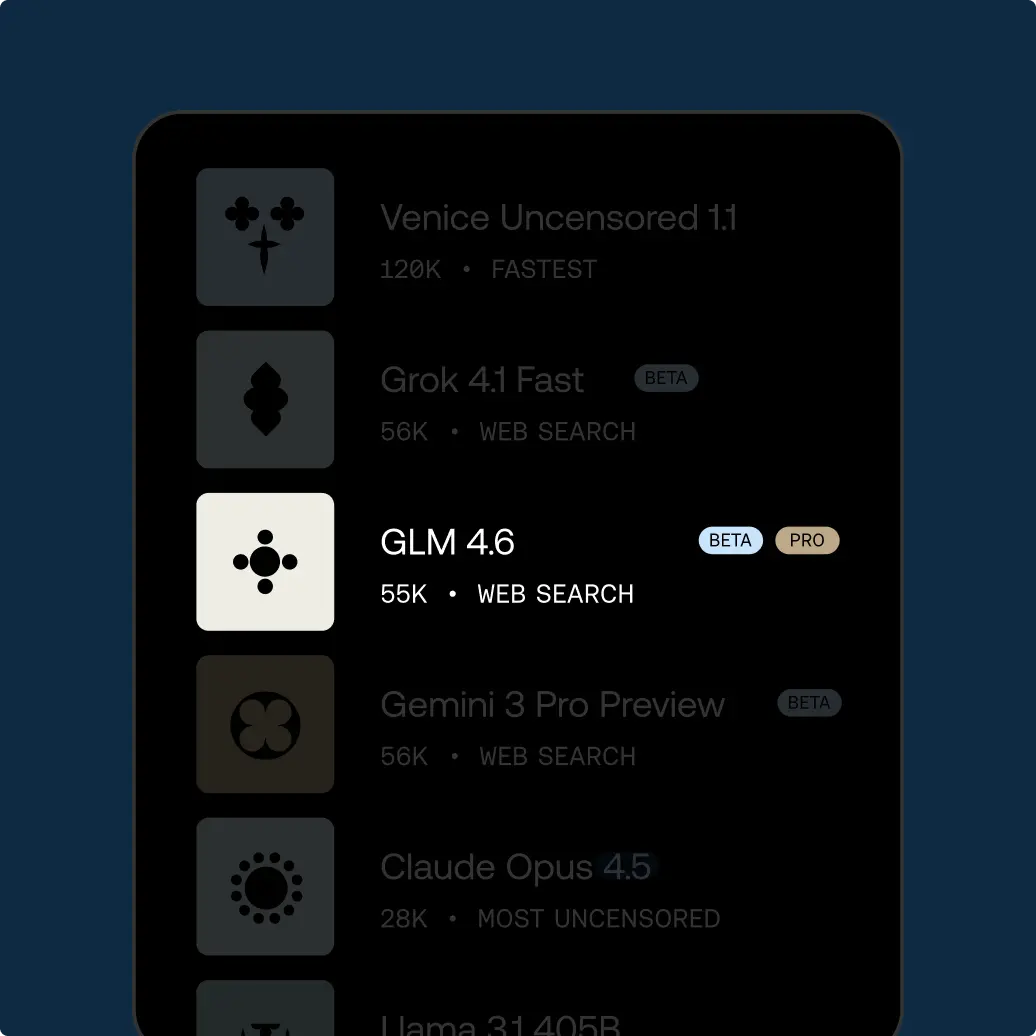
Venice's default AI model is called GLM 5.2. Venice does not save your chats on its computers. Your chat history stays in your web browser. Venice also does not use what you type to train AI models.
That's helpful when you are cooking from leftovers, or when someone at home cannot eat certain foods, and you would rather not put that list into an account profile.
If you switch to a different AI model like Claude, Venice hides who you are first. Claude's company still reads the recipe question itself. If that question should stay private, keep using GLM 5.2.
One Venice account also lets you use more than 230 AI models. For recipes, GLM 5.2 is usually enough. After you like the steps, agent mode at venice.ai/chat/agent can picture the finished plate in the same chat.
Free accounts can send 10 text requests per day. If you cook from the prompt bar a lot, Pro is $18 a month.
Prompting tips for generating recipes with AI
Be clear about the details you need. For example, how many servings, how much time you have, what pots and pans you own, and any foods you cannot eat. A vague “make dinner” usually gets a generic answer.
List the ingredients you already have. Then list one or two you are willing to buy. If you do not set a limit, the AI model will often add a long shopping list.
Ask for real amounts, like cups, grams, or tablespoons, instead of “a splash.” If you are baking, also ask for the oven temperature and the pan size in the same answer.
Put diet rules in plain words, such as no nuts, no pork, kosher, or halal. Say the rule again at the end so a garnish or sauce does not break it.
Ask for simple swaps. For example, what to use if you are out of buttermilk. You do not need a long essay about flavor.
If a sauce can go wrong, ask what it looks like when it fails and how to fix it.
Start with a recipe for two people, then ask it to scale up. For example, asking for a huge roast in one step can hide mistakes in cooking time.
When the steps look right, ask for a shopping-and-prep list in the order you will actually cook.
Do not treat this as medical advice. If a diet is for health reasons, check the numbers with a doctor, not an AI model.
If you later take a photo of the dish, you can picture it with Z-Image Turbo using the lighting you actually have.
Keep a list of recipes that failed. Tell the AI model about those failures next time. It cannot taste the food, but it can stop suggesting, for example, a super-hot broiler in a small apartment.
When you cook for a group, ask for a timeline that starts from when guests arrive. If you are serving meat, include rest time.
Name breakfast, lunch, or dinner, and whether this is for tonight or for a few days of leftovers.
Ask it to name the equipment in each step so you are not hunting for a tool halfway through.
If you batch cook, say how many days you want the food to last in the fridge.
How to use Venice AI
Try unrestricted AI today
Free
Free
Explore Venice with base AI models
Pro
$18/mo
Your private AI studio - every model, every medium, no limits.
Most Popular
Pro Plus
$68/mo
Everything in Pro, scaled for serious creators and users
Max
$200/mo
Everything in Plus - for the ultimate access to Venice power users
API Plans
Pay as you go at published model rates, or choose Pro Plus with $75 in monthly API spend and two-month banking, or Max with $225 and three-month banking. Both subscriptions include every Pro feature.
View model pricing