AI Text Generator
Why use Venice to generate text?
Many writing tools keep your drafts so they can show you ads later or train the next AI model. That's a poor fit for a client email, a hiring note, or copy that's not public yet.
Venice does not use what you type to train AI models. On GLM 5.2, Venice does not save your chat on its computers. Your history stays in your browser, not in a company profile.
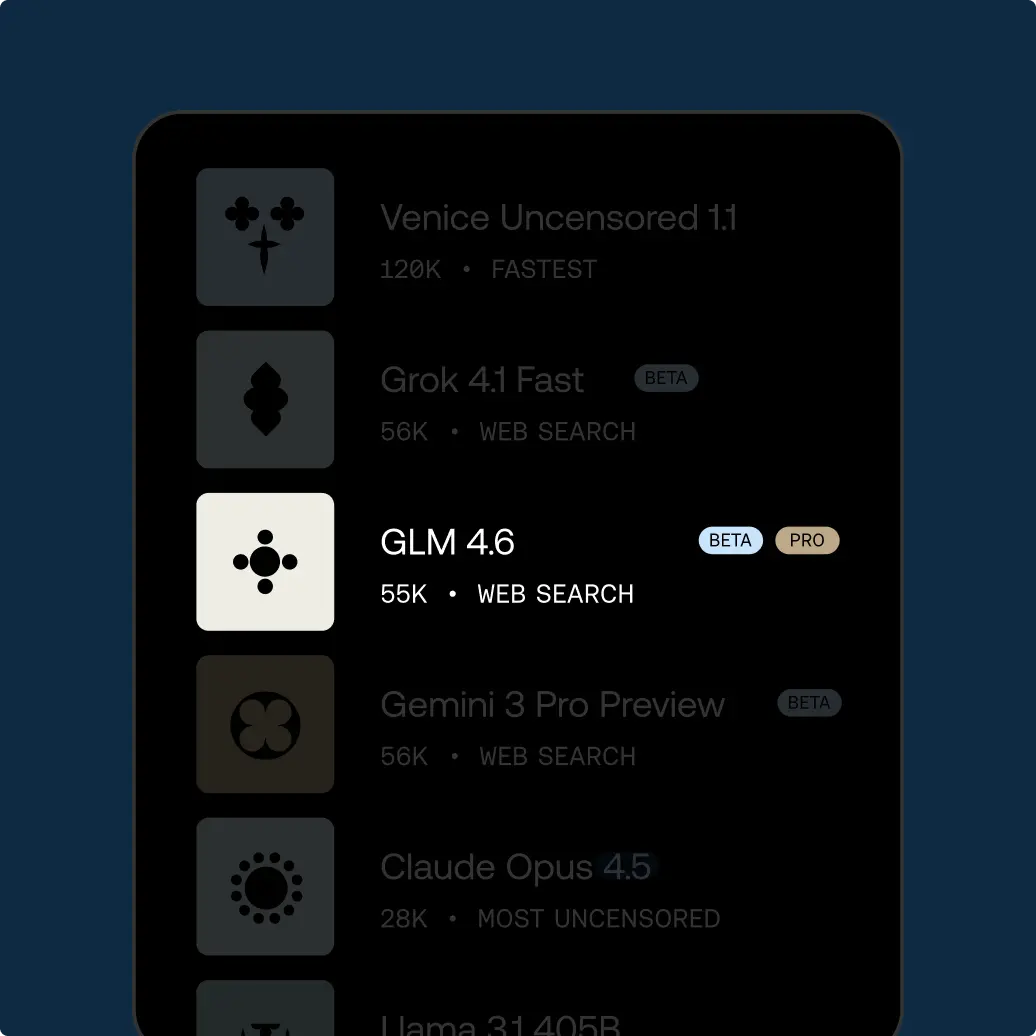
Use GLM 5.2 when the draft should stay private. Switch to Claude or GPT-6.1 when you want a stronger editor and you are okay with that company reading the words. Venice hides who you are, but not the text itself.
If a paragraph is secret, stay on GLM 5.2. The extra editing power is not worth handing the words to someone else.
The same account can also make pictures, video, and code. Agent mode at venice.ai/chat/agent can write text, make images, and make video in one conversation. Studio at venice.ai/studio is there if you want a dedicated image workspace.
Free accounts get 10 text requests per day. That's enough to outline and fix a short piece. Pro removes the text limit for $18 a month.
Prompting tips for generating text with AI
This page is for first drafts: subject lines, social posts, short product blurbs, and blog openings you will edit.
Say who the reader is, what you want them to do, and about how long the piece should be. “Write a blog” usually fills the page with fluff. For example, “180 words for building managers who already know the product” is much clearer.
Paste the facts the AI model is not allowed to invent: prices, names, dates, and official product names. Then tell it to use only that list.
Ask for two or three tones. Keep the version that sounds like you.
If you need sources, ask for links, then open them yourself. Language models often make up sources that look real.
For email, say what you want the person to do next, and whether they already know you. A cold note and a reply to a support ticket are different jobs.
For social posts, name the network and about how many characters you can use. For example, a LinkedIn post that reads like a tweet wastes the extra space.
Ask for a pass that cuts empty phrases. If a sentence could sit on any company homepage, cut it.
Venice will not replace your style guide. If you have three sample paragraphs that sound like you, paste those in.
If the piece will be translated, write short English sentences with no idioms. Then translate as a second request, not all at once.
For ads, give the offer, the proof, and the legal line. AI models invent studies the way they invent footnotes.
Keep a small file of lines you actually shipped. Pasting two of those beats a list of brand adjectives.
When a draft is close, ask it to cut every sentence that does not help someone decide.
How to use Venice AI
Try unrestricted AI today
Free
Free
Explore Venice with base AI models
Pro
$18/mo
Your private AI studio - every model, every medium, no limits.
Most Popular
Pro Plus
$68/mo
Everything in Pro, scaled for serious creators and users
Max
$200/mo
Everything in Plus - for the ultimate access to Venice power users
API Plans
Pay as you go at published model rates, or choose Pro Plus with $75 in monthly API spend and two-month banking, or Max with $225 and three-month banking. Both subscriptions include every Pro feature.
View model pricing