Now on Venice

MiniMax H3

Text, images, video and audio read as one context. Native 2K at 24 fps, stereo sound generated with the picture, and edits you ask for in a sentence. Available anonymously on Venice.

Start creating

Try MiniMax H3 free and anonymously.

Three ways in

Pick the mode before the settings

Venice opens all three H3 modes. Which one you choose decides what you need to prepare and which settings your assets take out of your hands.

Text to Video

Prompt only, no upload. The fastest way to try an idea out.

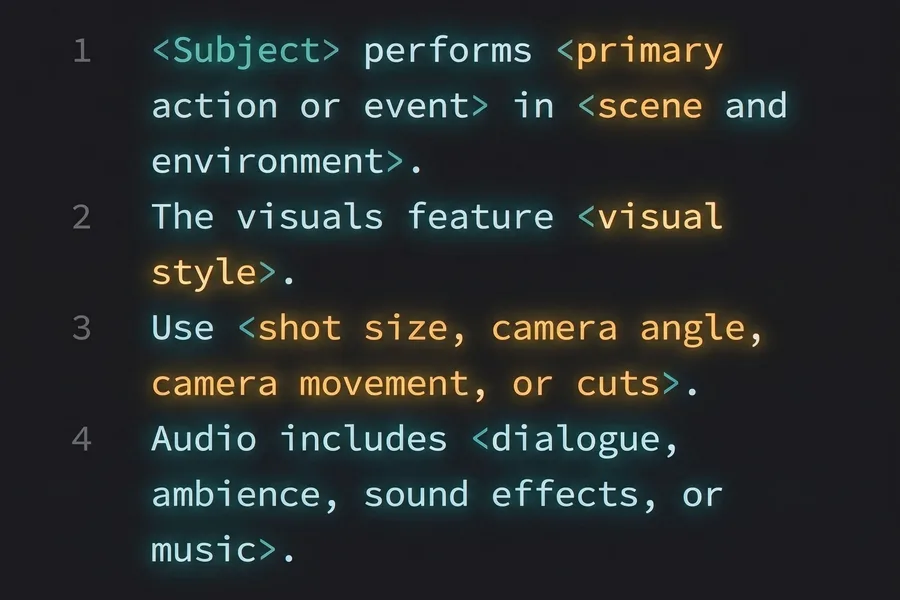
  • Write the brief: the subject, the action across the clip, the camera, the light and the sound you want.
  • Several shots can sit inside one 15-second generation.
  • Pick the framing yourself from six aspect ratios, 21:9 through 9:16.
Image to Video

Give it the opening and the closing frame; it fills in the transition.

  • The steady choice for expression changes, pose changes and scene transitions.
  • Start from a single image and the model generates what follows it.
  • The clip follows the aspect ratio of the image you upload, so there is no framing to set.

Reference to Video

Steer the shot with your own material — a face, a motion, a voice.

  • Up to 9 images, 3 video clips and 3 audio files, twelve in total, in one generation.
  • Reference video and audio run 2 to 15 seconds each, 15 seconds in total. Audio travels with an image or a clip.
  • Set the framing, or leave it on auto and let H3 read it from your references.

Specs

Duration
15s5 to 15 seconds per generation, with several shots possible inside one clip.
Resolution
2KA 1440-pixel short edge straight out of the model, so a master needs no upscaling step.
Frame rate
24 fpsFixed, and the cadence film and broadcast are shot at.
Audio
StereoSpoken lines, effects and room tone generated with the picture in one pass.
References
12Up to 9 images, 3 video clips and 3 audio files in a single job.
Aspect ratios
621:9, 16:9, 4:3, 1:1, 3:4 and 9:16, plus an auto mode on omni reference.

Benefits

  • 01

    Four kinds of input

    Words, pictures, clips and sound files are read together rather than one at a time. A shot can inherit a face from a still, a move from a clip and a voice from a recording in the same run.

  • 02

    Native 2K, no upscaling pass

    Video arrives on a 1440-pixel short edge, roughly 3.7 megapixels at 21:9. It holds up on a client monitor, a TV or a store screen without a second render.

  • 03

    Picture and sound in one pass

    Dialogue, effects and ambience come back with the picture, lined up with what happens on screen. No separate scoring stage and no syncing afterwards.

  • 04

    Change one thing, keep the rest

    Name the element that should change and the rest of the frame holds. A take you already like survives the revision instead of being rolled again.

  • 05

    A character that survives the cut

    Face, styling, motion and voice carry across shots when the same reference set is supplied each time. A reference recording can also give a character a different voice, or replace a line said on camera.

  • 06

    Anonymous by default

    Your prompts, references and the recordings you feed it are never stored or trained on. Generated on Venice, and gone when you are done.

Start creating with MiniMax H3

Anonymous on Venice.

Start creating