Privacy AI
Why use Venice when you care about privacy?
Most AI products save what you type. The chat is the product they can study later.
Venice's default AI model is called DeepSeek V4.1 Flash Uncensored. Venice does not save your chats on its computers. Your history stays in your browser, on your device.
Venice also does not use what you type to train AI models.
Other AI models work differently. If you pick Claude, Grok, or GPT, Venice hides who you are first. The other company still reads the words you sent.
Say that tradeoff out loud before you paste a customer list into Claude. Hiding your name is not the same as hiding the document.
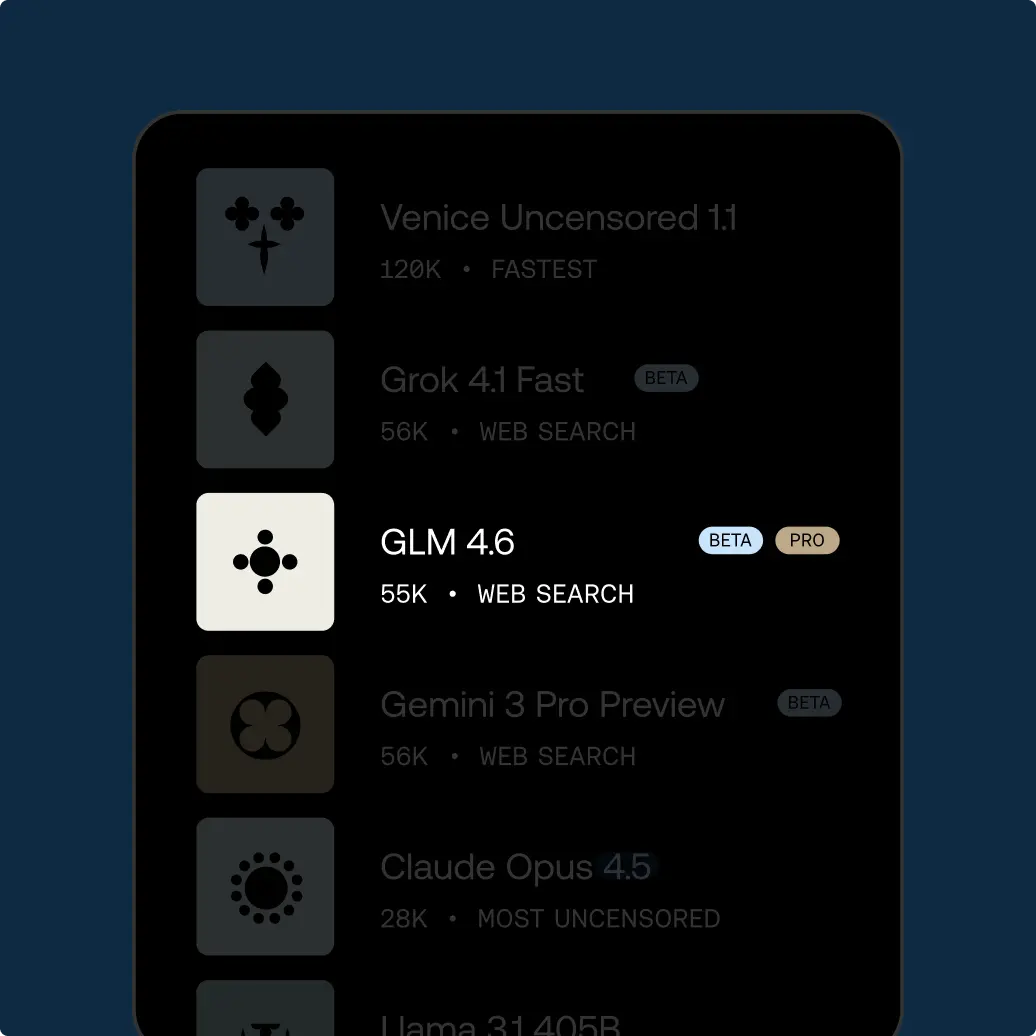
You can still use more than 230 AI models. The private default runs on Venice. The famous extra AI models go through that hide-your-name step. You choose each time.
Prompting tips for keeping AI chats private
Say what must stay private in the first line. For example: “Keep this on DeepSeek V4.1 Flash Uncensored. Do not switch models.”
Name the people, companies, or files you will not paste. If a name cannot go in the prompt, leave it out.
Ask for the format you need: a short checklist, a two-paragraph summary, or a list of questions to ask a lawyer.
If you might switch to Claude or GPT later, write two versions of the prompt. Keep names out of the one that will leave Venice.
Paste only the sentences you need, not a whole email thread. Extra names hide in signatures and forwards.
Tell the AI model what not to repeat back. For example: “Do not echo the account numbers I pasted.”
If you share a chat, say so in the prompt: “Write this as if a coworker will read it.”
For a sensitive question, ask for options and risks, not a single confident answer.
Look at which AI model will run before you hit enter. In Classic Chat you pick it yourself. In agent mode the agent picks tools and models for you. Your prompt is only as private as the AI model that runs.
If you are on a shared computer, copy the answer and close the tab. Do not leave the thread open.
When you import memories from ChatGPT, say which ones the new chat may use. Do not assume they all apply.
End with a check: “List anything in my prompt that would be bad to send to another company.” Then delete those bits if you switch models.
Ask for a version you can paste into a ticket without extra story. Short answers are easier to review.
If you are writing a policy note, say who will read it: legal, security, or a vendor. The tone should match.
Do not paste passwords, badges, or private keys. Describe the problem instead.
If you must name a company, use a placeholder first, then swap the real name in only after you know which AI model will see it.
How to use Venice AI
Try unrestricted AI today
Free
Free
Explore Venice with base AI models
Pro
$18/mo
Your private AI studio - every model, every medium, no limits.
Most Popular
Pro Plus
$68/mo
Everything in Pro, scaled for serious creators and users
Max
$200/mo
Everything in Plus - for the ultimate access to Venice power users
API Plans
Pay as you go at published model rates, or choose Pro Plus with $75 in monthly API spend and two-month banking, or Max with $225 and three-month banking. Both subscriptions include every Pro feature.
View model pricing