Flux 3
Black Forest Labs' third-generation image model — photorealistic rendering, strong in-image typography, and native 4K output, run privately on Venice.
curl https://api.venice.ai/api/v1/image/generate \
  -H "Authorization: Bearer $VENICE_API_KEY" \
  -H "Content-Type: application/json" \
  -d '{
    "model": "flux-3-image",
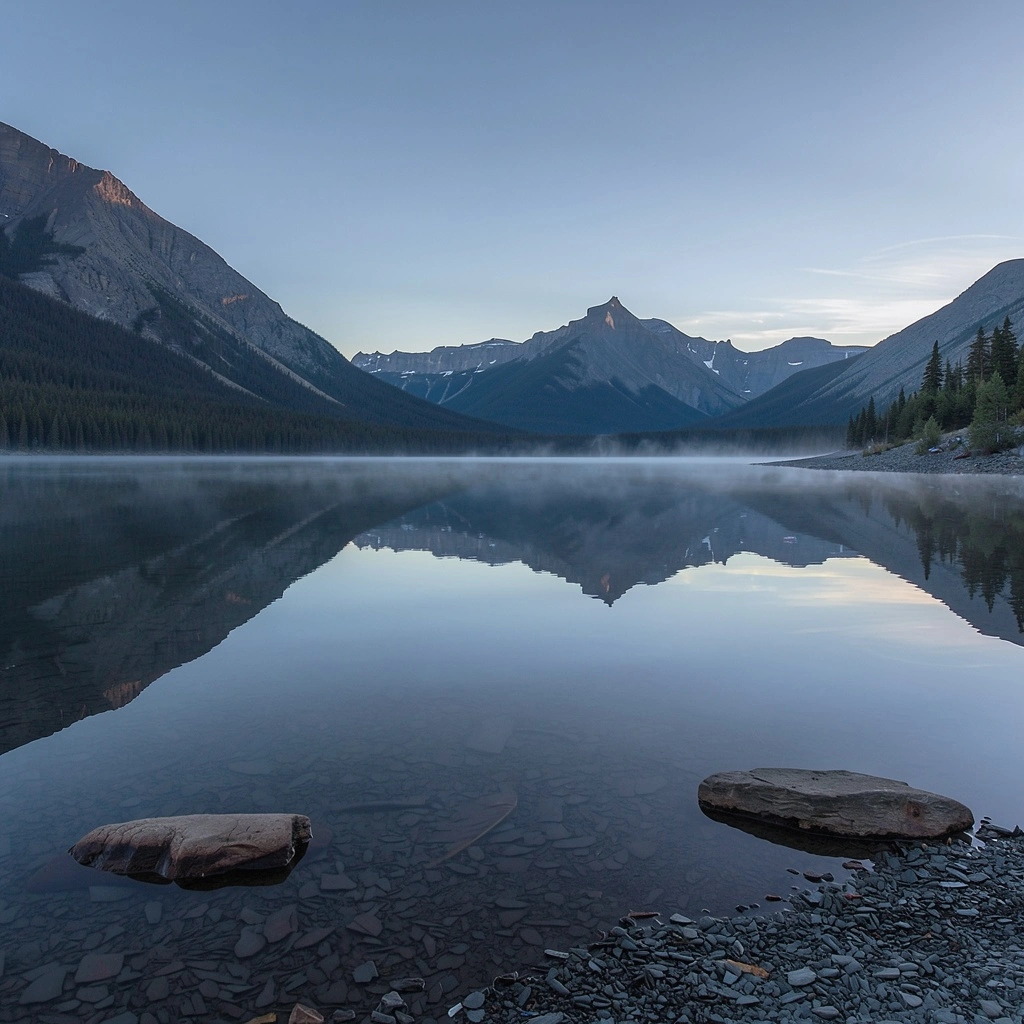
    "prompt": "A serene mountain lake at dawn, photorealistic"
}' --output image.pngOverview
What is Flux 3
Flux 3 is Black Forest Labs' third-generation image model, built on the multimodal Self-Flow architecture the lab introduced in July 2026. The image variant renders photorealistic scenes with realistic lighting and materials, handles in-image text and typography well, and outputs up to 4K — on Venice from $0.06 per image, with prompts never stored.
Using it anonymously on Venice
On Venice, Flux 3 runs under the anonymized privacy tier: your prompts are not stored, profiled, or used for training, and generations are tied to no personal history. You pay per image instead of a subscription, so occasional 4K renders stay affordable. Flux 3 sits in Venice's Recommended and Featured collections, and you can use it in the app or through the Venice API without building a generation trail that Big-Tech platforms would monetize.
Specifications
Datasheet
- Maker
- Black Forest Labs
- Modality
- Text-to-image
- Open weights
- No — the hosted image variant is closed; BFL has described an open-weight FLUX 3 Dev variant as a roadmap item, not a released product
- License
- Proprietary (as hosted on Venice)
- Resolutions
- 1K, 2K, 4K
- Modes
- Text-to-image at 1K, 2K, or 4K
- Prompt limit
- 32,000 chars
- Input images
- Not supported
- Released
- July 23, 2026 (multimodal FLUX 3 launch); live on Venice since October 2026
- Architecture
- Self-Flow — a unified flow model trained jointly on images, video, and audio; the Venice endpoint serves its image generation
- Aspect ratios
- 1:1, 3:2, 16:9, 21:9, 9:16, 2:3, 3:4, 4:5
- Privacy on Venice
- Anonymized — prompts not stored
- Available on Venice since
- Oct 2026
Assessment
Strengths and limitations
- Photorealism with convincing lighting, materials, and physical plausibility — a benefit of training on images, video, and audio jointly rather than images alone.
- Strong text and typography rendering, making it usable for posters, packaging, and design mockups where words must be legible.
- Native 4K output tier for print-scale work, with cheaper 1K and 2K steps for iteration.
- Very long prompt support: 32,000 characters — so entire scene briefs, style guides, and layout instructions fit in one prompt.
- Private by default on Venice: anonymized processing, zero retention of prompts, and per-image pricing instead of a subscription.
- Closed as hosted on Venice: the announced open-weight FLUX 3 Dev variant is still a roadmap item, so self-hosting and fine-tuning are not possible today.
- Image-only on Venice: the underlying FLUX 3 family also does video and audio, but this endpoint generates stills.
- Not an uncensored model: standard content policies apply.
- 4K renders cost roughly eight times a 1K draft ($0.49 vs $0.06), so iterating at 4K gets expensive fast.
Use cases
What it is good for
- 01Photorealistic marketing creative and ad variations rendered at 4K for print.
- 02Posters, packaging, and UI concepts where on-image text must be spelled correctly.
- 03Cinematic 21:9 key art and 9:16 social-first visuals from a single model.
- 04Detailed scene illustration driven by long-form written briefs up to 32,000 characters.
- 05Private concepting work — mood boards and client drafts that never feed a training set or ad profile.
Prompting
Getting better results
Put any text that must appear in the image in quotes, and keep it short — typography quality drops on long strings.
Iterate at 1K ($0.06), lock the prompt, then re-render the winner at 4K ($0.49) instead of drafting at 4K.
Describe lighting and materials explicitly ("overcast diffused light, wet asphalt reflections") — the multimodal training rewards physical specificity.
Use the 32,000-character budget: front-load subject and composition, then append style, camera, and negative-space instructions.
Pick 21:9 for cinematic banners and 9:16 for reels/stories rather than generating 1:1 and cropping.
Name a rendering intent ("editorial photography", "product render", "matte painting") instead of stacking adjectives — Flux 3 responds to medium cues.
Samples
Sample outputs
Generated on Venice with our standard prompt suite — the same prompts we run through every model of this type, so you can judge it like-for-like.
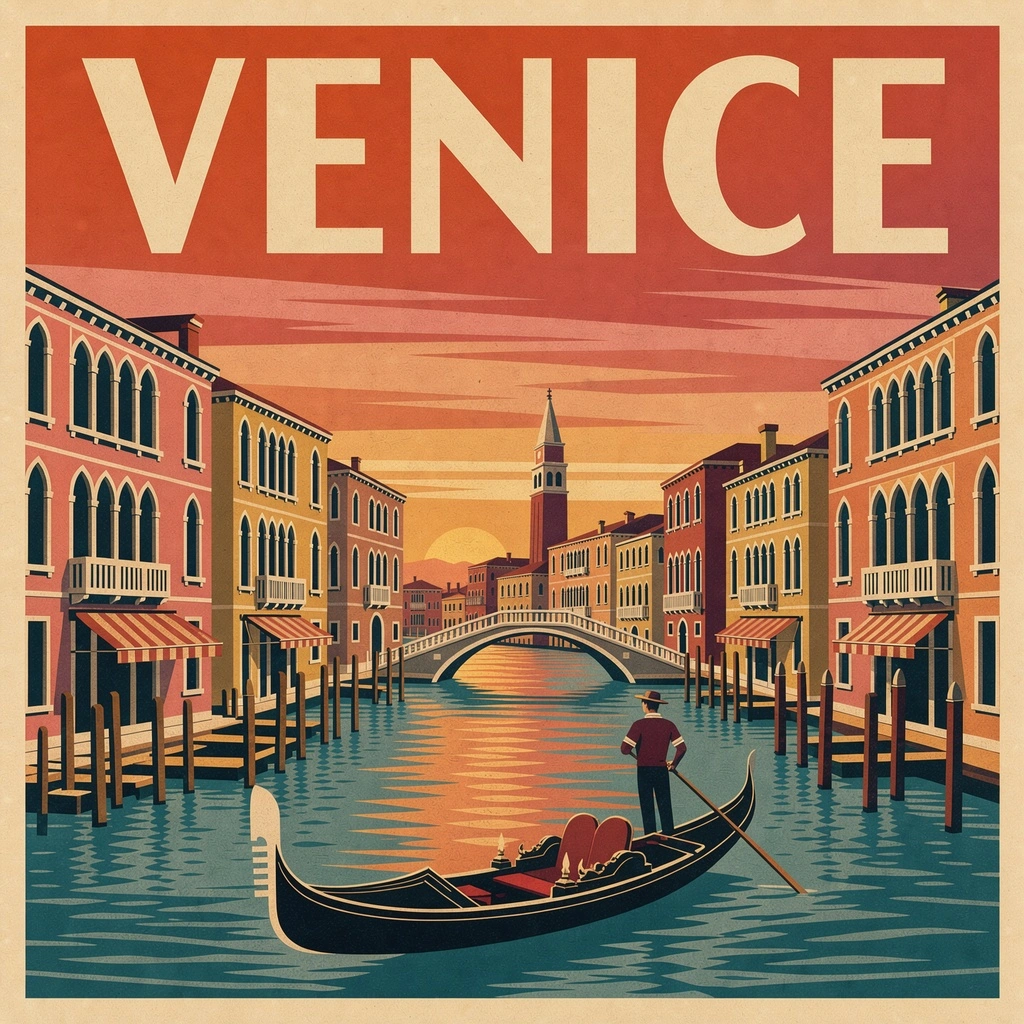
A retro travel poster with the bold headline "VENICE" in large condensed serif type, sunset color palette, clean layout
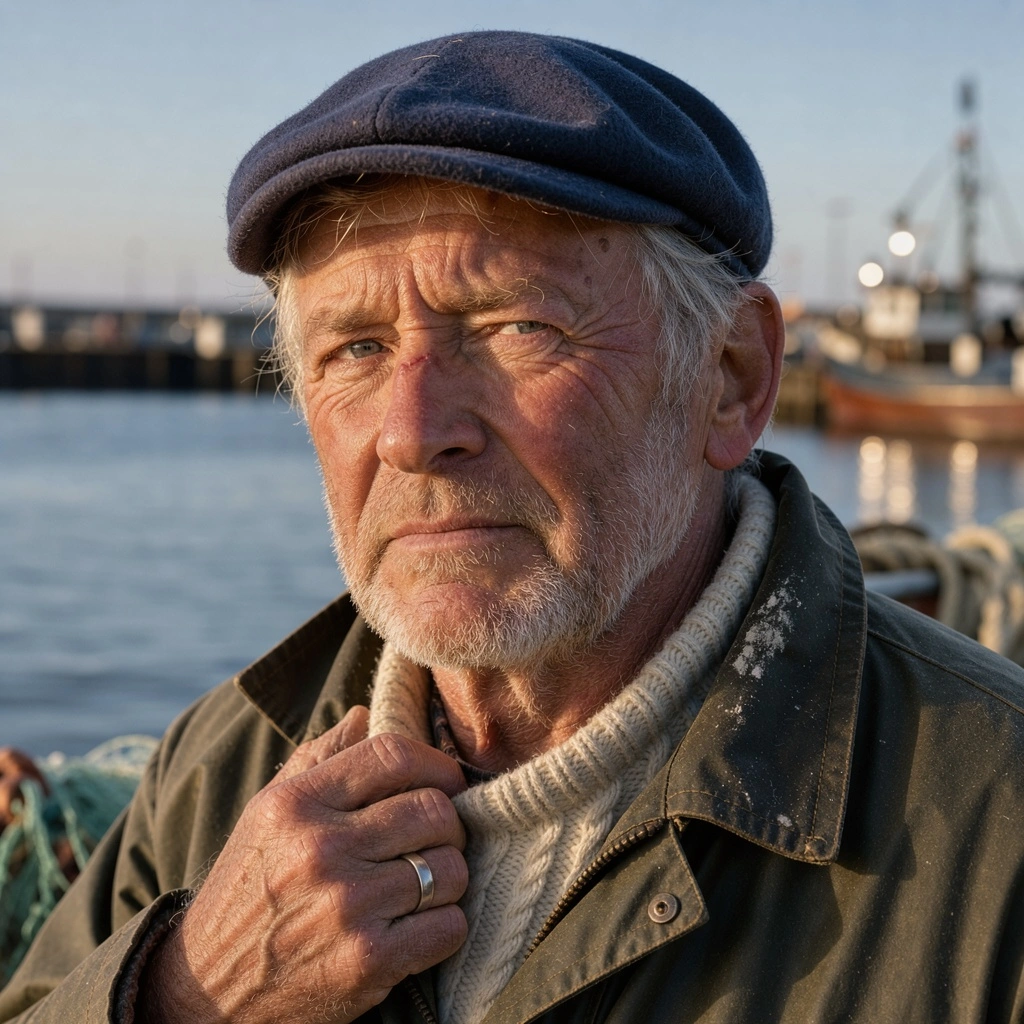
Photorealistic close-up portrait of a weathered fisherman at golden hour, 85mm lens, shallow depth of field, natural skin texture
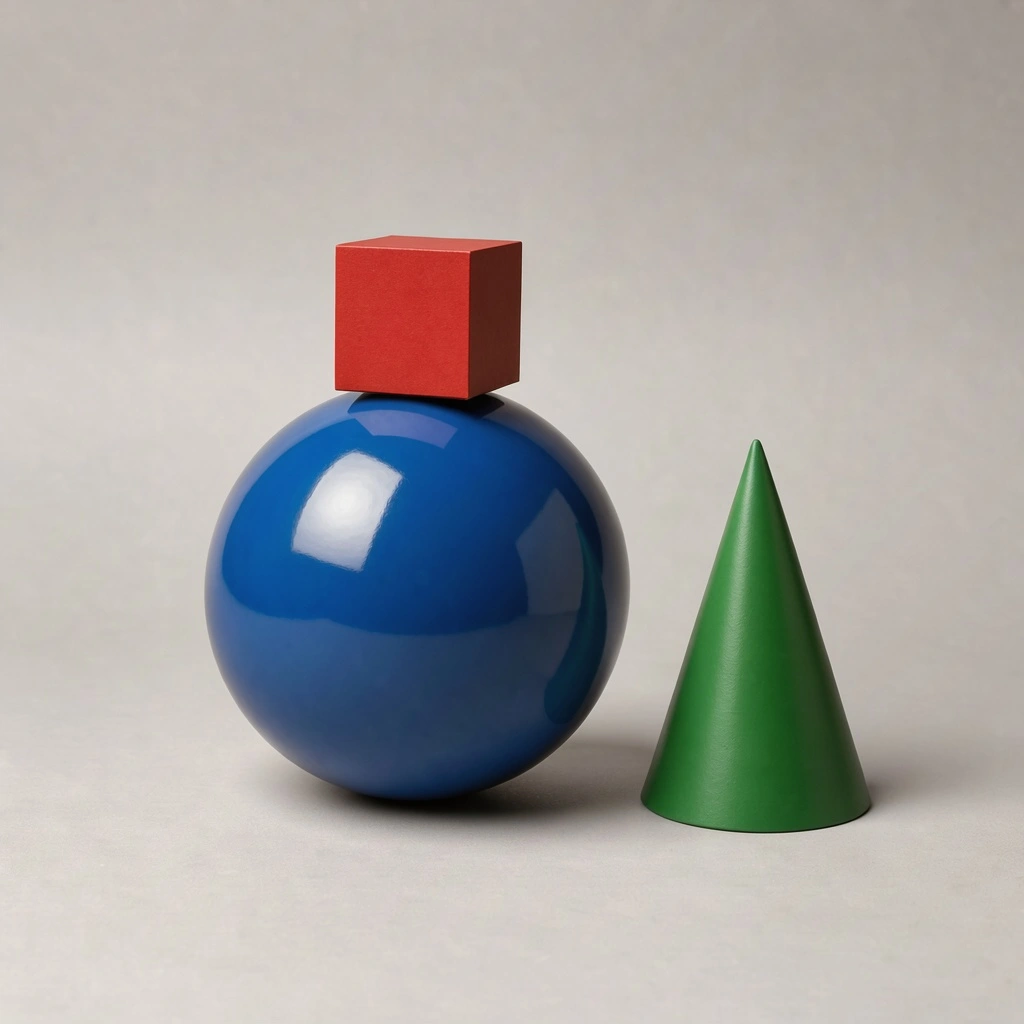
A small red cube balanced on top of a large glossy blue sphere, with a green cone to the right, plain light-grey studio background
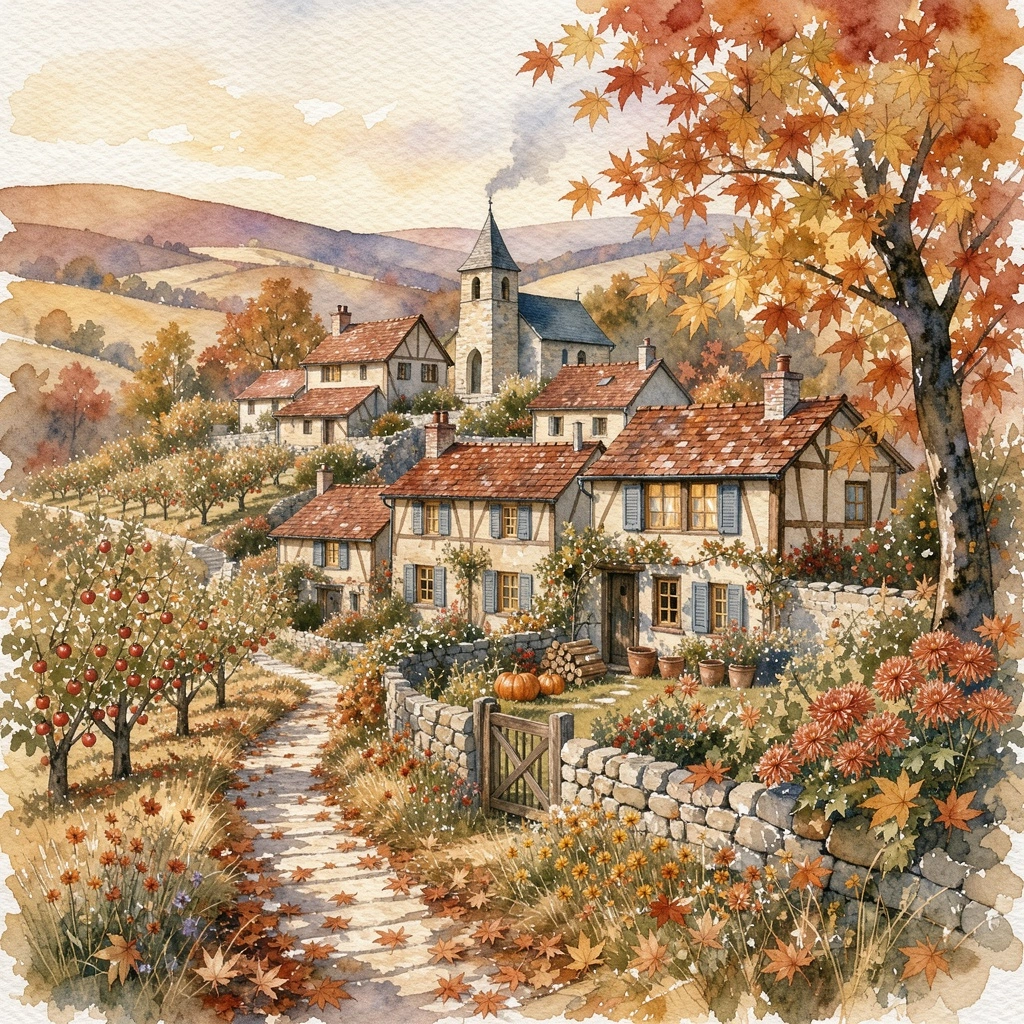
Cozy watercolor illustration of a hillside village in autumn, warm tones, soft paper texture
Alternatives
How it compares
| Model | Best for | Max resolution | Open weights | Price (Venice) |
|---|---|---|---|---|
| Flux 3 | Photorealism & typography | 4K | No | from $0.06 / image |
| Flux 2 Max | Photoreal detail | — | No | $0.09 / image |
| GPT Image 2.5 Flare | Instruction-following & text | 4K | No | from $0.07 / image |
| Chroma | Open-weight experimentation | — | Yes | $0.01 / image |
| Krea 2 Turbo | Fast drafts | 2K | No | from $0.04 / image |
Flux 3 is the right pick when you need photorealistic, text-capable images at print resolution without a subscription — 4K output from $0.49 with prompts that are never stored. Choose GPT Image 2.5 Flare for instruction-heavy compositions, or Chroma when open weights matter more than fidelity.
API
Call it from your code
Venice exposes this model through the REST API. Queue a generation with the model id.
curl https://api.venice.ai/api/v1/image/generate \
  -H "Authorization: Bearer $VENICE_API_KEY" \
  -H "Content-Type: application/json" \
  -d '{
    "model": "flux-3-image",
    "prompt": "A serene mountain lake at dawn, photorealistic"
  }' --output image.png
Pricing
What it costs on Venice
Pay per image on Venice — price scales with resolution, from $0.12.
New Venice accounts include a free daily allowance and 500 welcome credits — no credit card required.
FAQ
Frequently asked questions
Flux 3 is Black Forest Labs' third-generation image model, part of the multimodal FLUX 3 family announced in July 2026. It generates photorealistic images with strong typography and lighting up to 4K resolution, and on Venice it runs under an anonymized privacy tier where prompts are never stored.
Flux 3 is billed per image and scales with resolution: $0.06 at 1K, $0.14 at 2K, and $0.49 at 4K. There is no subscription requirement — you pay only for the generations you make.
Flux 3 is neither free-software nor open-weights as hosted on Venice. Black Forest Labs has described an open-weight FLUX 3 Dev variant as a roadmap item, but no weights or license terms have been released. On Venice you can try it with free daily prompts included in a new account, then pay per image.
Black Forest Labs launched the FLUX 3 multimodal family on July 23, 2026. The image variant went live on Venice in October 2026, where it is available to use today.
Flux 3 on Venice outputs 1K, 2K, and 4K, across eight aspect ratios: 1:1, 3:2, 16:9, 21:9, 9:16, 2:3, 3:4, and 4:5. Prompts can run up to 32,000 characters.
Not on Venice. The underlying FLUX 3 family is multimodal and can produce video with native audio, but the Venice endpoint serves the image variant only — stills at up to 4K. For video you would need BFL's gated early access directly.
Both render 4K and handle in-image text. Flux 3 has the edge on photorealism and physical plausibility thanks to its multimodal Self-Flow training, and starts slightly cheaper at $0.06. GPT Image 2.5 Flare is stronger on dense, instruction-heavy compositions. For photographic and design work pick Flux 3; for complex multi-element layouts pick Flare.
Venice runs Flux 3 under its anonymized privacy tier: prompts are not stored, profiled, or used for training, and generations carry no personal history. Use it in the Venice app or via the Venice API — note it is anonymized rather than end-to-end encrypted or TEE-isolated, so it is private from Venice's retention, not cryptographically sealed.
Use Flux 3 anonymously
Venice does not store your prompts. Chat history stays in your browser.