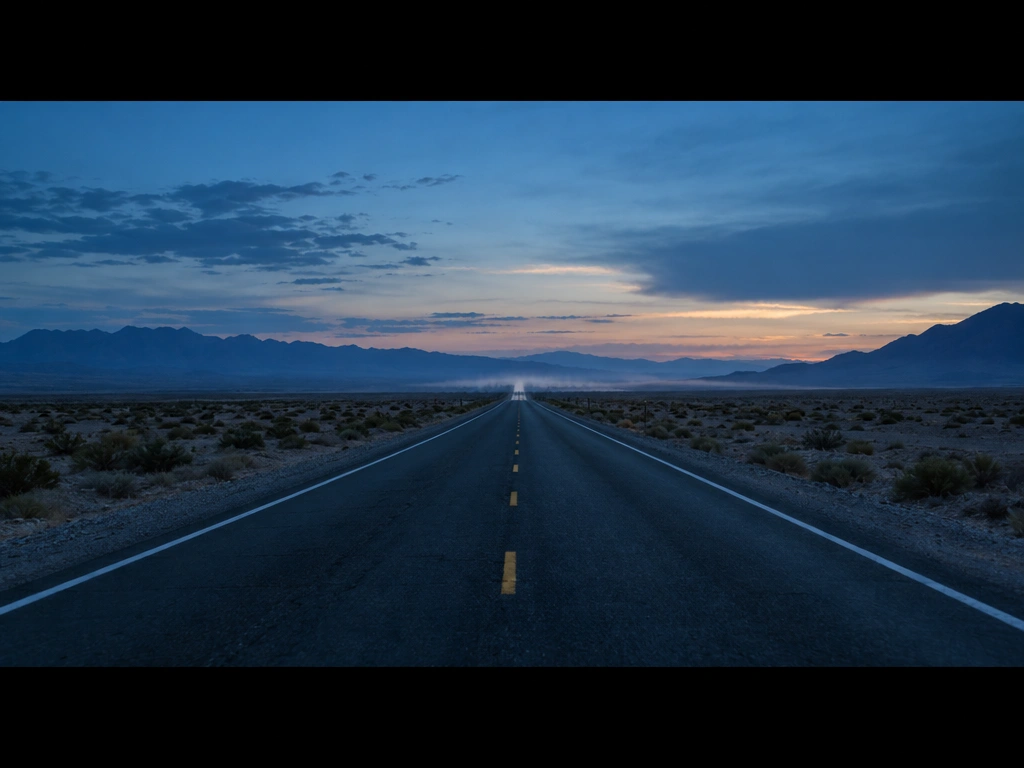
GPT Image 2.5 Flare
OpenAI's fast, high-quality image model — optimized for speed with everyday quality on par with GPT Image 2.
curl https://api.venice.ai/api/v1/image/generate \
  -H "Authorization: Bearer $VENICE_API_KEY" \
  -H "Content-Type: application/json" \
  -d '{
    "model": "gpt-image-2-5-flare",
    "prompt": "A serene mountain lake at dawn, photorealistic"
}' --output image.pngOverview
What is GPT Image 2.5 Flare
GPT Image 2.5 Flare is OpenAI's fast, high-quality text-to-image and image-editing model, released on September 8, 2026. It delivers sharper details and faster generation than GPT Image 2, with quality comparable to the previous flagship but up to 50% lower latency, making it ideal for high-volume or real-time workflows.
Using it anonymously on Venice
On Venice, GPT Image 2.5 Flare runs under an anonymized privacy tier — your prompts are never stored, profiled, or used for training. This means you get the same speed and quality OpenAI offers, but with zero retention of your creative inputs. Use it freely across web, mobile, or API without building a traceable history.
Specifications
Datasheet
- Maker
- OpenAI
- Modality
- Text-to-image, image-to-image editing
- Open weights
- No — proprietary
- License
- Proprietary
- Resolutions
- 1K, 2K, 4K
- Prompt limit
- 10,000 chars
- Released
- September 8, 2026
- Aspect ratios
- 1:1, 3:2, 16:9, 21:9, 9:16, 2:3, 3:4, 4:5
- Quality modes
- low / medium / high
- Privacy on Venice
- Anonymized — prompts not stored
- Available on Venice since
- Sep 2026
Assessment
Strengths and limitations
- Extremely fast generation: up to 50% lower latency than GPT Image 2, ideal for real-time or high-volume use.
- High-quality output on par with GPT Image 2, with sharper details, natural lighting, and richer textures.
- Strong subject preservation and precise editing across multiple turns.
- Supports transparent backgrounds and a wide range of aspect ratios for diverse creative needs.
- Cost-effective for everyday generation, especially at lower resolutions and quality settings.
- Proprietary and closed: no open weights, so self-hosting or fine-tuning is not possible.
- Slightly lower peak quality than its sibling GPT Image 2.5 Sunburst for high-end creative work.
- No negative prompting support, limiting fine control over unwanted elements.
Use cases
What it is good for
- 01High-volume social media content creation with consistent branding and fast turnaround.
- 02Rapid prototyping of product visuals, banners, and marketing assets.
- 03Visual search and product recommendation pipelines requiring low-latency image gen.
- 04Everyday image editing with reliable subject preservation across iterations.
- 05Applications needing 4K output without the cost or latency of the highest-tier models.
Prompting
Getting better results
Use clear, structured prompts: describe subject, style, composition, and constraints in order.
Start with 1K low/medium quality for fast iteration, then upscale to 4K high for final output.
For edits, reference the original image and specify exactly what to change and what to preserve.
Use aspect ratio keywords (e.g., '16:9 landscape') to match your layout needs.
Include lighting and texture cues ('soft natural light', 'matte finish') for richer output.
Avoid overly complex prompts — focus on one key change per edit for best results.
Samples
Sample outputs
Generated on Venice with our standard prompt suite — the same prompts we run through every model of this type, so you can judge it like-for-like.
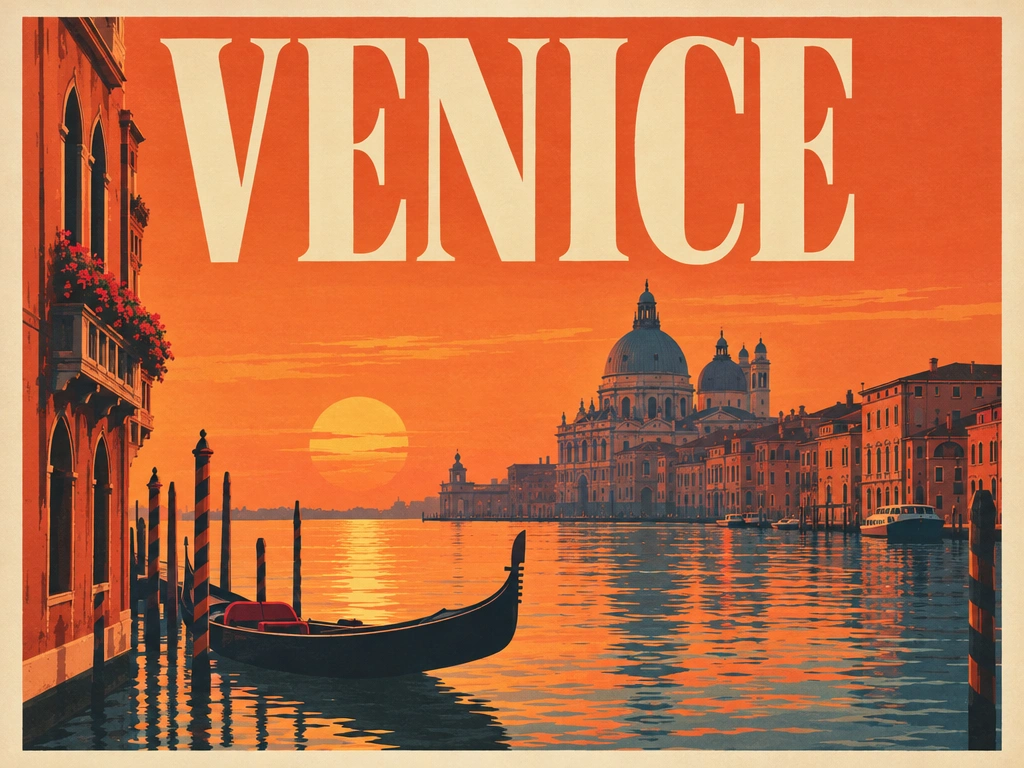
A retro travel poster with the bold headline "VENICE" in large condensed serif type, sunset color palette, clean layout
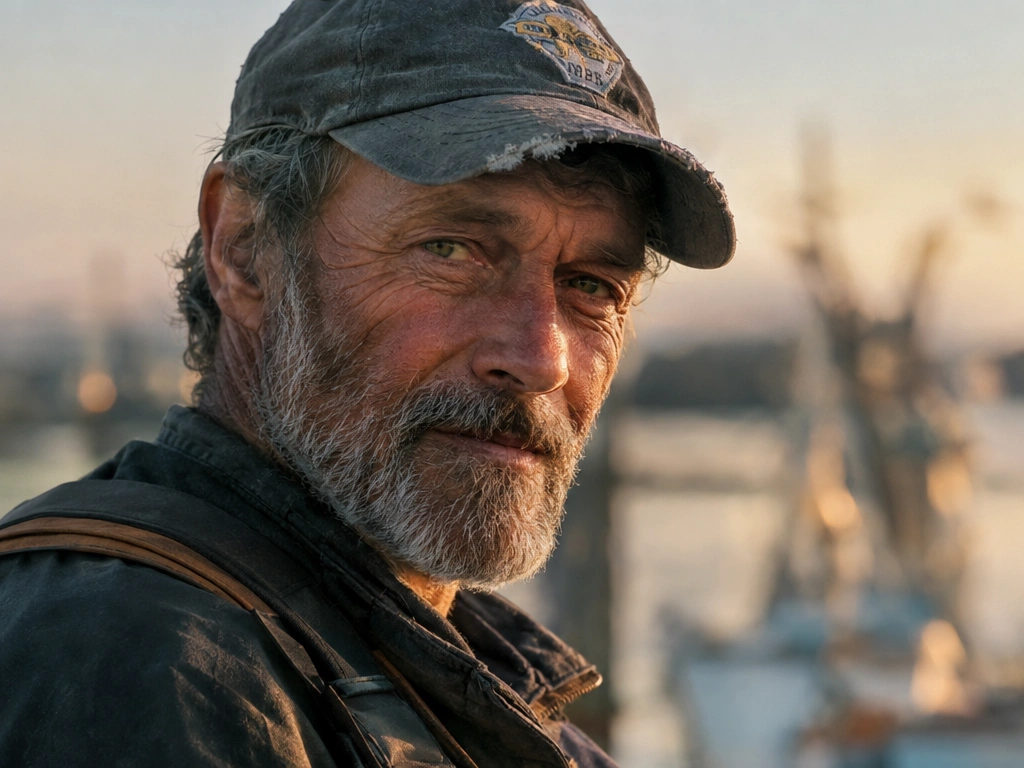
Photorealistic close-up portrait of a weathered fisherman at golden hour, 85mm lens, shallow depth of field, natural skin texture
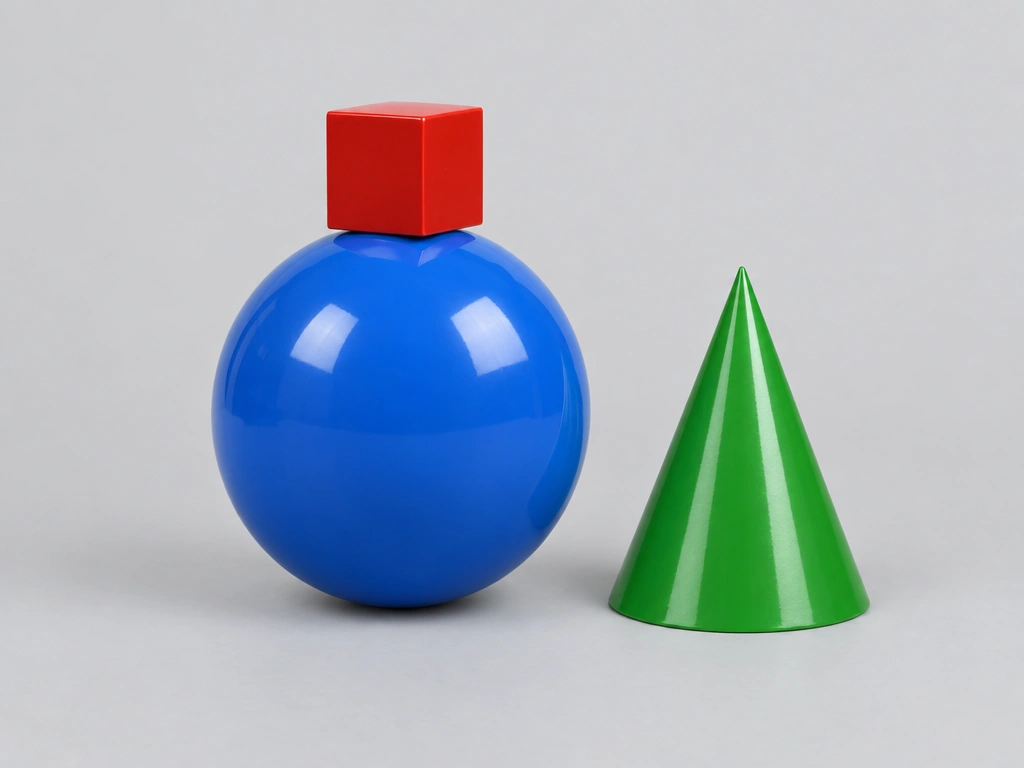
A small red cube balanced on top of a large glossy blue sphere, with a green cone to the right, plain light-grey studio background
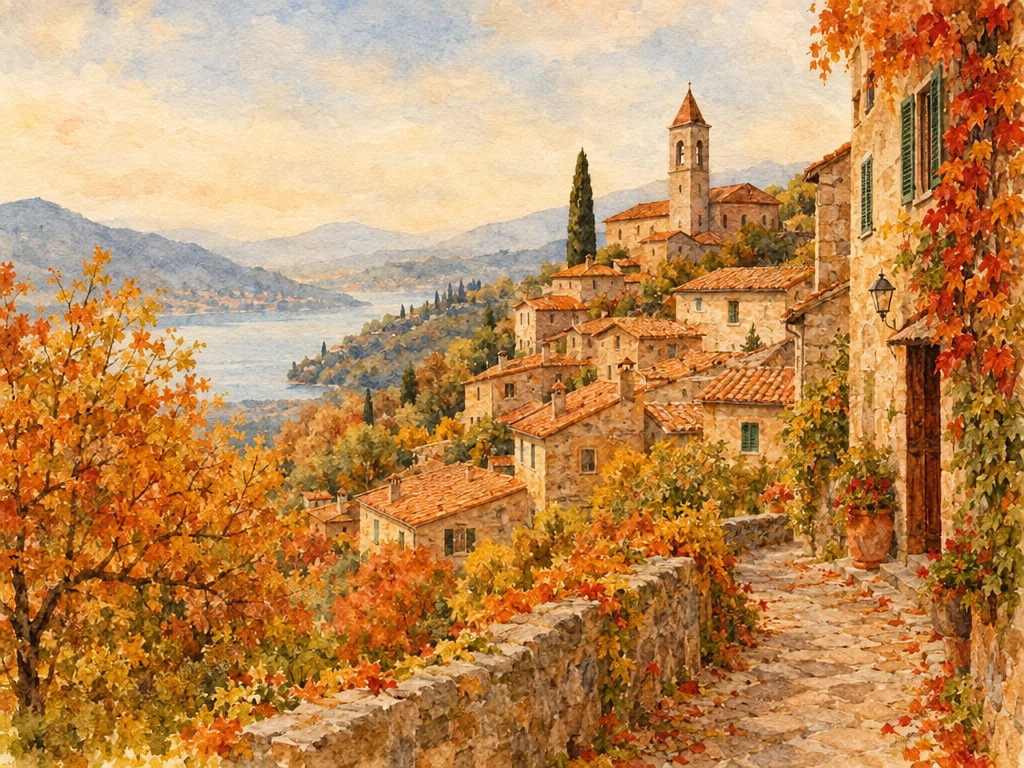
Cozy watercolor illustration of a hillside village in autumn, warm tones, soft paper texture
Alternatives
How it compares
| Model | Best for | Max resolution | Open weights | Price (Venice) |
|---|---|---|---|---|
| GPT Image 2.5 Flare | Speed & everyday quality | 4K | No | from $0.07 / image |
| GPT Image 2.5 Sunburst | Precision editing & quality | 4K | No | from $0.07 / image |
| Grok Imagine 2.0 | X ecosystem integration | 2K | No | from $0.07 / image |
| Flux 2 Max | Photorealism & developer control | 4MP | No | $0.09 / image |
Choose GPT Image 2.5 Flare when you need fast, reliable image generation at scale — it’s the best balance of speed, quality, and cost for everyday creative workflows.
API
Call it from your code
Venice exposes this model through the REST API. Queue a generation with the model id.
curl https://api.venice.ai/api/v1/image/generate \
  -H "Authorization: Bearer $VENICE_API_KEY" \
  -H "Content-Type: application/json" \
  -d '{
    "model": "gpt-image-2-5-flare",
    "prompt": "A serene mountain lake at dawn, photorealistic"
  }' --output image.png
Pricing
What it costs on Venice
Pay per image on Venice — price scales with resolution and quality, from $0.03.
New Venice accounts include a free daily allowance and 500 welcome credits — no credit card required.
FAQ
Frequently asked questions
GPT Image 2.5 Flare is OpenAI's fast, high-quality text-to-image and image-editing model, released on September 8, 2026. It offers quality on par with GPT Image 2 but with up to 50% faster generation, making it ideal for high-volume or real-time use cases.
On Venice, pricing starts at $0.03 per image for 1K low quality, rising to $0.07 for 1K high quality. Costs scale with resolution and quality, but you only pay per image — no subscription required.
No, GPT Image 2.5 Flare is not free or open source. It is a proprietary OpenAI model with closed weights, so it cannot be self-hosted or fine-tuned. You can try it with Venice's free tier, which includes daily image credits.
It supports 1K, 2K, and 4K resolutions, with selectable aspect ratios including 1:1, 16:9, 9:16, and others. You can generate images up to 4096×4096 pixels.
Yes, it supports image-to-image editing and multi-turn conversational refinement. You can upload an image and edit it iteratively, with strong subject preservation across changes.
Flare is optimized for speed and everyday quality, while Sunburst is tuned for precision editing and higher fidelity. Both support 4K, but Sunburst costs more and is slower, making it better for campaign-grade creative.
Yes, it can render legible in-image text, though not as reliably as GPT Image 2. It handles common scripts well but may struggle with dense paragraphs or complex typography.
Use GPT Image 2.5 Flare anonymously
Venice does not store your prompts. Chat history stays in your browser.