GPT Image 2.5 Sunburst
OpenAI's high-fidelity image model — optimized for quality, precise editing, and consistent subject rendering across iterations.
curl https://api.venice.ai/api/v1/image/generate \
  -H "Authorization: Bearer $VENICE_API_KEY" \
  -H "Content-Type: application/json" \
  -d '{
    "model": "gpt-image-2-5-sunburst",
    "prompt": "A serene mountain lake at dawn, photorealistic"
}' --output image.pngOverview
What is GPT Image 2.5 Sunburst
GPT Image 2.5 Sunburst is OpenAI's high-quality text-to-image and image-editing model, released on September 8, 2026. It delivers sharper details, improved lighting, and stronger subject preservation during multi-turn edits, making it ideal for professional creative workflows where precision matters.
Using it anonymously on Venice
On Venice, GPT Image 2.5 Sunburst runs under an anonymized privacy tier — your prompts are never stored, profiled, or used for training. This means you get OpenAI’s most advanced image quality with zero retention, ensuring your creative concepts remain private and sovereign. No personal history is tied to your generations.
Specifications
Datasheet
- Maker
- OpenAI
- Modality
- Text-to-image, image-to-image editing
- Open weights
- No — proprietary
- License
- Proprietary
- Resolutions
- 1K, 2K, 4K
- Prompt limit
- 10,000 chars
- Released
- September 8, 2026
- Architecture
- Diffusion transformer (DiT) with multimodal encoder
- Aspect ratios
- 1:1, 3:2, 16:9, 21:9, 9:16, 2:3, 3:4, 4:5
- Quality modes
- low / medium / high
- Privacy on Venice
- Anonymized — prompts not stored
- Available on Venice since
- Sep 2026
Assessment
Strengths and limitations
- Superior image quality over GPT Image 2.5 Flare, with richer textures, natural lighting, and finer detail.
- Excellent subject preservation across multiple edit turns — ideal for iterative creative refinement.
- Precise instruction-following during edits, minimizing unwanted changes.
- Faster generation than GPT Image 2: up to 50% lower latency for high-quality outputs.
- Supports transparent backgrounds and complex composition prompts.
- Higher latency than Flare for equivalent quality settings — trade-off for quality.
- No open weights or self-hosting options; model is fully proprietary.
- Text rendering improved but not perfect: dense paragraphs may still require layout fallbacks.
- More expensive per image at high quality compared to lighter models.
Use cases
What it is good for
- 01Professional creative campaigns requiring consistent character or product rendering across edits.
- 02High-end marketing assets where image fidelity and lighting realism are critical.
- 03Iterative design workflows with feedback loops, such as client revisions.
- 04Product photography and packaging mockups with precise branding requirements.
- 05Content creation where reference images must retain key elements after edits.
Prompting
Getting better results
Use explicit preservation language: 'keep the subject’s face and pose unchanged'.
Break complex edits into single-step changes to maintain control.
Include style references like 'cinematic lighting' or 'product photography' for consistent tone.
Use 2K medium for fast drafts, then upscale to 4K high for final output.
Reference specific elements: 'change the background to a forest, keep the dog and leash'.
For transparency, add 'transparent background' explicitly in the prompt.
Samples
Sample outputs
Generated on Venice with our standard prompt suite — the same prompts we run through every model of this type, so you can judge it like-for-like.
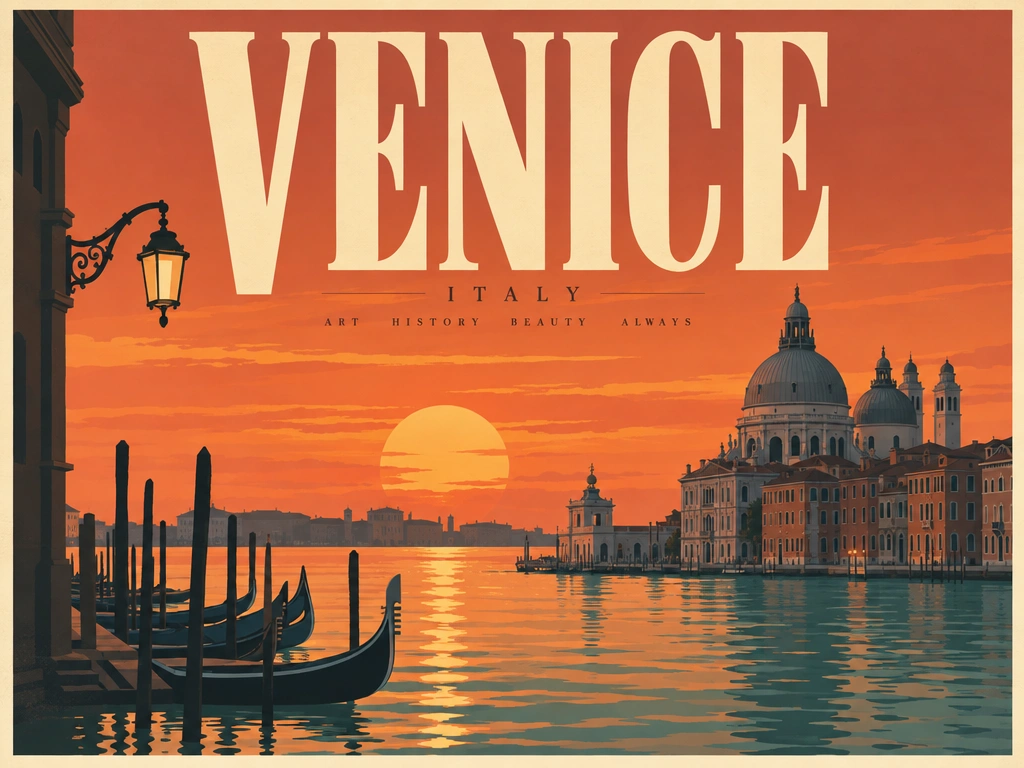
A retro travel poster with the bold headline "VENICE" in large condensed serif type, sunset color palette, clean layout
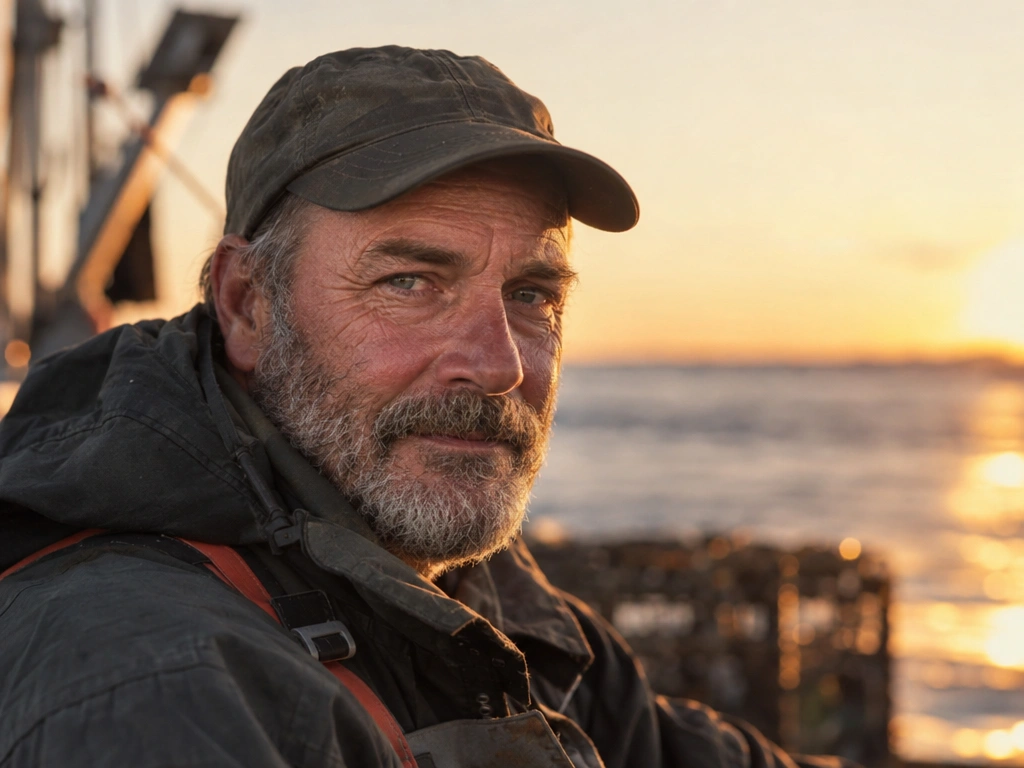
Photorealistic close-up portrait of a weathered fisherman at golden hour, 85mm lens, shallow depth of field, natural skin texture
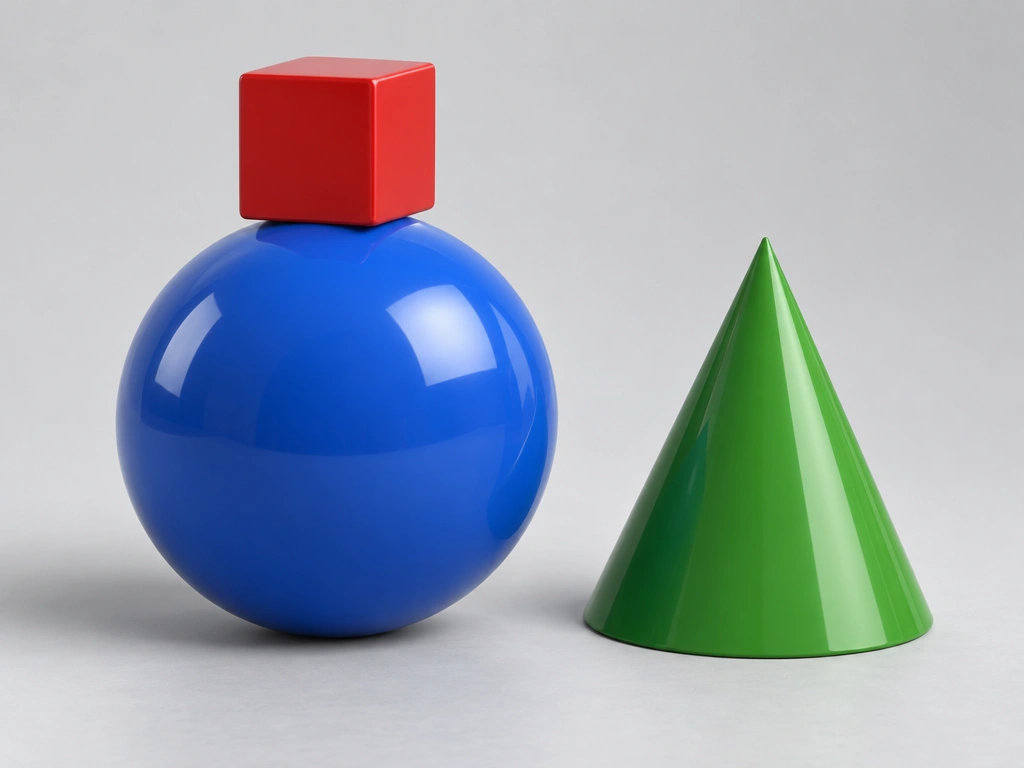
A small red cube balanced on top of a large glossy blue sphere, with a green cone to the right, plain light-grey studio background
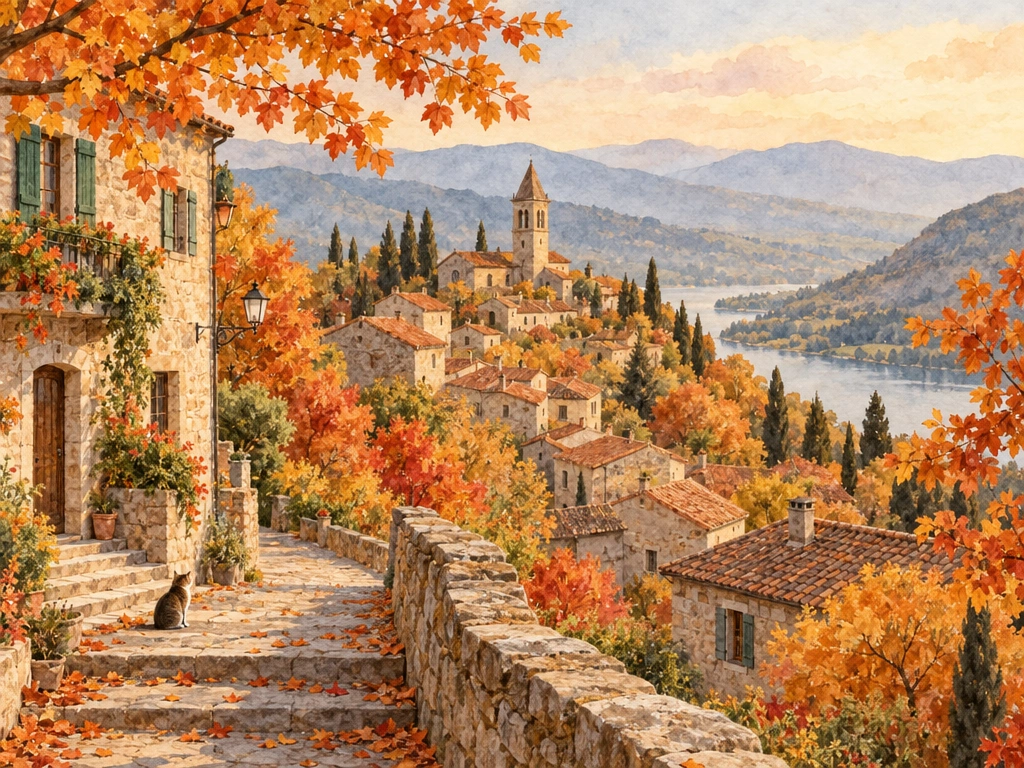
Cozy watercolor illustration of a hillside village in autumn, warm tones, soft paper texture
Alternatives
How it compares
| Model | Best for | Max resolution | Open weights | Price (Venice) |
|---|---|---|---|---|
| GPT Image 2.5 Sunburst | High-quality creative work | 4K | No | from $0.07 / image |
| GPT Image 2.5 Flare | Speed and efficiency | 4K | No | from $0.07 / image |
| Grok Imagine 2.0 | Integrated X ecosystem | 2K | No | from $0.07 / image |
| Chroma | Budget generation | — | Yes | $0.01 / image |
Choose GPT Image 2.5 Sunburst when you need the highest image quality and reliable subject consistency across edits — ideal for campaign creatives, product visuals, and professional design workflows.
API
Call it from your code
Venice exposes this model through the REST API. Queue a generation with the model id.
curl https://api.venice.ai/api/v1/image/generate \
  -H "Authorization: Bearer $VENICE_API_KEY" \
  -H "Content-Type: application/json" \
  -d '{
    "model": "gpt-image-2-5-sunburst",
    "prompt": "A serene mountain lake at dawn, photorealistic"
  }' --output image.png
Pricing
What it costs on Venice
Pay per image on Venice — price scales with resolution and quality, from $0.03.
New Venice accounts include a free daily allowance and 500 welcome credits — no credit card required.
FAQ
Frequently asked questions
GPT Image 2.5 Sunburst is OpenAI’s high-quality text-to-image and image-editing model, released on September 8, 2026. It’s optimized for sharp details, natural lighting, and precise multi-turn editing, making it ideal for professional creative work.
On Venice, prices start at $0.03 per image for 1K low quality, rising to $0.07 for 1K high quality. Pricing scales with resolution and quality, and you only pay per generation — no subscription required.
No. GPT Image 2.5 Sunburst is a proprietary model developed by OpenAI. It is not open source, cannot be self-hosted, and requires payment per image. Venice offers free credits for new users to test it.
It supports 1K, 2K, and 4K resolutions with flexible aspect ratios including 1:1, 16:9, 9:16, 3:2, 21:9, and more. You can select resolution and quality mode per request.
Yes. It supports image-to-image editing and multi-turn conversational refinement, allowing you to modify specific elements while preserving key subjects across iterations.
Sunburst is optimized for quality and precise editing, while Flare prioritizes speed and lower cost. Both support 4K output, but Sunburst produces higher fidelity results at the expense of longer generation time.
Yes. Venice runs GPT Image 2.5 Sunburst with anonymized prompts — nothing is stored or tied to your identity. Your inputs are processed with zero retention, ensuring full privacy.
Use GPT Image 2.5 Sunburst anonymously
Venice does not store your prompts. Chat history stays in your browser.