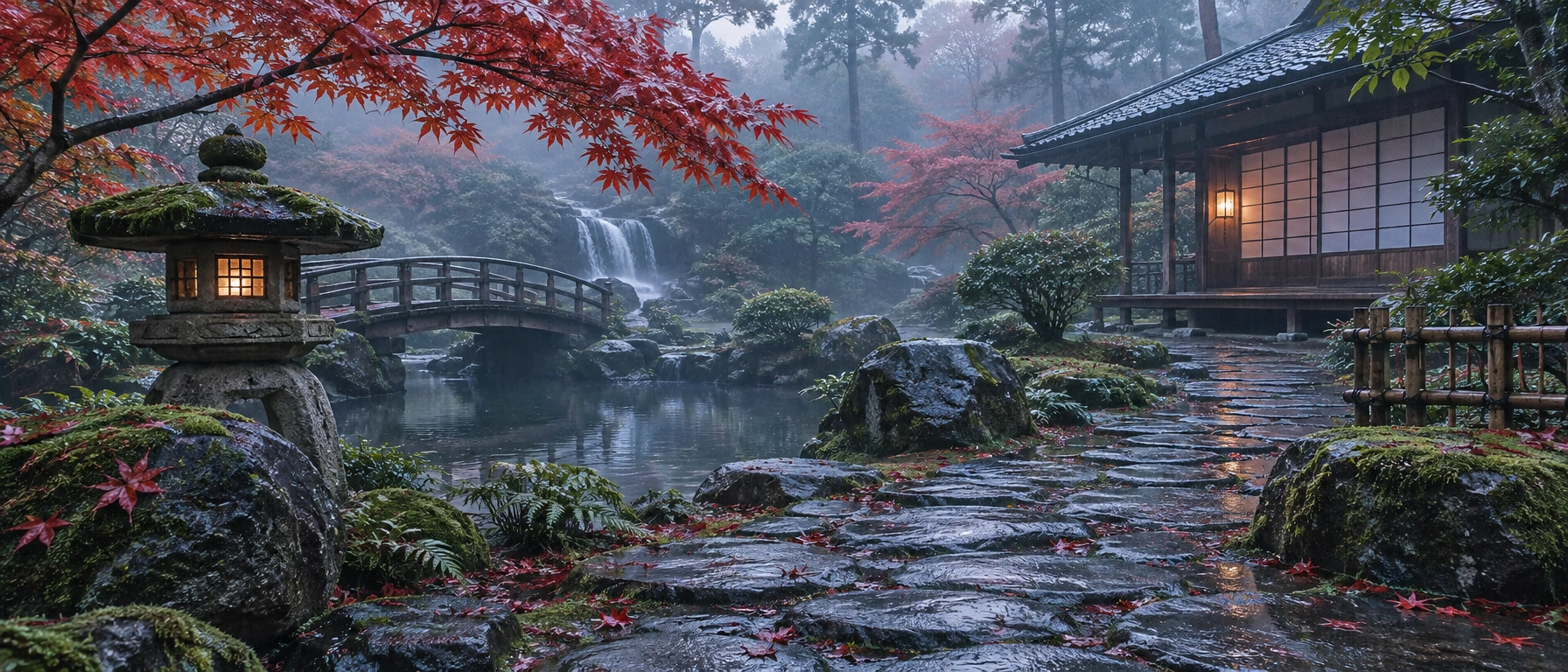
GPT Image 2.6 Flare
OpenAI's speed tier of the GPT Image 2.6 line — fast 4K generation and editing with GIF, SVG, and markup-guided edit support.
curl https://api.venice.ai/api/v1/image/generate \
  -H "Authorization: Bearer $VENICE_API_KEY" \
  -H "Content-Type: application/json" \
  -d '{
    "model": "gpt-image-2-6-flare",
    "prompt": "A serene mountain lake at dawn, photorealistic"
}' --output image.pngOverview
What is GPT Image 2.6 Flare
GPT Image 2.6 Flare is OpenAI's speed-optimized image generation and editing model, released November 4, 2026 alongside the higher-fidelity Sunburst variant. It renders images up to 4K, handles legible in-image text, and supports markup-guided edits, transparent backgrounds, SVG output, and animated GIFs — generating up to 50% faster than the previous generation.
Using it anonymously on Venice
On Venice, GPT Image 2.6 Flare runs under the anonymized privacy tier: your prompts are not stored, profiled, or tied to a personal generation history. Note this is anonymized handling rather than end-to-end encryption or TEE isolation — Venice is explicit about the difference. You pay per image in credits instead of a subscription, and the same model OpenAI ships to API developers is available permissionless, without a ChatGPT or OpenAI account.
Specifications
Datasheet
- Maker
- OpenAI
- Modality
- Text-to-image, image-to-image editing; outputs images, animated GIFs, and SVG
- Open weights
- No — proprietary
- License
- Proprietary
- Resolutions
- 1K, 2K, 4K
- Modes
- Quality: low / medium / high; plus a complexity setting (low / medium / high) controlling how much the model plans before rendering
- Prompt limit
- 10,000 chars
- Input images
- Accepted — used as editing and reference input alongside text
- Released
- November 4, 2026
- Positioning
- Smaller, faster sibling of GPT Image 2.6 Sunburst (the base model for detail and precise edits)
- Aspect ratios
- 1:1, 3:2, 16:9, 21:9, 9:16, 2:3, 3:4, 4:5
- Quality modes
- low / medium / high
- Privacy on Venice
- Anonymized — prompts not stored
- Available on Venice since
- Nov 2026
Assessment
Strengths and limitations
- Built for iteration: OpenAI states it generates images 50% faster than the previous generation, and as little as six seconds at low quality — the fastest tier of the GPT Image line.
- Full 2.6 feature set despite being the smaller model: complexity setting, markup-guided edits, SVG output, animated GIF output, and transparent backgrounds.
- Improved layout quality for posters, product imagery, and other professional visuals compared to prior Flare variants.
- Strong in-image text and product-label accuracy: independent tests found every line spelled correctly on ad and thumbnail jobs.
- Edits conservatively: in third-party testing it changed less outside the requested edit than Sunburst, and copied reference layouts more closely.
- Closed and proprietary: no open weights, no self-hosting, no fine-tuning.
- Not the quality pick of its own generation: OpenAI positions Sunburst for demanding detail, layout, and multi-edit consistency, and Sunburst ranks higher on preference leaderboards.
- At low and medium quality it uses more output tokens than GPT Image 2.5, so per-image cost can be higher than the predecessor at those tiers.
- On Venice it runs as OpenAI ships it: this is not an uncensored model, so expect standard provider content guardrails.
Use cases
What it is good for
- 01High-volume, latency-sensitive generation: in-app image creation, social visuals, and rapid prototyping.
- 02Ad creative and thumbnails where headline and label text must render correctly.
- 03Short looping animations — mascots, memes, product loops — via animated GIF output.
- 04Iterative editing sessions where each turn should change only what you asked for.
- 05Poster and product-shot layouts, which OpenAI specifically called out as improved in 2.6.
Prompting
Getting better results
Draft at quality "low" — that is where Flare's speed advantage is largest (OpenAI cites as little as six seconds), then re-render winners at higher quality.
Set the complexity parameter to low for quick iterations and higher when the scene needs more planning before rendering.
Put exact on-image copy in quotes — independent tests showed word-for-word label accuracy when text was specified.
For edits, use markup-guided editing: mark the region to change and describe only that change, keeping the rest of the prompt stable.
For GIFs, specify the frame count and frame duration you want rather than leaving motion to chance.
Request a transparent background explicitly when producing assets for compositing — it is a supported output mode, not an afterthought.
Samples
Sample outputs
Generated on Venice with our standard prompt suite — the same prompts we run through every model of this type, so you can judge it like-for-like.

A retro travel poster with the bold headline "VENICE" in large condensed serif type, sunset color palette, clean layout
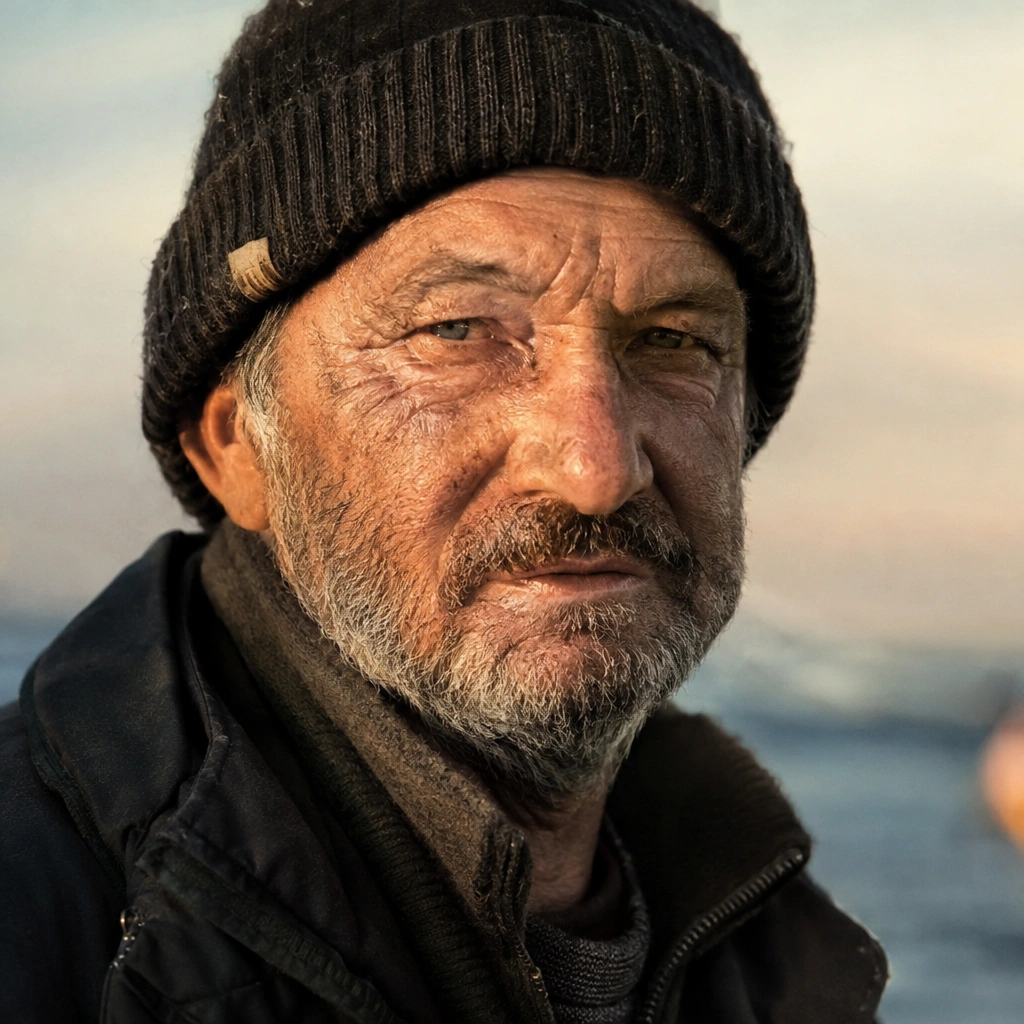
Photorealistic close-up portrait of a weathered fisherman at golden hour, 85mm lens, shallow depth of field, natural skin texture
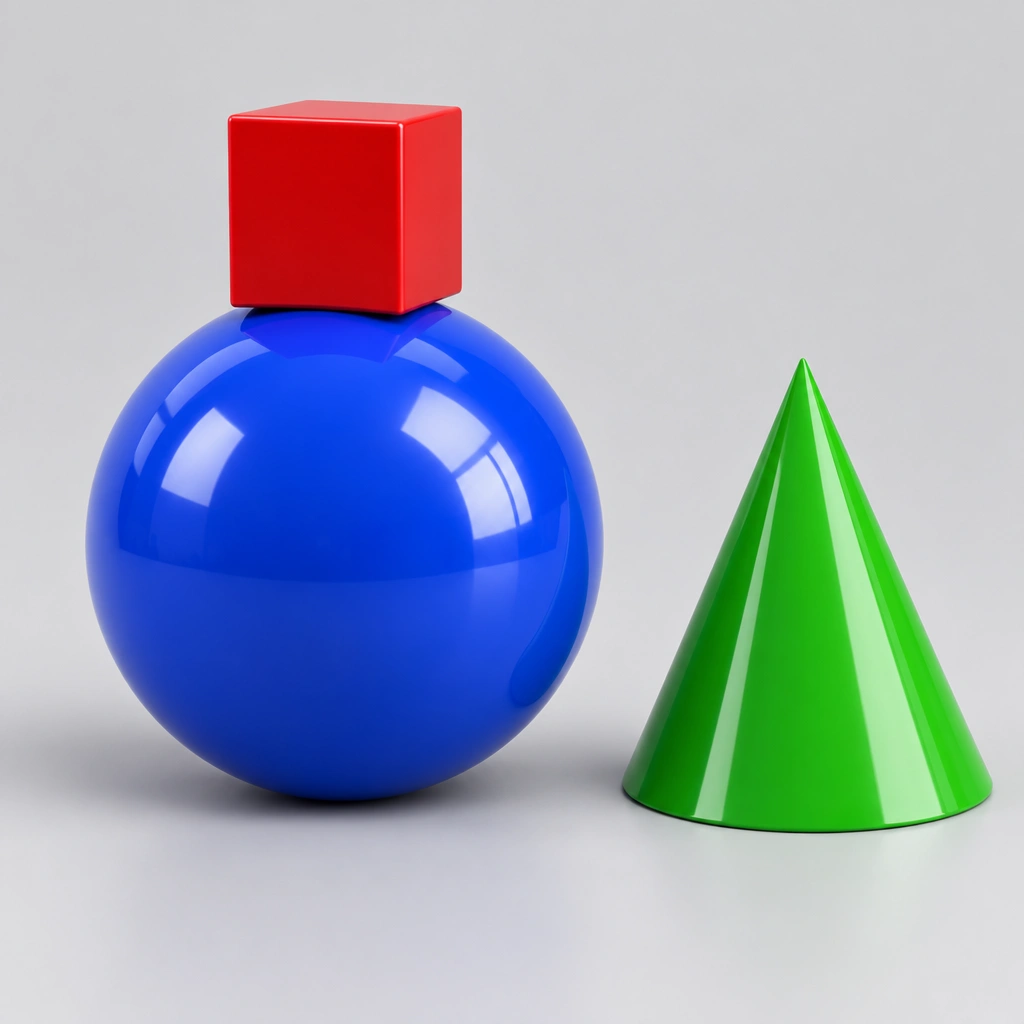
A small red cube balanced on top of a large glossy blue sphere, with a green cone to the right, plain light-grey studio background
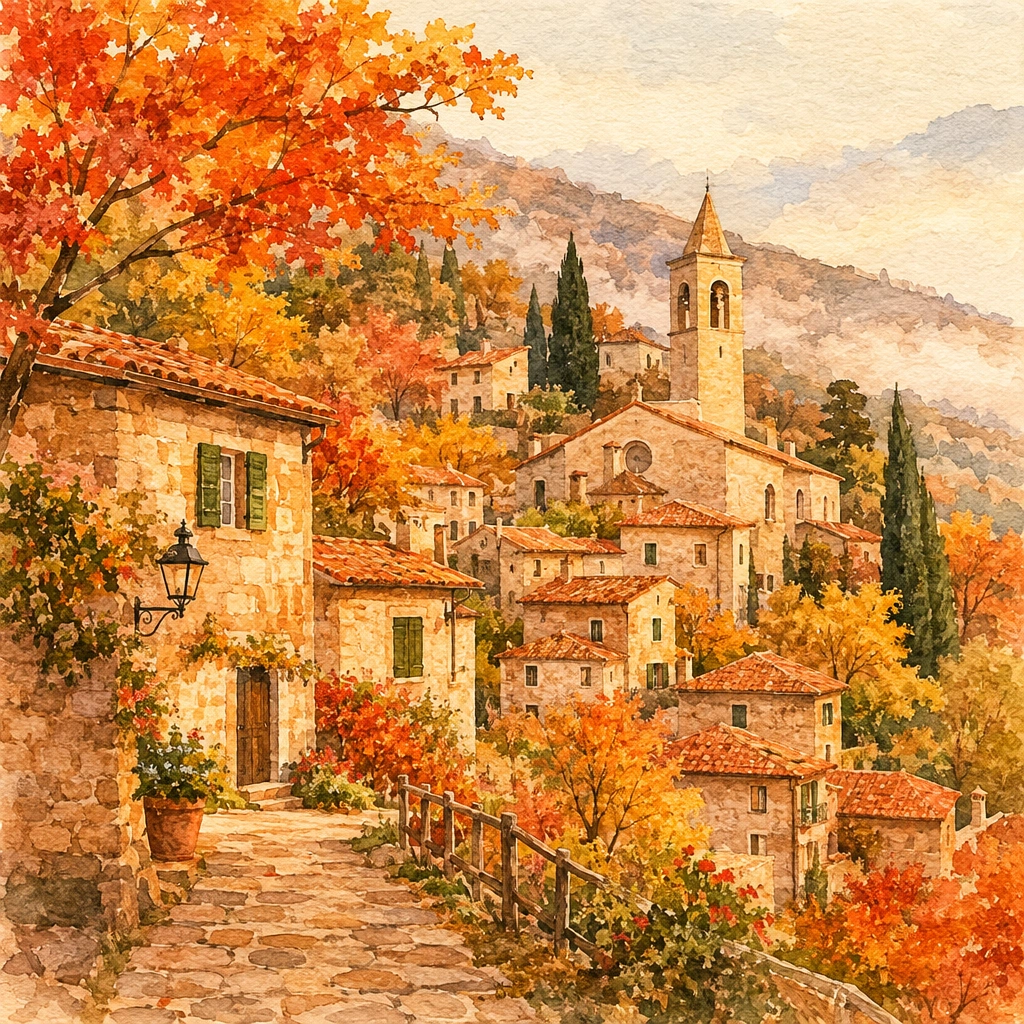
Cozy watercolor illustration of a hillside village in autumn, warm tones, soft paper texture
Alternatives
How it compares
| Model | Best for | Max resolution | Open weights | Price (Venice) |
|---|---|---|---|---|
| GPT Image 2.6 Flare | Fast iteration & conservative edits | 4K | No | from $0.09 / image |
| GPT Image 2.5 Flare | Cheaper low-quality drafts | 4K | No | from $0.07 / image |
| GPT Image 2.5 Sunburst | Detail & edit consistency | 4K | No | from $0.07 / image |
| Flux 3 | Reference fidelity & layout control | 4K | No | from $0.12 / image |
| Krea 2 Turbo | Open-weights value | 2K | Yes | from $0.04 / image |
GPT Image 2.6 Flare is the right pick when you are iterating — drafts, ad variants, quick one-line edits — and want near-frontier quality without the wait; for maximum detail and cross-edit consistency, step up to the Sunburst tier.
API
Call it from your code
Venice exposes this model through the REST API. Queue a generation with the model id.
curl https://api.venice.ai/api/v1/image/generate \
  -H "Authorization: Bearer $VENICE_API_KEY" \
  -H "Content-Type: application/json" \
  -d '{
    "model": "gpt-image-2-6-flare",
    "prompt": "A serene mountain lake at dawn, photorealistic"
  }' --output image.png
Pricing
What it costs on Venice
Pay per image on Venice — price scales with resolution and quality, from $0.05.
New Venice accounts include a free daily allowance and 500 welcome credits — no credit card required.
FAQ
Frequently asked questions
GPT Image 2.6 Flare is OpenAI's speed-optimized image generation and editing model, released November 4, 2026 as one of two GPT Image 2.6 variants. Flare is the smaller model built for fast iteration; its sibling Sunburst is the base model for detail and precise edits. Both support generation, editing, transparent backgrounds, SVG output, and animated GIFs.
On Venice you pay per image, scaling with resolution and quality: a 1K low-quality image is $0.05, 1K medium is $0.07, 2K low is $0.08, 1K high is $0.09, 4K low is $0.12, and 2K medium is $0.13. There is no subscription requirement.
You can try GPT Image 2.6 Flare free on Venice — new accounts include free daily prompts and welcome credits with no credit card required. Beyond that, usage is billed per image in credits, starting at $0.05.
No. GPT Image 2.6 Flare is closed and proprietary to OpenAI — there are no published weights, so it cannot be self-hosted or fine-tuned. If open weights matter, Krea 2 Turbo and Chroma are open-weight alternatives hosted on Venice.
Flare is the smaller, faster model for interactive generation, quick edits, and high-volume work; Sunburst is OpenAI's base model for demanding detail, layout, and consistency across a chain of edits. Both share the same 2.6 features and cost the same per token, so the choice is speed versus edit fidelity.
Yes. Animated GIF output is new in the 2.6 generation: you can animate a mascot, loop a product shot, or build reaction visuals, choosing the frame count and frame duration. This works on Venice at every quality tier.
Yes to both. OpenAI's documentation lists transparent backgrounds as supported by both 2.6 variants, and the image generation guide covers SVG vector output alongside GIF output — useful for logos, icons, and scalable assets.
Venice runs GPT Image 2.6 Flare under its anonymized privacy tier: prompts are not stored, profiled, or used for training, and generations are not tied to a personal history. This is anonymized handling rather than end-to-end encryption — Venice is upfront about that distinction. You can use it in the app or via the Venice API.
On Venice, GPT Image 2.6 Flare renders at 1K, 2K, and 4K, across eight aspect ratios from 1:1 and 16:9 to ultrawide 21:9 and vertical 9:16, with low, medium, and high quality modes trading speed and cost against fidelity.
Use GPT Image 2.6 Flare anonymously
Venice does not store your prompts. Chat history stays in your browser.