GPT Image 2.6 Sunburst
OpenAI's high-fidelity image model — detailed compositions, consistent multi-round editing, animated GIF and SVG output at up to 4K.
curl https://api.venice.ai/api/v1/image/generate \
  -H "Authorization: Bearer $VENICE_API_KEY" \
  -H "Content-Type: application/json" \
  -d '{
    "model": "gpt-image-2-6-sunburst",
    "prompt": "A serene mountain lake at dawn, photorealistic"
}' --output image.pngOverview
What is GPT Image 2.6 Sunburst
GPT Image 2.6 Sunburst is OpenAI's high-fidelity image generation and editing model, released November 4, 2026 alongside the faster Flare variant. It targets detailed compositions and precise edits, with animated GIF output, SVG generation, markup-guided editing, transparent backgrounds, and resolutions up to 4K.
Using it anonymously on Venice
On Venice, GPT Image 2.6 Sunburst runs under the anonymized privacy tier — your prompts are not stored, profiled, or tied to a personal generation history. You pay per image with credits instead of a subscription, so occasional high-quality renders stay affordable. It is served privately, though note it is not one of Venice's uncensored models — output follows OpenAI's own content policies.
Specifications
Datasheet
- Maker
- OpenAI
- Modality
- Text-to-image and image-to-image editing; outputs raster images, SVG, and animated GIFs
- Open weights
- No — proprietary to OpenAI
- License
- Proprietary
- Resolutions
- 1K, 2K, 4K
- Modes
- Quality: low / medium / high, plus an adjustable complexity setting
- Prompt limit
- 10,000 chars
- Input images
- Yes — accepts image input for editing (text + image input modalities)
- Released
- November 4, 2026
- Aspect ratios
- 1:1, 3:2, 16:9, 21:9, 9:16, 2:3, 3:4, 4:5
- Quality modes
- low / medium / high
- Privacy on Venice
- Anonymized — prompts not stored
- Available on Venice since
- Nov 2026
Assessment
Strengths and limitations
- OpenAI positions Sunburst as the detail variant of the 2.6 family — the pick when an image must meet demanding requirements for detail, layout, or edit accuracy.
- Greater image consistency across editing rounds than previous generations, so characters, products, and brand details hold steady as you refine.
- New output formats for an image model: animated GIFs for loops and mascots, and SVG generation for editable vector-style graphics.
- Markup-guided editing lets you mark exactly what should change and what must stay the same.
- Strong instruction-following and in-image text rendering — third-party blind-vote tests put it at or near the top of the text-to-image field.
- Full resolution ladder on Venice: 1K, 2K, and 4K with low/medium/high quality modes to trade cost against fidelity.
- Closed and proprietary: no open weights, so it cannot be self-hosted or fine-tuned (OpenAI's own docs list fine-tuning as unsupported).
- It is the slower, more expensive half of the 2.6 family; for speed-critical draft loops, the Flare variant is the better fit.
- Not uncensored on Venice: unlike Venice's open models, it applies OpenAI's content policies.
- Third-party analysis reports the low and medium quality settings consume roughly 4× more tokens than GPT Image 2.5 at the same settings, making cheap drafts pricier than the headline price suggests.
Use cases
What it is good for
- 01Marketing creative and ad variations where on-image headline text must be spelled correctly.
- 02Product mockups, packaging, and UI concepts that combine imagery with labels.
- 03Multi-round brand editing — refining a campaign visual while keeping the mascot, product, and palette consistent.
- 04Animated mascot loops and social-media GIFs generated straight from a still concept.
- 05Editable SVG-style logos and graphics for design workflows.
Prompting
Getting better results
Put the exact text you want rendered in quotes inside the prompt — Sunburst is the family's text-rendering specialist.
Iterate at 1K low quality, then re-render the winning prompt at 4K high quality to keep costs down.
Use the complexity setting deliberately: low for quick concepts, high when fine detail and layout precision decide the shot.
For edits, state explicitly what must not change ("keep the background and logo identical, change only the label color").
For GIFs, describe the loop explicitly — start pose, motion, and end pose that returns to the start for a seamless cycle.
Match the aspect ratio to the destination: 21:9 for banners, 9:16 for stories, 1:1 for feed posts.
Samples
Sample outputs
Generated on Venice with our standard prompt suite — the same prompts we run through every model of this type, so you can judge it like-for-like.
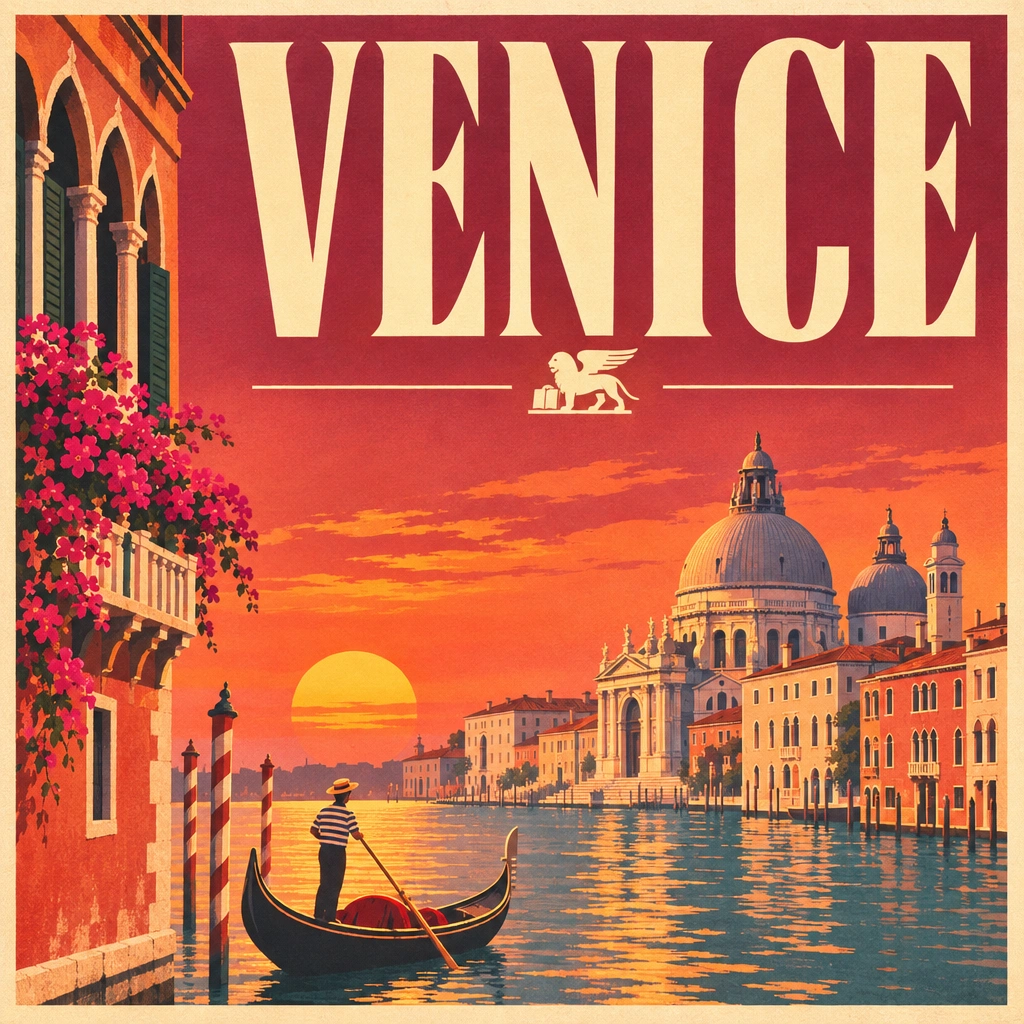
A retro travel poster with the bold headline "VENICE" in large condensed serif type, sunset color palette, clean layout
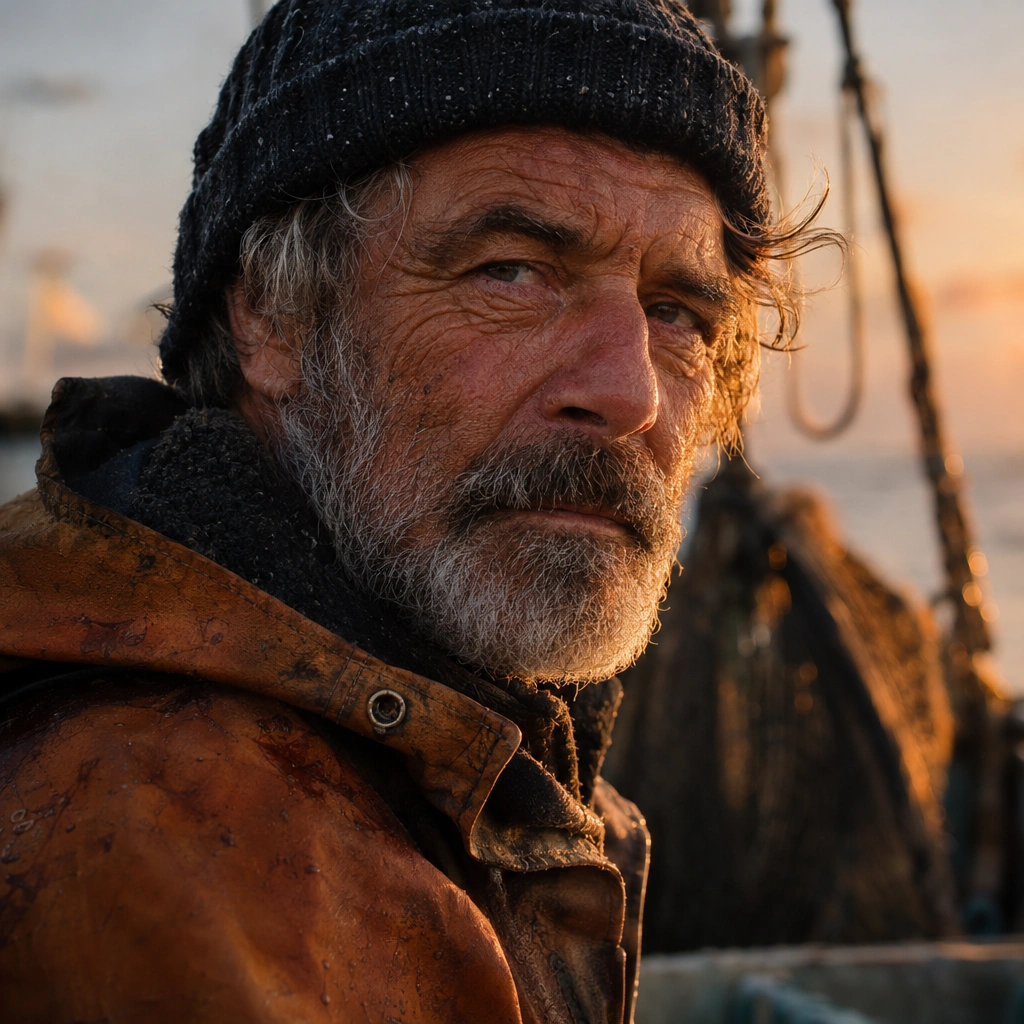
Photorealistic close-up portrait of a weathered fisherman at golden hour, 85mm lens, shallow depth of field, natural skin texture
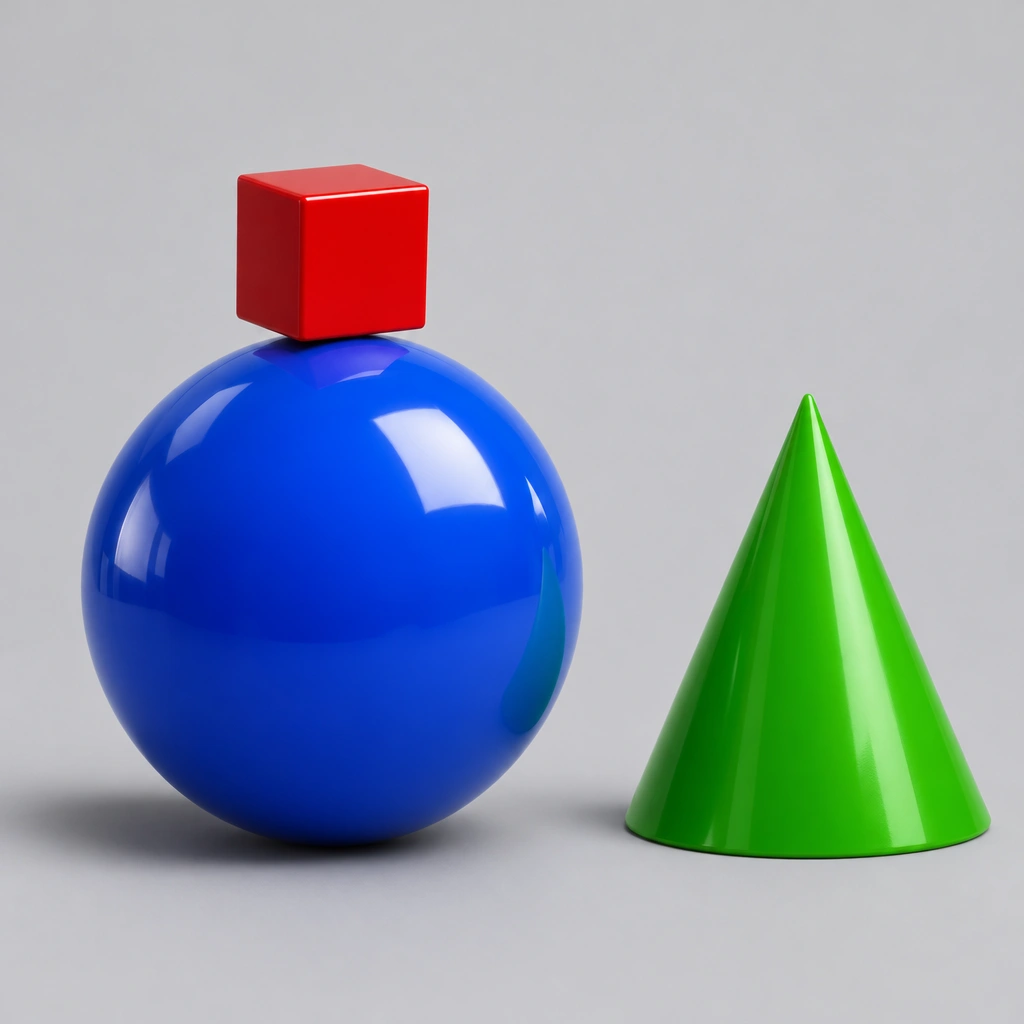
A small red cube balanced on top of a large glossy blue sphere, with a green cone to the right, plain light-grey studio background
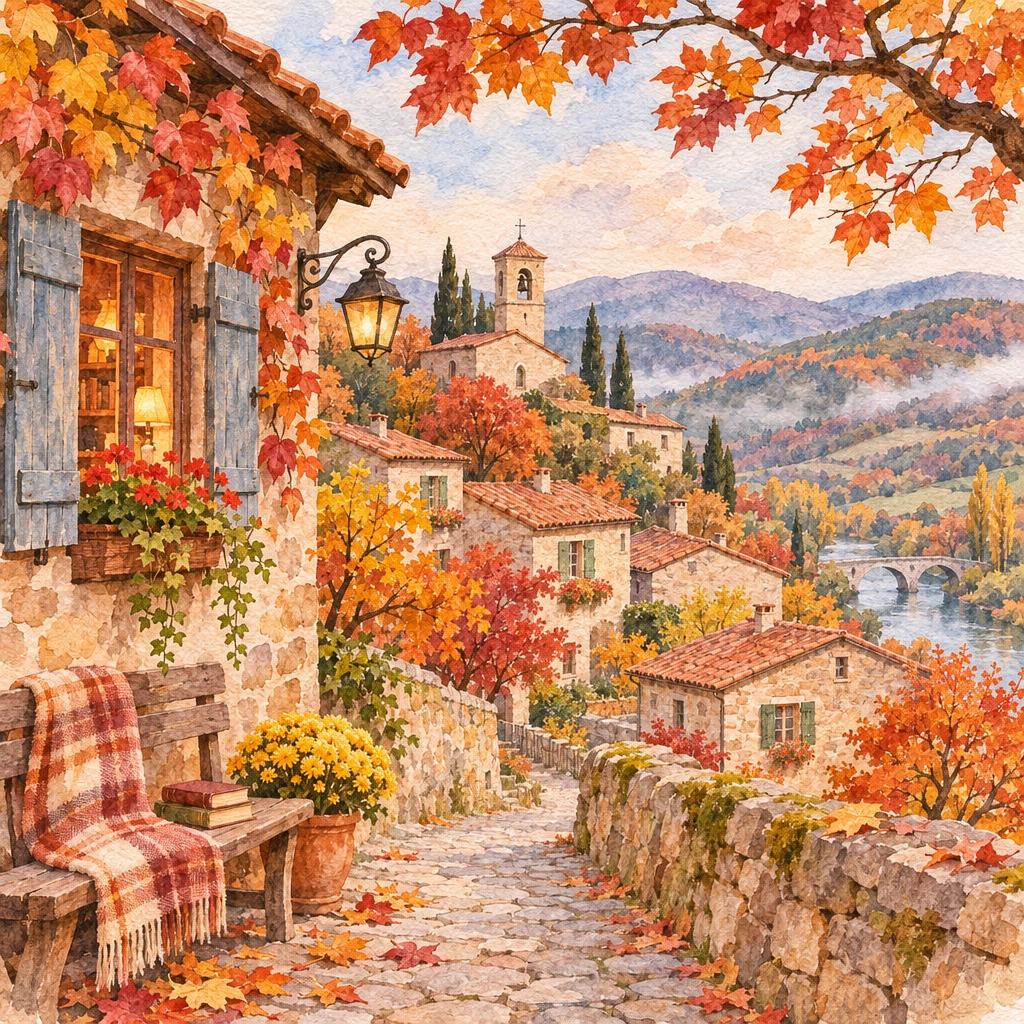
Cozy watercolor illustration of a hillside village in autumn, warm tones, soft paper texture
Alternatives
How it compares
| Model | Best for | Max resolution | Open weights | Price (Venice) |
|---|---|---|---|---|
| GPT Image 2.6 Sunburst | Detailed compositions & precise edits | 4K | No | from $0.09 / image |
| GPT Image 2.5 Sunburst | Detailed edits (previous gen) | 4K | No | from $0.07 / image |
| GPT Image 2 | Instruction-following (older flagship) | 4K | No | from $0.27 / image |
| Flux 3 | Photoreal detail | 4K | No | from $0.12 / image |
| Krea 2 Turbo | Fast drafts on a budget | 2K | Yes | from $0.04 / image |
GPT Image 2.6 Sunburst is the right pick when the image has to survive scrutiny — text-heavy layouts, product and packaging shots, and multi-round edits where details must stay consistent. For cheap drafts or open weights, Krea 2 Turbo is the pragmatic alternative.
API
Call it from your code
Venice exposes this model through the REST API. Queue a generation with the model id.
curl https://api.venice.ai/api/v1/image/generate \
  -H "Authorization: Bearer $VENICE_API_KEY" \
  -H "Content-Type: application/json" \
  -d '{
    "model": "gpt-image-2-6-sunburst",
    "prompt": "A serene mountain lake at dawn, photorealistic"
  }' --output image.png
Pricing
What it costs on Venice
Pay per image on Venice — price scales with resolution and quality, from $0.05.
New Venice accounts include a free daily allowance and 500 welcome credits — no credit card required.
FAQ
Frequently asked questions
GPT Image 2.6 Sunburst is OpenAI's high-fidelity image generation and editing model, released November 4, 2026. It is the detail-oriented variant of the Images 2.6 family, built for demanding compositions and precise edits, with animated GIF output, SVG generation, markup-guided editing, and resolutions up to 4K.
On Venice you pay per image, scaling with resolution and quality: $0.05 for a 1K low-quality render, $0.07 at 1K medium, $0.08 at 2K low, $0.09 at 1K high, $0.12 at 4K low, and $0.13 at 2K medium. There is no subscription requirement — you pay only for what you generate.
Neither. The model is proprietary to OpenAI with no open weights, so it cannot be self-hosted or fine-tuned. On Venice it is billed per image from $0.05 rather than free — but with no subscription, you only pay for the images you actually generate. If you need open weights, Krea 2 Turbo is the closest option on Venice.
They split the same family's job. Flare is the smaller, faster variant for workflows where response time matters most — OpenAI says it can generate low-quality images in as little as six seconds. Sunburst is the base model for work that demands more detail, layout precision, or edit accuracy. Start with Sunburst for finals, then test whether Flare matches it on your prompts for drafts.
Yes. Animated GIF output is one of the headline features of the Images 2.6 release — you can animate a brand mascot, turn a product shot into a looping animation, or produce sprite sheets for seamless loops directly from a prompt.
On Venice it generates at 1K, 2K, and 4K, across eight aspect ratios (1:1, 3:2, 16:9, 21:9, 9:16, 2:3, 3:4, 4:5), with low, medium, and high quality modes that trade speed and cost against fidelity.
Yes to both. The 2.6 release added SVG generation for editable vector-style output and markup-guided editing, where you indicate which regions of an image should change and which must stay the same — particularly useful for iterative brand and product work.
Venice runs it under the anonymized privacy tier: prompts are not stored, profiled, or used for training, and generations are not tied to a personal account history. You can use it in the Venice app or through the Venice API. Note that it is not one of Venice's uncensored models — OpenAI's content policies still apply.
For most detailed work, yes. It brings greater image consistency across editing rounds, GIF and SVG output, and a new complexity setting, and third-party blind-vote testing favors it over 2.5 Sunburst. The trade-off is that low and medium quality settings reportedly consume more tokens than 2.5 did, so very cheap drafts may cost more than on the older model.
Use GPT Image 2.6 Sunburst anonymously
Venice does not store your prompts. Chat history stays in your browser.