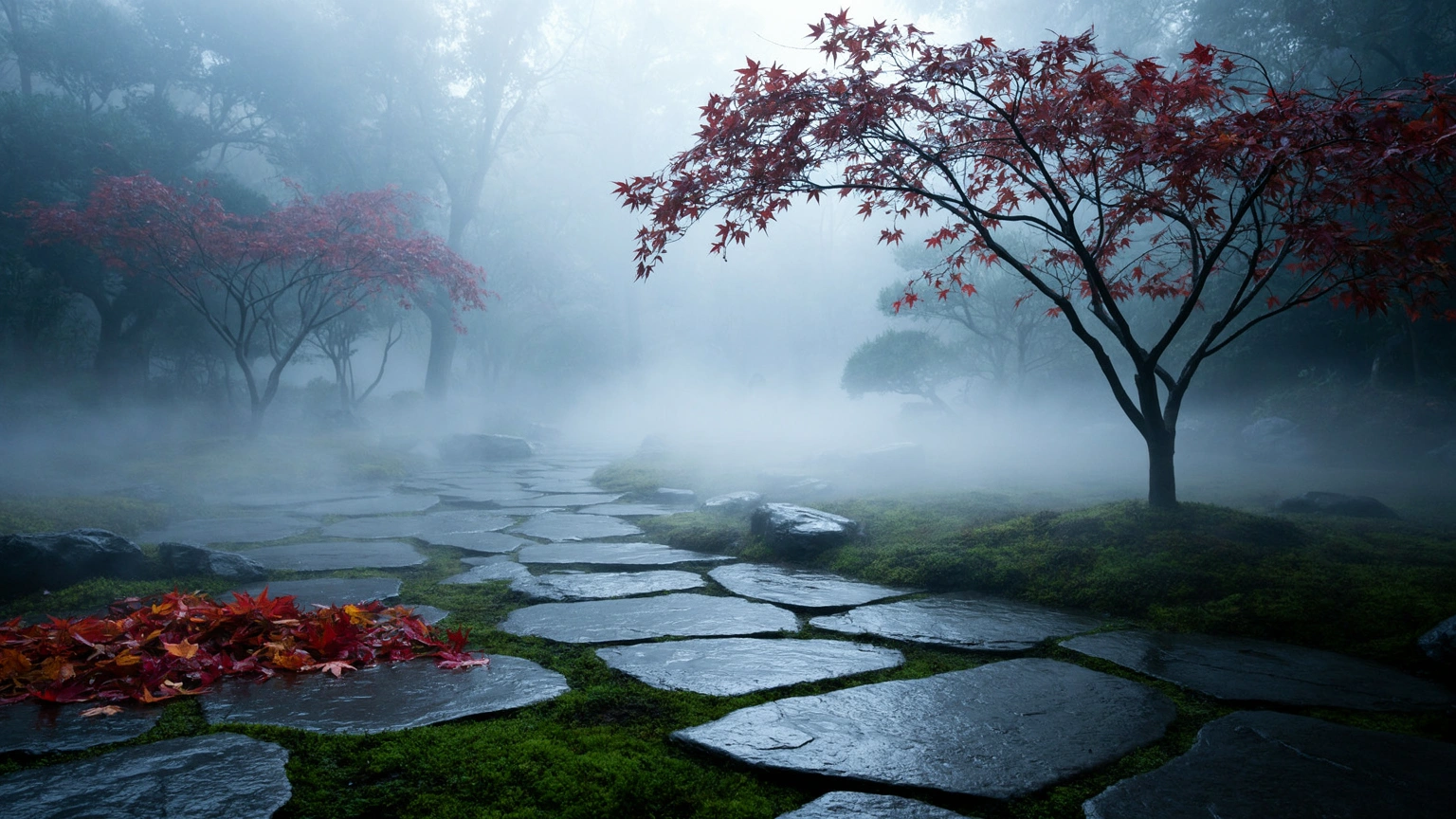
Ideogram V4.6
Ideogram's precise-editing image model — native 4K output, strong in-image text, and multi-turn edits that change only what you ask for.
curl https://api.venice.ai/api/v1/image/generate \
  -H "Authorization: Bearer $VENICE_API_KEY" \
  -H "Content-Type: application/json" \
  -d '{
    "model": "ideogram-v4-6",
    "prompt": "A serene mountain lake at dawn, photorealistic"
}' --output image.pngOverview
What is Ideogram V4.6
Ideogram V4.6 is Ideogram's image generation and editing model, released on November 19, 2026. It generates native 4K output, renders legible in-image text, and specializes in precise multi-step editing — changing one part of an image while preserving everything around it, with up to five reference images for guidance.
Using it anonymously on Venice
On Venice, Ideogram V4.6 runs under the anonymized privacy tier: your prompts and uploaded images are not stored, profiled, or fed back into anyone's training data. You pay per image in credits instead of carrying a subscription, and there is no personal generation history attached to your account. The same model Ideogram ships through its own API, used without leaving a trail.
Specifications
Datasheet
- Maker
- Ideogram (Toronto; founded by former Google Brain researchers)
- Modality
- Text-to-image, image-to-image editing (multi-turn)
- Open weights
- No
- License
- Proprietary
- Resolutions
- 1K, 2K, 4K
- Modes
- low / medium / high
- Prompt limit
- 10,000 chars
- Input images
- Up to 5 source images via Generate; Precise Edit takes one image with an optional mask and reference images
- Released
- November 19, 2026
- Aspect ratios
- 1:1, 3:2, 16:9, 9:16, 2:3, 3:4, 4:5
- Quality modes
- low / medium / high
- Privacy on Venice
- Anonymized — prompts not stored
- Available on Venice since
- Nov 2026
Assessment
Strengths and limitations
- Precise multi-step editing: make a focused change, review it, and keep refining the same image — the vendor reports far less pixel drift outside the edited region and better color retention than 4.5.
- Native 4K generation (up to 4096×4096) rendered directly rather than upscaled, with detail described as generated from scratch at full resolution.
- Strong in-image text rendering: a third-party test on launch week got multi-word poster and packaging copy spelled exactly, punctuation included, on the first output.
- Accepts up to five reference images through Generate, useful for locking a subject, style, or product across outputs.
- Region-confined editing via a context window keeps very large source images at their original dimensions instead of scaling them down.
- Closed and proprietary: no open weights, so it cannot be self-hosted, inspected, or fine-tuned.
- The headline editing claims (reduced pixel drift, color retention, removing the 'AI look') are vendor wording without independent third-party verification.
- Charts and data visualizations are a weak spot per third-party testing — use a different model for accurate graphs.
- High-quality 4K renders cost more per image than low-quality drafts, so iteration budgets matter.
Use cases
What it is good for
- 01Marketing creative where on-image headlines, labels, and dates must be spelled correctly.
- 02Client design work that requires changing one line or element without redrawing the rest of the composition.
- 03Product and packaging mockups refined across multiple editing turns.
- 04Print-size deliverables that need genuine 4K files rather than upscaled output.
- 05Brand-consistent variations generated from a set of reference images.
Prompting
Getting better results
Put the exact text you want rendered in quotes inside the prompt — including punctuation and dates.
When editing, supply a mask so changes stay confined to the region you care about.
For very large source images, confine the edit to one region (auto with a mask, or explicit coordinates) so the result keeps the image's original width and height.
Iterate at 1K low quality, then re-render the winning prompt at 4K high quality to control cost.
Upload up to five reference images to pin a product, character, or style before describing the scene.
State the aspect ratio explicitly — 16:9 for banners, 4:5 for social feeds, 3:4 for posters.
Samples
Sample outputs
Generated on Venice with our standard prompt suite — the same prompts we run through every model of this type, so you can judge it like-for-like.
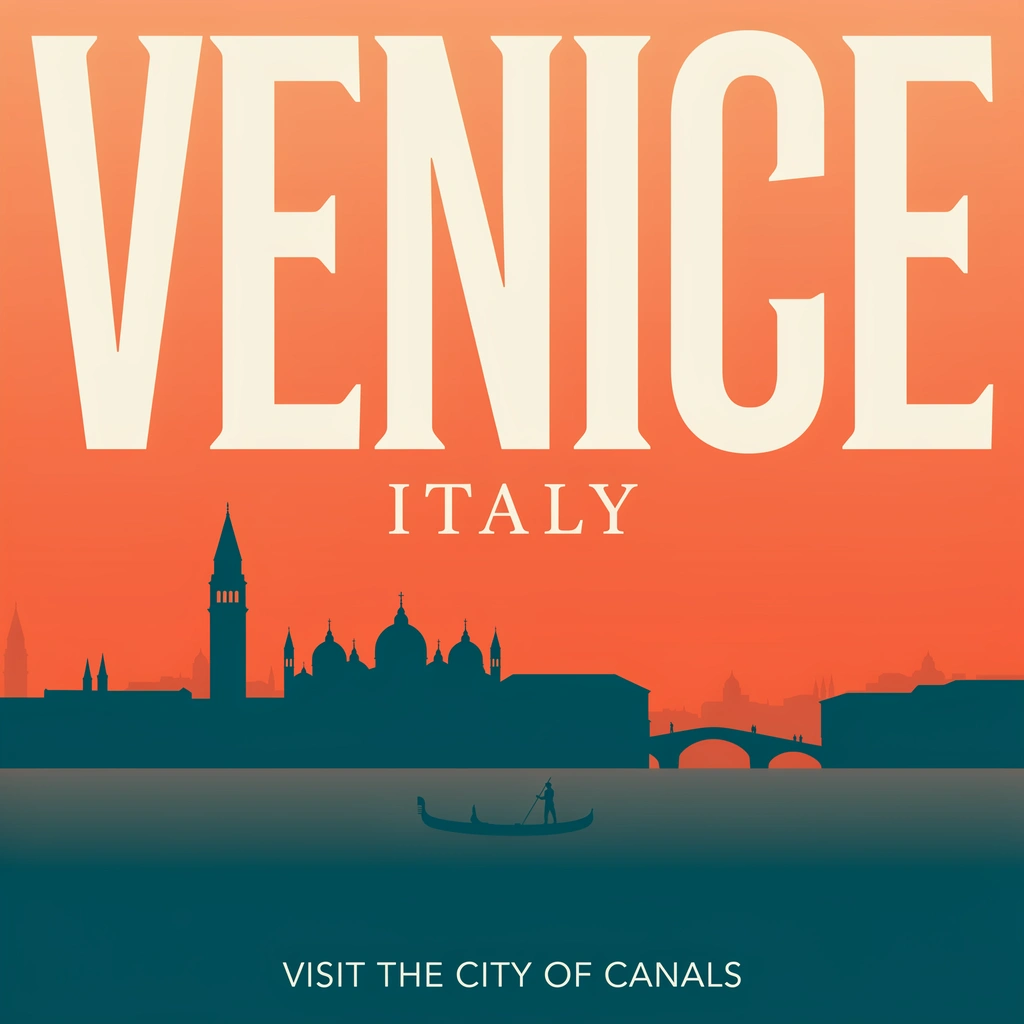
A retro travel poster with the bold headline "VENICE" in large condensed serif type, sunset color palette, clean layout
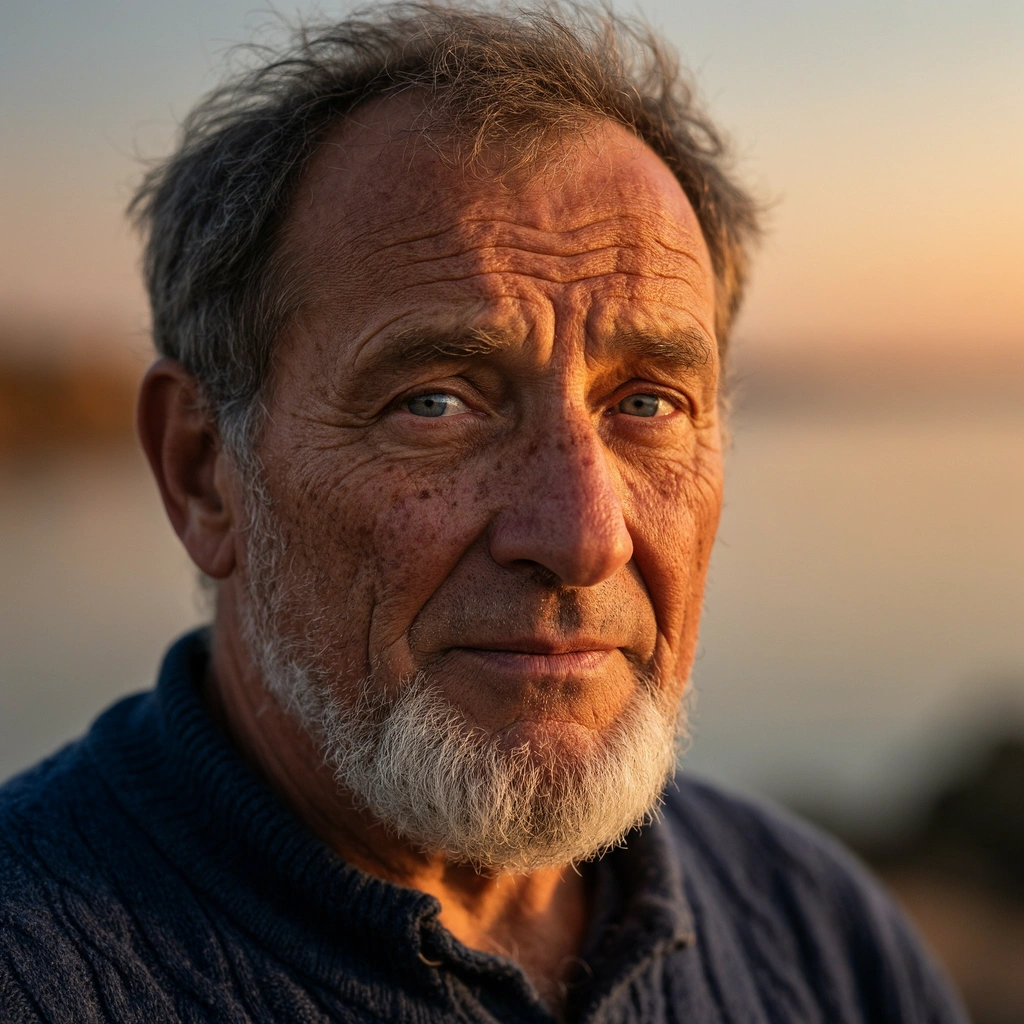
Photorealistic close-up portrait of a weathered fisherman at golden hour, 85mm lens, shallow depth of field, natural skin texture
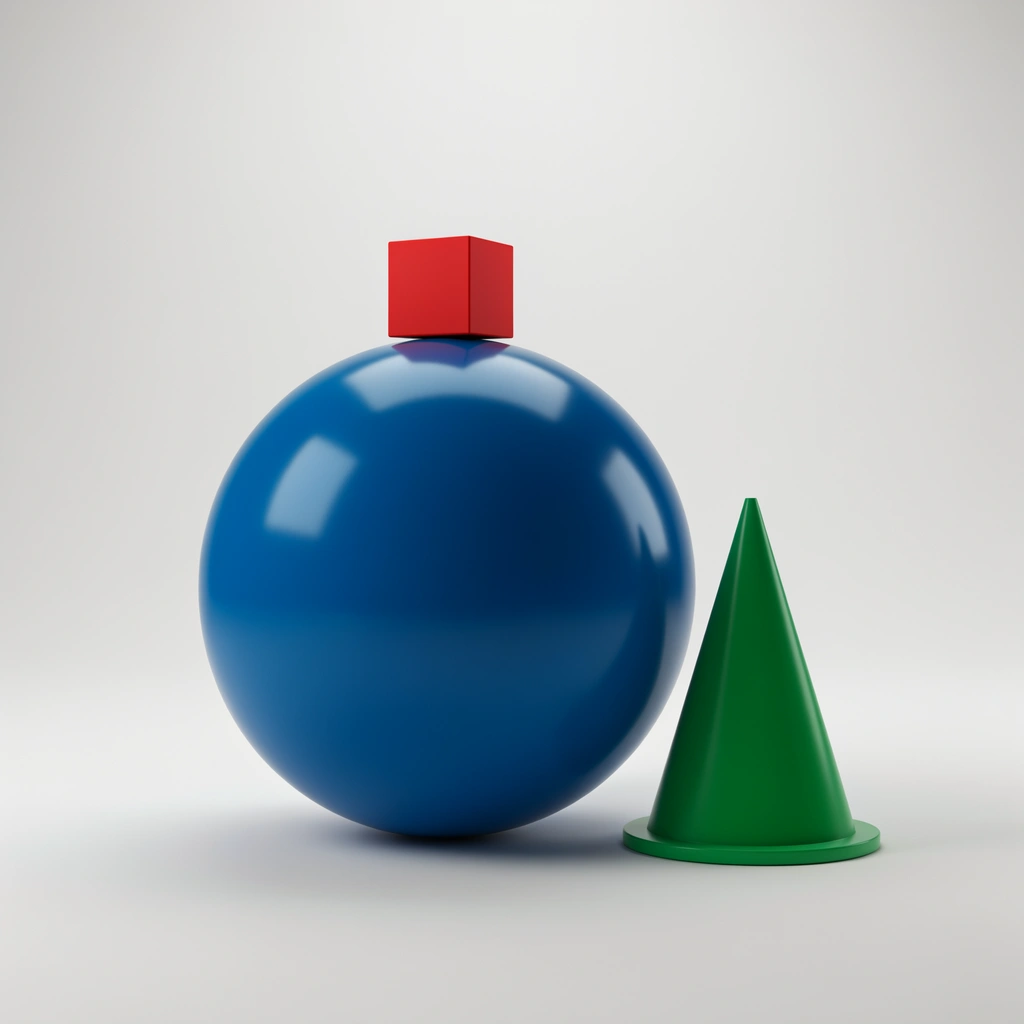
A small red cube balanced on top of a large glossy blue sphere, with a green cone to the right, plain light-grey studio background

Cozy watercolor illustration of a hillside village in autumn, warm tones, soft paper texture
Alternatives
How it compares
| Model | Best for | Max resolution | Open weights | Price (Venice) |
|---|---|---|---|---|
| Ideogram V4.6 | Precise multi-step editing & text | 4K | No | from $0.13 / image |
| Flux 3 | Photoreal detail | 4K | No | from $0.12 / image |
| GPT Image 2.5 Flare | Instruction-following & layout | 4K | No | from $0.07 / image |
| Krea 2 Turbo | Fast open-weights drafts | 2K | Yes | from $0.04 / image |
| Chroma | Cheapest open-weights option | — | Yes | $0.01 / image |
Reach for Ideogram V4.6 when the job is editing — changing one element of a finished design without redrawing it — or when the image has to carry correctly spelled text at print-ready 4K. For pure photoreal look at a higher per-image price, Flux 3 is the alternative.
API
Call it from your code
Venice exposes this model through the REST API. Queue a generation with the model id.
curl https://api.venice.ai/api/v1/image/generate \
  -H "Authorization: Bearer $VENICE_API_KEY" \
  -H "Content-Type: application/json" \
  -d '{
    "model": "ideogram-v4-6",
    "prompt": "A serene mountain lake at dawn, photorealistic"
  }' --output image.png
Full reference: Ideogram V4.6 API docs
Pricing
What it costs on Venice
Pay per image on Venice — price scales with resolution and quality, from $0.04.
New Venice accounts include a free daily allowance and 500 welcome credits — no credit card required.
FAQ
Frequently asked questions
Ideogram V4.6 is an image generation and editing model from Ideogram, released on November 19, 2026. It generates native 4K output, renders legible in-image text, and is built for precise multi-step editing, where each change preserves the rest of the image and each result feeds the next edit.
Venice bills per image: $0.04 at 1K or 2K low quality, $0.08 at 1K or 2K medium or 4K low, and $0.13 at 1K high quality. There is no subscription required — you pay in credits for what you generate.
Ideogram V4.6 does not have open weights — it is proprietary to Ideogram and cannot be self-hosted or fine-tuned. On Venice you pay per image rather than a subscription, and if you need open weights, Chroma or Krea 2 Turbo are the open alternatives on the platform.
Ideogram V4.6 is the stronger pick for precise multi-step editing and text-heavy images, and it ranks first on Rapidata's Multi-step Image Edit benchmark where Flux 3 placed fourth. Flux 3 remains a strong choice for photorealistic single-shot generation, though it costs more per image on Venice.
Ideogram V4.6 outputs at 1K, 2K, and 4K, with 4K reaching 4096×4096 generated natively rather than upscaled. Seven aspect ratios are available: 1:1, 3:2, 16:9, 9:16, 2:3, 3:4, and 4:5.
Yes — editing is its core strength. Upload an image with an instruction and an optional mask, and the model changes only the targeted region while leaving the rest untouched. Edits can be chained across multiple turns, and large images can be edited in a confined region so they come back at their original resolution.
Up to five source images can be supplied through the Generate workflow, letting you anchor a subject, product, or visual style. The Precise Edit workflow also accepts reference images alongside the image being edited.
Venice runs Ideogram V4.6 under its anonymized privacy tier — prompts and uploads are not stored, and generations are not tied to a personal profile or used for training. You can use it in the Venice app or through the Venice API without building a generation history.
Use Ideogram V4.6 anonymously
Venice does not store your prompts. Chat history stays in your browser.