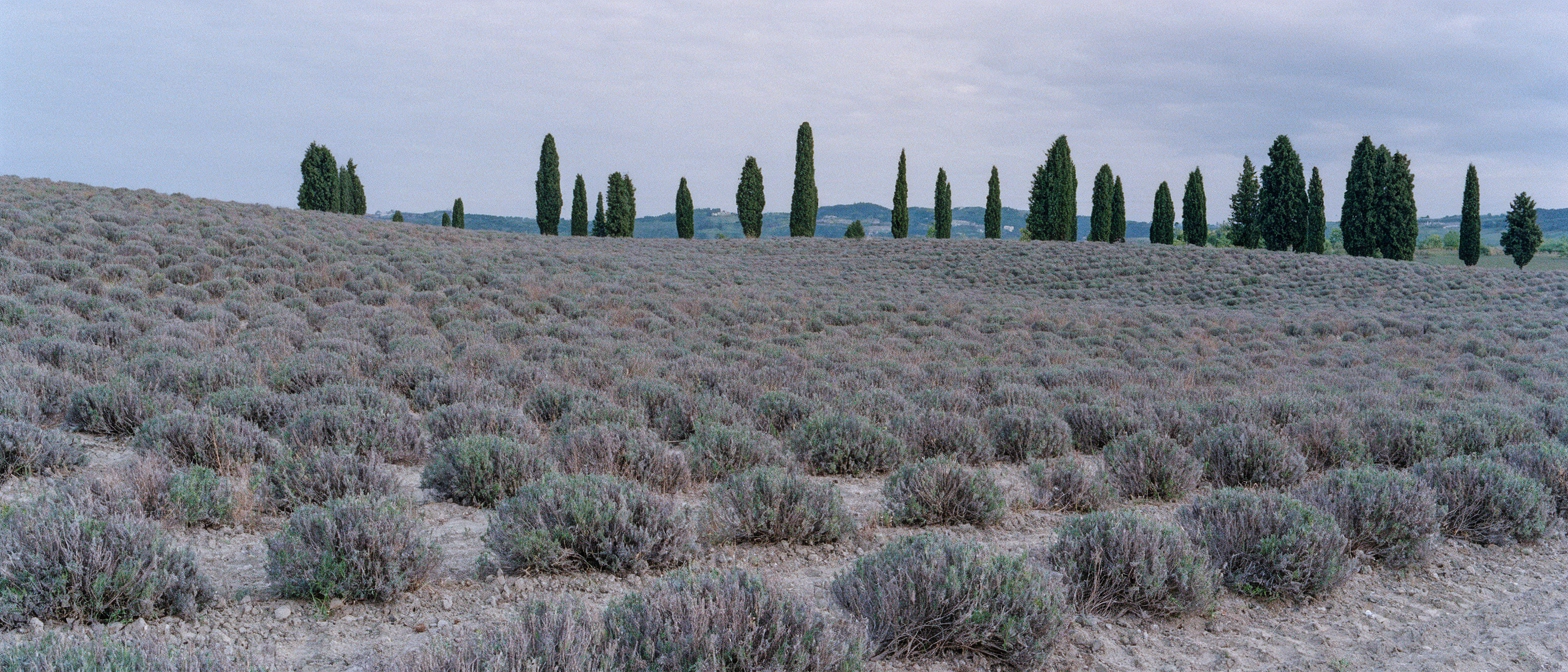
Krea 3
Krea's foundation image-to-image model — instruction-based editing, up to 8 reference images, and most edits in under 8 seconds at native 2K.
curl https://api.venice.ai/api/v1/image/generate \
  -H "Authorization: Bearer $VENICE_API_KEY" \
  -H "Content-Type: application/json" \
  -d '{
    "model": "krea-3",
    "prompt": "A serene mountain lake at dawn, photorealistic"
}' --output image.pngOverview
What is Krea 3
Krea 3 is Krea's foundation image-to-image model, released in October 2026. It generates images from text and edits existing images from plain-language instructions, combining up to 8 reference images while keeping products, characters, logos, and text consistent — with most edits finishing in under 8 seconds at native 2K resolution.
Using it anonymously on Venice
On Venice, Krea 3 runs under the anonymized privacy tier — your prompts and reference images are not stored, profiled, or used for training, and generations are tied to no personal history. You pay per image instead of a subscription, from $0.04, so volume editing stays cheap. It pairs well with Venice's broader privacy-first stance: no account-level profiling of your creative work.
Specifications
Datasheet
- Maker
- Krea
- Modality
- Text-to-image, image-to-image editing, reference-guided generation
- Open weights
- No — proprietary
- License
- Proprietary
- Resolutions
- 1K, 2K, 4K
- Modes
- Text-to-image, instruction-based editing, bounding-box local editing
- Prompt limit
- 10,000 chars
- Input images
- Up to 8 reference images per generation (Krea's launch post cites 6; the technical report and API docs cite 8)
- Released
- October 15, 2026
- Aspect ratios
- 1:1, 3:2, 16:9, 21:9, 9:16, 2:3, 3:4, 4:5
- Quality modes
- medium / high
- Privacy on Venice
- Anonymized — prompts not stored
- Available on Venice since
- Nov 2026
Assessment
Strengths and limitations
- Built for speed: Krea reports most edits complete end-to-end in under 8 seconds at native 2K, aimed at catalog and campaign-scale work.
- Targeted editing: change the scene around a product and the label, logo, and shape stay sharp; the model leaves what you didn't ask it to touch alone.
- Multi-reference reasoning: combine up to 8 reference images in a single generation, each with its own label and instruction.
- Strong character and product consistency across a series of edits, which matters for e-commerce and storyboarding.
- Cheap per-image pricing on Venice (from $0.04) with 1K, 2K, and 4K output and eight aspect ratios.
- Closed and proprietary: no public checkpoint or downloadable license has been verified, so you cannot self-host or fine-tune it.
- Independent testers report that "keep everything else unchanged" is not always respected — one recolor bled into a handle, and a two-line headline collapsed into one.
- Third-party reviews flag small text and typography-heavy layouts as a weak point; keep a human approval step for exact copy.
- On Krea's own API, every edit carries at least one charged reference image, so real per-edit costs run above the headline price — on Venice, pricing is simply per image at the listed tiers.
Use cases
What it is good for
- 01Product photography — drop a product into a new scene while preserving its shape, label, and logo.
- 02Catalog and campaign variants produced at volume, where seconds per edit compound into hours.
- 03Consistent characters across a storyboard or ad series using reference images.
- 04Material and color swaps on existing product shots without rebuilding the scene.
- 05Scene swaps and relighting for film and advertising pre-production.
Prompting
Getting better results
Attach reference images and say what each one contributes: "image 1 is the product, image 2 is the background style."
When preserving a detail matters, state it explicitly: "keep the label and handle exactly as they are."
For surgical changes, describe the edit as a bounded region — change only the boxed object, leave the rest of the frame untouched.
Iterate at 1K medium quality, then re-render the winning prompt at 2K or 4K high for the deliverable.
Put any text that must appear verbatim in quotes — headlines, SKU labels, logo wordmarks.
Use 21:9 for banner variants and 9:16 for social placements instead of re-cropping a 1:1 master.
Samples
Sample outputs
Generated on Venice with our standard prompt suite — the same prompts we run through every model of this type, so you can judge it like-for-like.
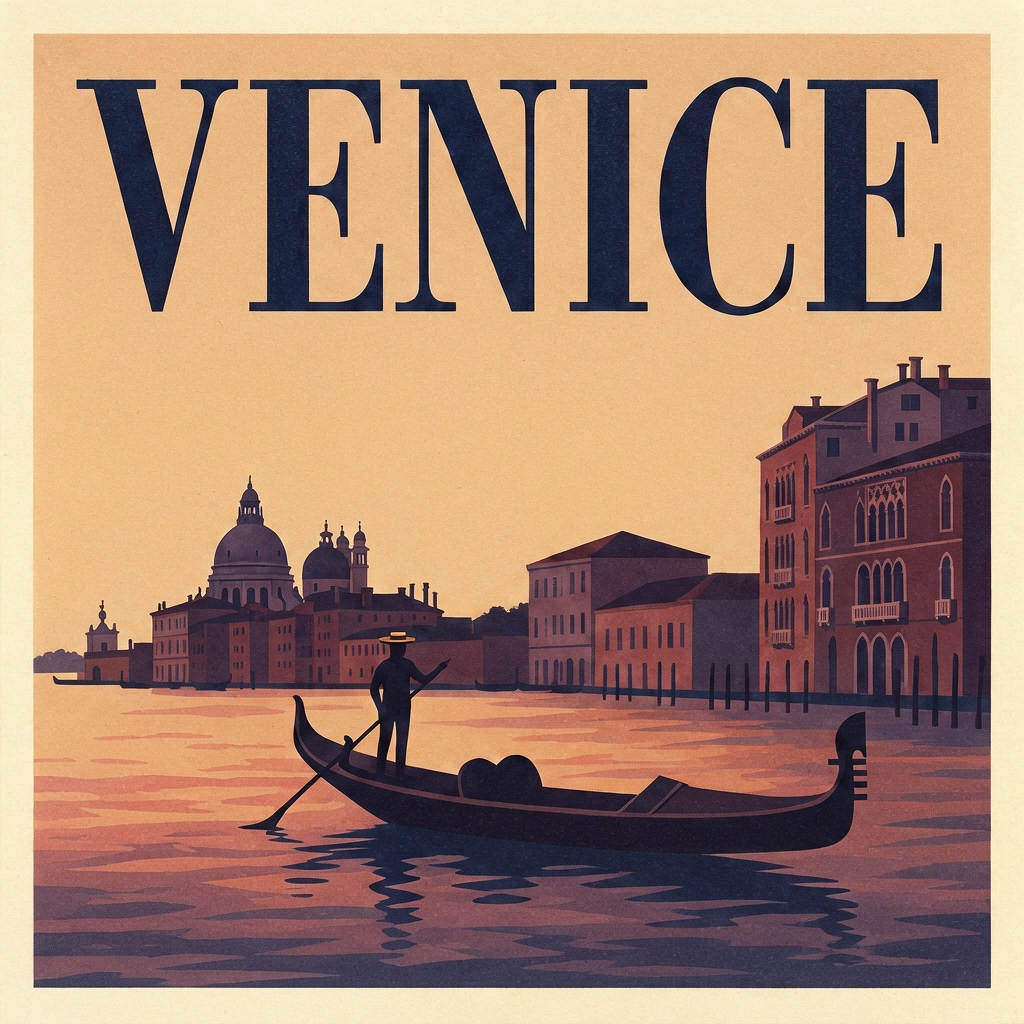
A retro travel poster with the bold headline "VENICE" in large condensed serif type, sunset color palette, clean layout
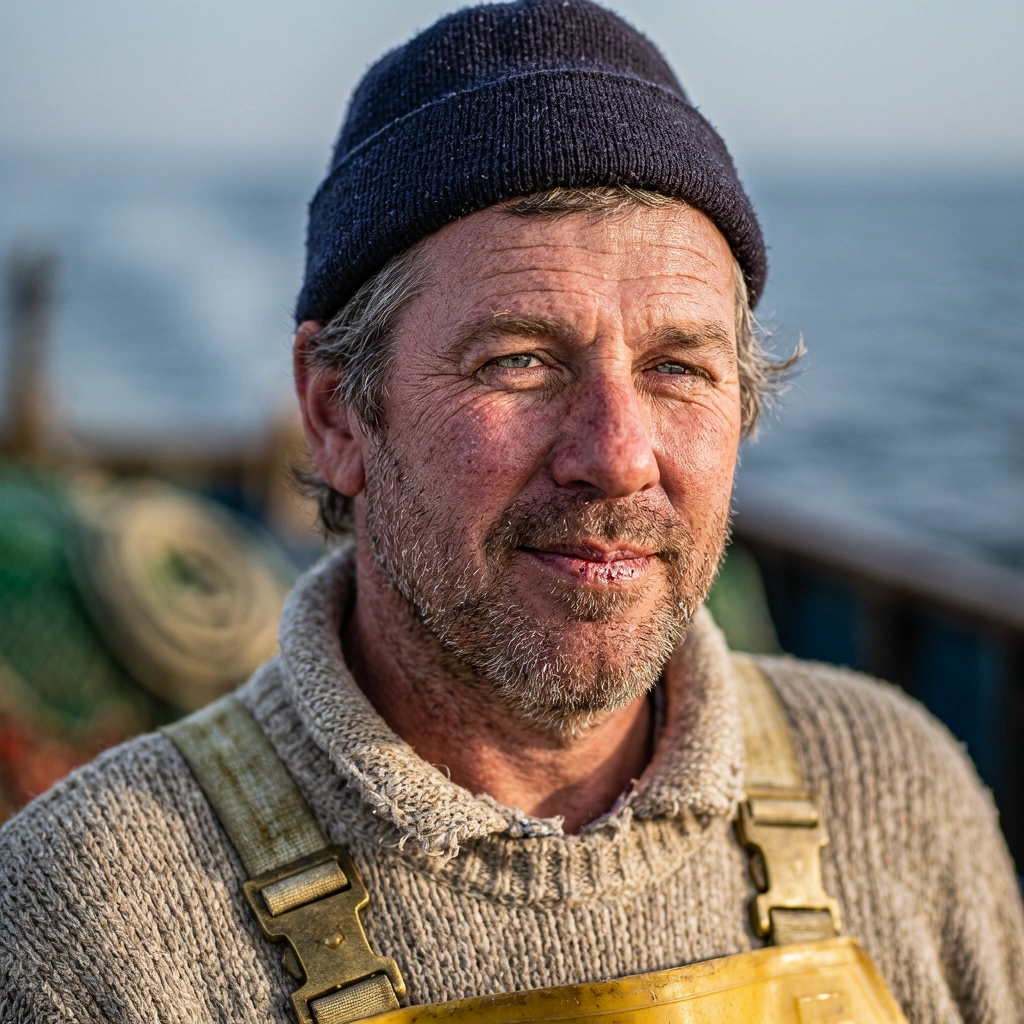
Photorealistic close-up portrait of a weathered fisherman at golden hour, 85mm lens, shallow depth of field, natural skin texture
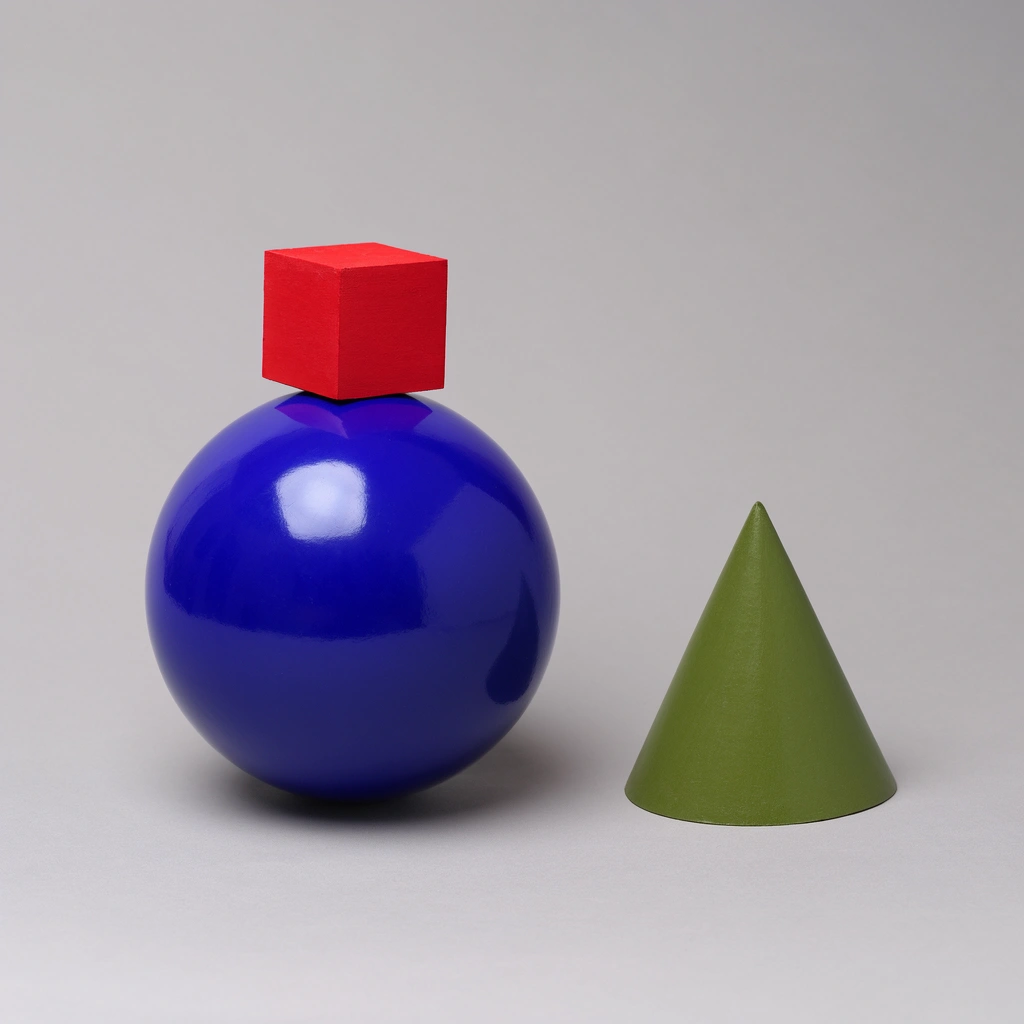
A small red cube balanced on top of a large glossy blue sphere, with a green cone to the right, plain light-grey studio background
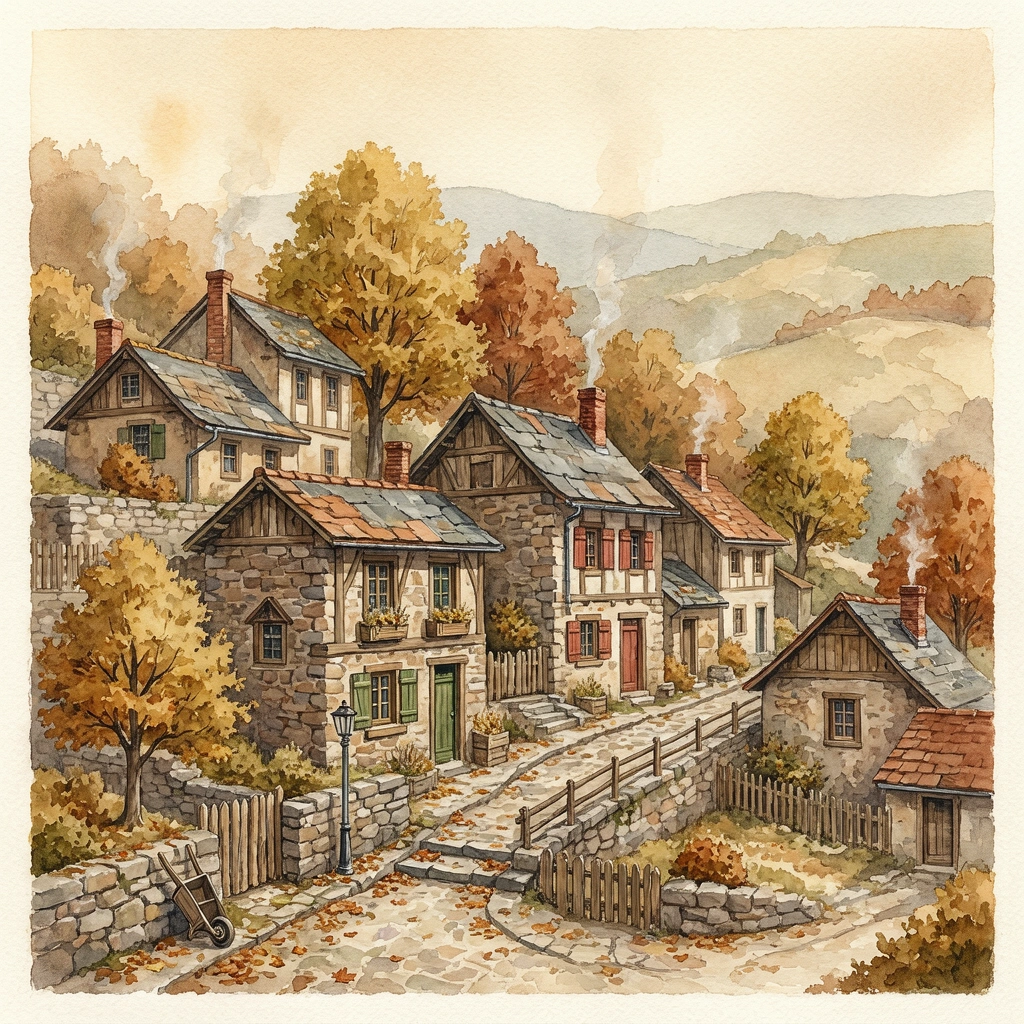
Cozy watercolor illustration of a hillside village in autumn, warm tones, soft paper texture
Alternatives
How it compares
| Model | Best for | Max resolution | Open weights | Price (Venice) |
|---|---|---|---|---|
| Krea 3 | Fast reference-guided editing | 4K | No | from $0.07 / image |
| Krea 2 Turbo | Cheap open-weight drafts | 2K | Yes | from $0.04 / image |
| GPT Image 2.5 Flare | Instruction following & in-image text | 4K | No | from $0.07 / image |
| Flux 3 | Photoreal detail | 4K | No | from $0.12 / image |
Krea 3 is the right pick when throughput matters — reference-guided product edits and campaign variants at volume, without paying a minute per image. For typography-critical work, GPT Image 2.5 Flare is the stronger editor.
API
Call it from your code
Venice exposes this model through the REST API. Queue a generation with the model id.
curl https://api.venice.ai/api/v1/image/generate \
  -H "Authorization: Bearer $VENICE_API_KEY" \
  -H "Content-Type: application/json" \
  -d '{
    "model": "krea-3",
    "prompt": "A serene mountain lake at dawn, photorealistic"
  }' --output image.png
Pricing
What it costs on Venice
Pay per image on Venice — price scales with resolution and quality, from $0.04.
New Venice accounts include a free daily allowance and 500 welcome credits — no credit card required.
FAQ
Frequently asked questions
Krea 3 is Krea's foundation image-to-image model, released October 15, 2026. It generates images from text and edits existing images from plain-language instructions, combining up to 8 reference images while keeping products, characters, logos, and text consistent across edits.
On Venice you pay per image, scaling with resolution and quality: $0.04 for a 1K medium render up to $0.15 for a 4K high render, with 2K options at $0.08–$0.10. There is no subscription requirement.
You can try Krea 3 on Venice with the free daily image prompts new accounts receive, no credit card required. Beyond that, usage is billed per image in credits at the listed resolution and quality tiers.
No. Krea 3 is proprietary — no public checkpoint or downloadable license has been published, so it cannot be self-hosted or fine-tuned. If you need open weights, Krea 2 Turbo or Chroma on Venice are the open alternatives.
The technical report and API documentation describe combining up to 8 reference images in a single generation, each with an optional label and instruction. Krea's launch post cites 6 per edit, so treat 8 as the API ceiling and confirm against the endpoint you use.
On Venice, Krea 3 outputs 1K, 2K, and 4K across eight aspect ratios (1:1, 3:2, 16:9, 21:9, 9:16, 2:3, 3:4, 4:5), with medium and high quality modes. Krea's own app highlights native 2K as the editing sweet spot.
Krea 3 is faster and cheaper per edit, and it is built around multi-reference consistency for products and characters. GPT Image 2.5 Flare scored highest in third-party blind edit tests and handles in-image text better, but generates more slowly and costs more per image on Venice.
Venice runs Krea 3 under its anonymized privacy tier — prompts and reference images are not stored, profiled, or used for training. You can use it in the Venice app or via the Venice API without building a personal generation history.
Krea reports that most edits complete end-to-end in under 8 seconds at native 2K. Independent testers have measured wider ranges depending on resolution, reference count, and quality mode, so expect the fastest results on simple 1K–2K edits.
Use Krea 3 anonymously
Venice does not store your prompts. Chat history stays in your browser.