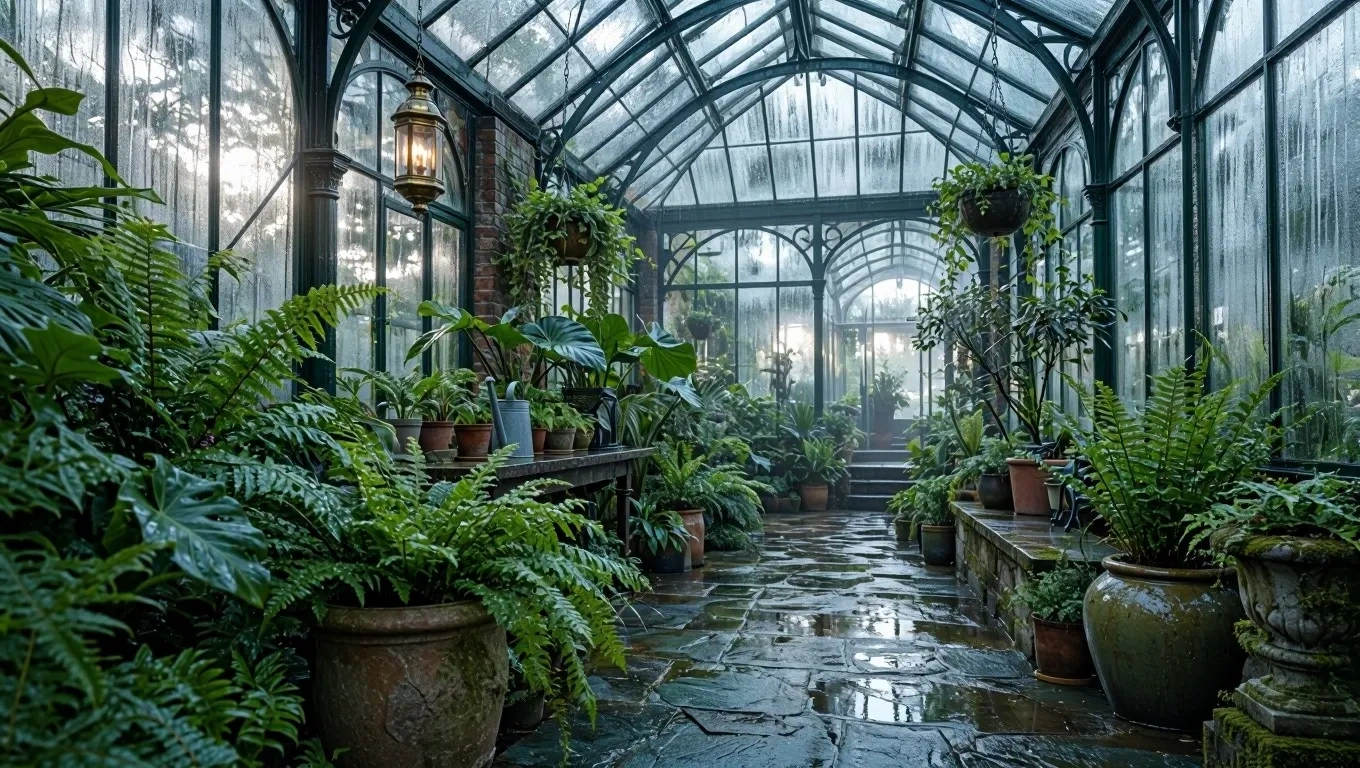
MAI Image 2.7 Flash
Microsoft AI's fast, low-cost image model — surgical local edits, multi-reference input, and transparent backgrounds at production speed.
curl https://api.venice.ai/api/v1/image/generate \
  -H "Authorization: Bearer $VENICE_API_KEY" \
  -H "Content-Type: application/json" \
  -d '{
    "model": "mai-image-2-7-flash",
    "prompt": "A serene mountain lake at dawn, photorealistic"
}' --output image.pngOverview
What is MAI Image 2.7 Flash
MAI Image 2.7 Flash is Microsoft AI's fast, low-latency image generation and editing model, released on November 17, 2026. Built on a 20B-parameter diffusion architecture, it handles text-to-image synthesis, multi-reference editing with up to five input images, and transparent-background output, optimized for high-throughput creative workloads.
Using it anonymously on Venice
On Venice, MAI Image 2.7 Flash runs under the anonymized privacy tier — your prompts are not stored, profiled, or fed into a personal generation history, which is a sharp contrast to running it inside a Big-Tech ecosystem that ties every render to your account. You pay per image in credits rather than renting a subscription, and you can call it through the Venice app or the OpenAI-compatible Venice API. No open weights and no TEE isolation here — the privacy guarantee is Venice's zero-retention handling of your prompts.
Specifications
Datasheet
- Maker
- Microsoft (Microsoft AI)
- Modality
- Text-to-image, image-to-image (reference-based editing)
- Open weights
- No
- License
- Proprietary — Microsoft product and service terms
- Resolutions
- 1K, 2K
- Modes
- Text-to-image generation; image-to-image editing
- Prompt limit
- 32,000 chars
- Input images
- Up to 5 reference images for multi-reference editing (per third-party API listing; formats not published)
- Released
- November 17, 2026
- Architecture
- Diffusion generative model using flow-matching loss, for text-to-image synthesis and image-to-image editing
- Parameters
- 20B non-embedding (MAI Image 2.7 family model card)
- Aspect ratios
- 1:1, 16:9, 9:16, 4:3, 3:4, 3:2, 2:3
- Privacy on Venice
- Anonymized — prompts not stored
- Available on Venice since
- Nov 2026
Assessment
Strengths and limitations
- Built for speed: Flash is the low-latency, high-throughput member of the MAI Image 2.7 family, tuned for rapid iteration rather than maximum fidelity.
- Surgical, local edits: change an object's color, material, or position without disrupting the rest of the image, and keep visual consistency across successive edits.
- Multi-reference editing: accepts up to five input images to steer style, subject, or composition.
- Transparent-background output for product shots, logos, icons, and illustrations with no manual cutout work.
- Very long prompt budget on Venice: 32,000 characters — for detailed scene briefs and multi-constraint layouts.
- Strong price-performance: Microsoft positions the MAI Image 2.7 family on the quality-cost Pareto frontier, and Venice pricing starts at $0.02 per image.
- Closed and proprietary: no open weights, so self-hosting or fine-tuning is off the table.
- Output tops out around 2K (the family's ceiling is roughly 4.2 megapixels, ~2048×2048), so rivals offering native 4K win when maximum resolution matters.
- As the Flash tier, it trades some fidelity for speed — the full MAI Image 2.7 model is the quality pick in the family and reportedly ranks higher on editing leaderboards.
- It is a generation and editing model, not a general assistant — no text reasoning, tool use, or web search attached.
Use cases
What it is good for
- 01High-volume draft-and-iterate pipelines where latency and per-image cost matter more than 4K polish.
- 02Product photography cleanup — transparent backgrounds and object swaps without manual masking.
- 03Iterative design refinement: change one object's color or material across several rounds without re-rolling the whole scene.
- 04Storefront, signage, and marketing visuals that need exact rendered text.
- 05Reference-guided assets built from up to five style or subject images.
Prompting
Getting better results
Scope edits explicitly — "change only the jacket to red leather, keep everything else identical" plays to the model's local-edit strength.
Feed up to five reference images when style or subject consistency matters, instead of describing the look in words.
Add "transparent background" to the prompt for logos, icons, and product cutouts — no cleanup pass needed.
Iterate at 1K ($0.02 per image), then re-render only the winning prompt at 2K ($0.05).
Pick the aspect ratio that matches the destination — 9:16 for stories, 16:9 for banners, 1:1 for feeds — rather than cropping afterward.
Put any text that must appear in the image in quotes, and say it is the only text in the scene.
Samples
Sample outputs
Generated on Venice with our standard prompt suite — the same prompts we run through every model of this type, so you can judge it like-for-like.
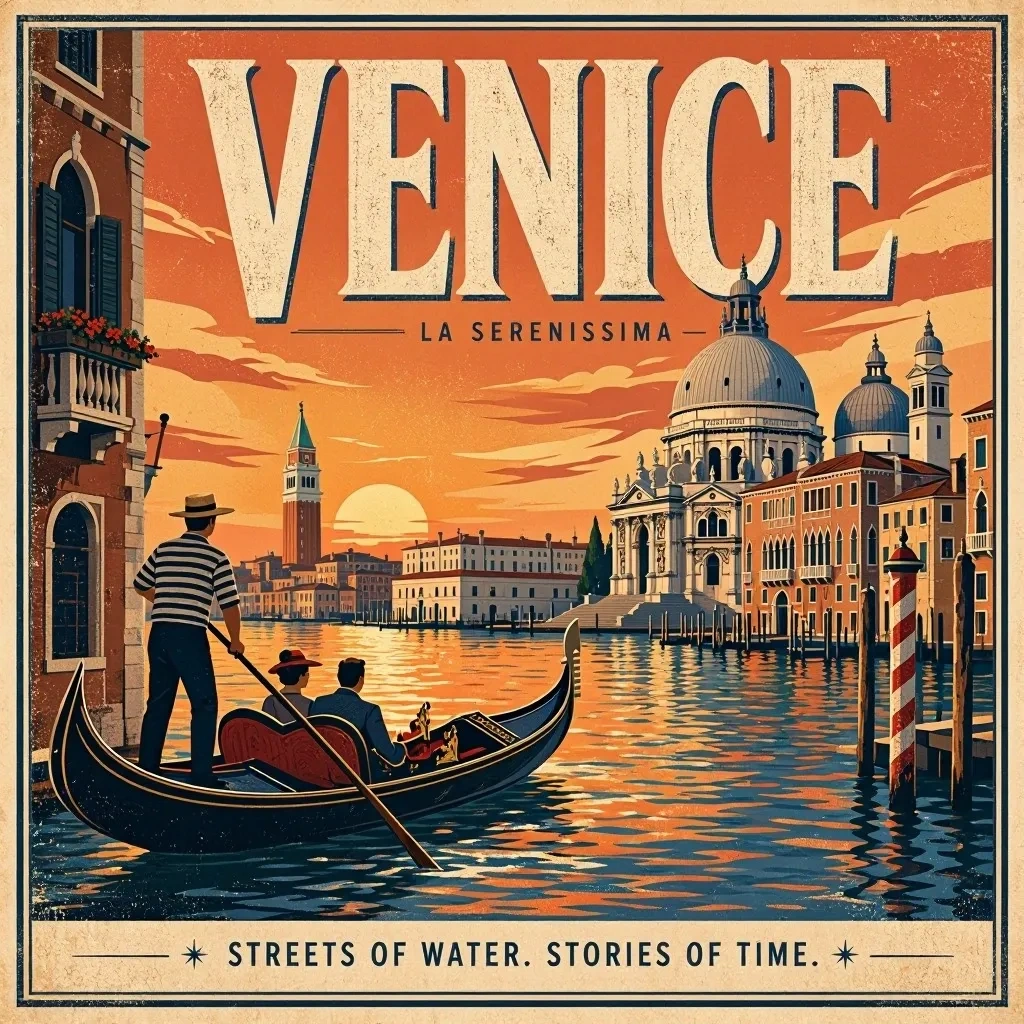
A retro travel poster with the bold headline "VENICE" in large condensed serif type, sunset color palette, clean layout
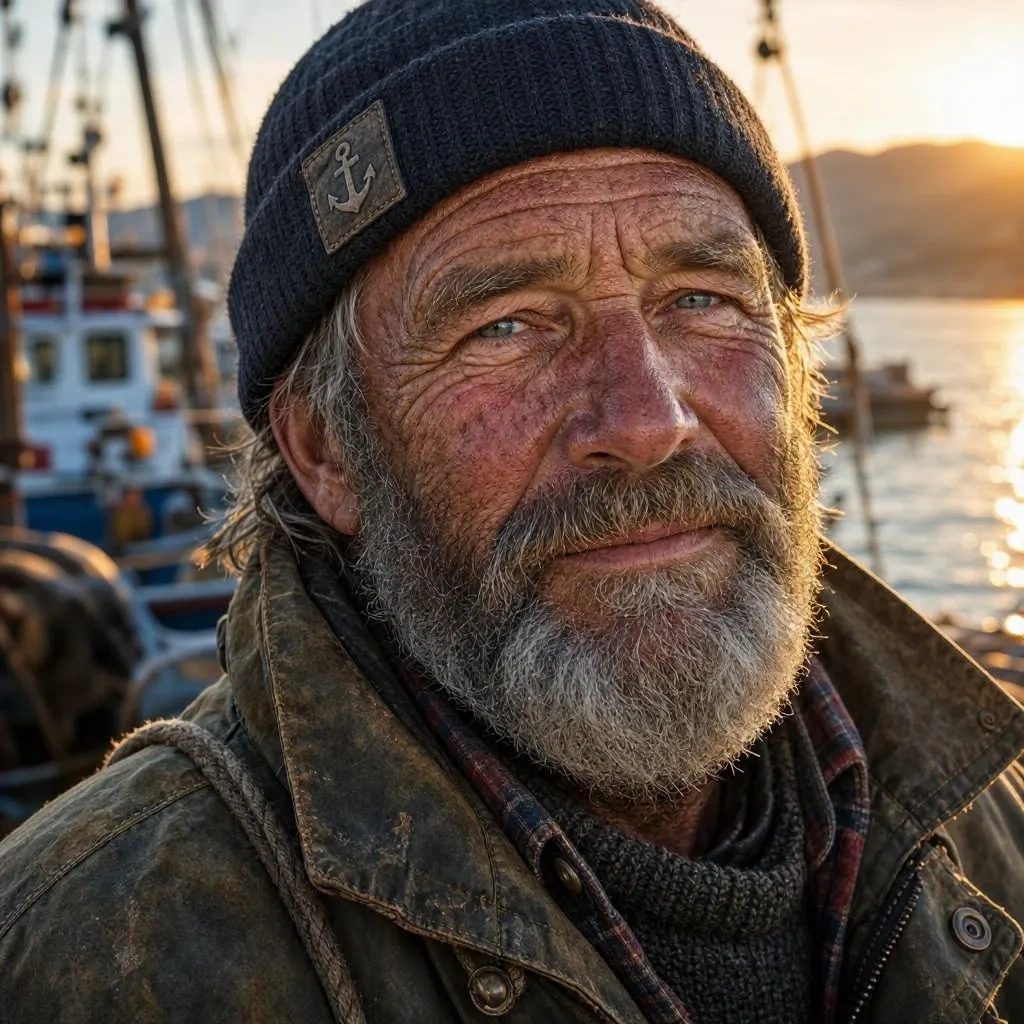
Photorealistic close-up portrait of a weathered fisherman at golden hour, 85mm lens, shallow depth of field, natural skin texture
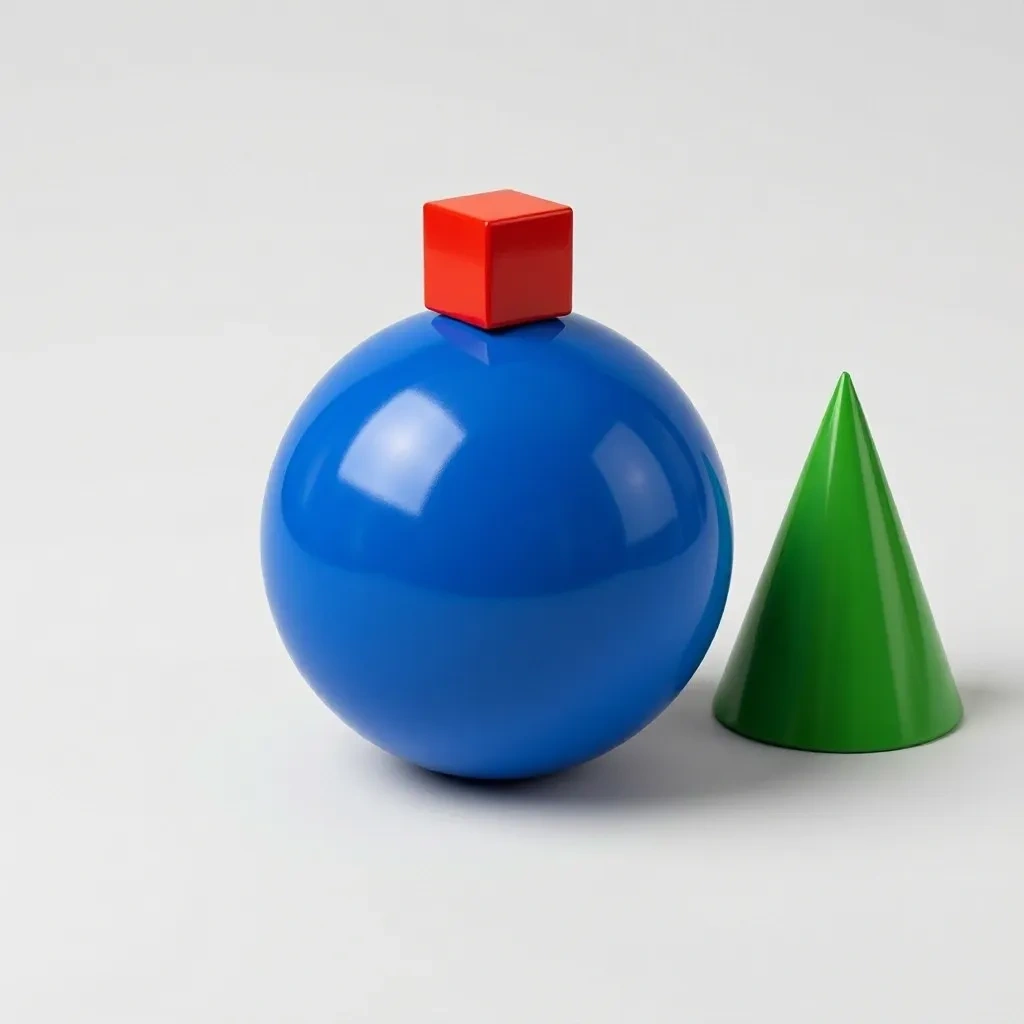
A small red cube balanced on top of a large glossy blue sphere, with a green cone to the right, plain light-grey studio background
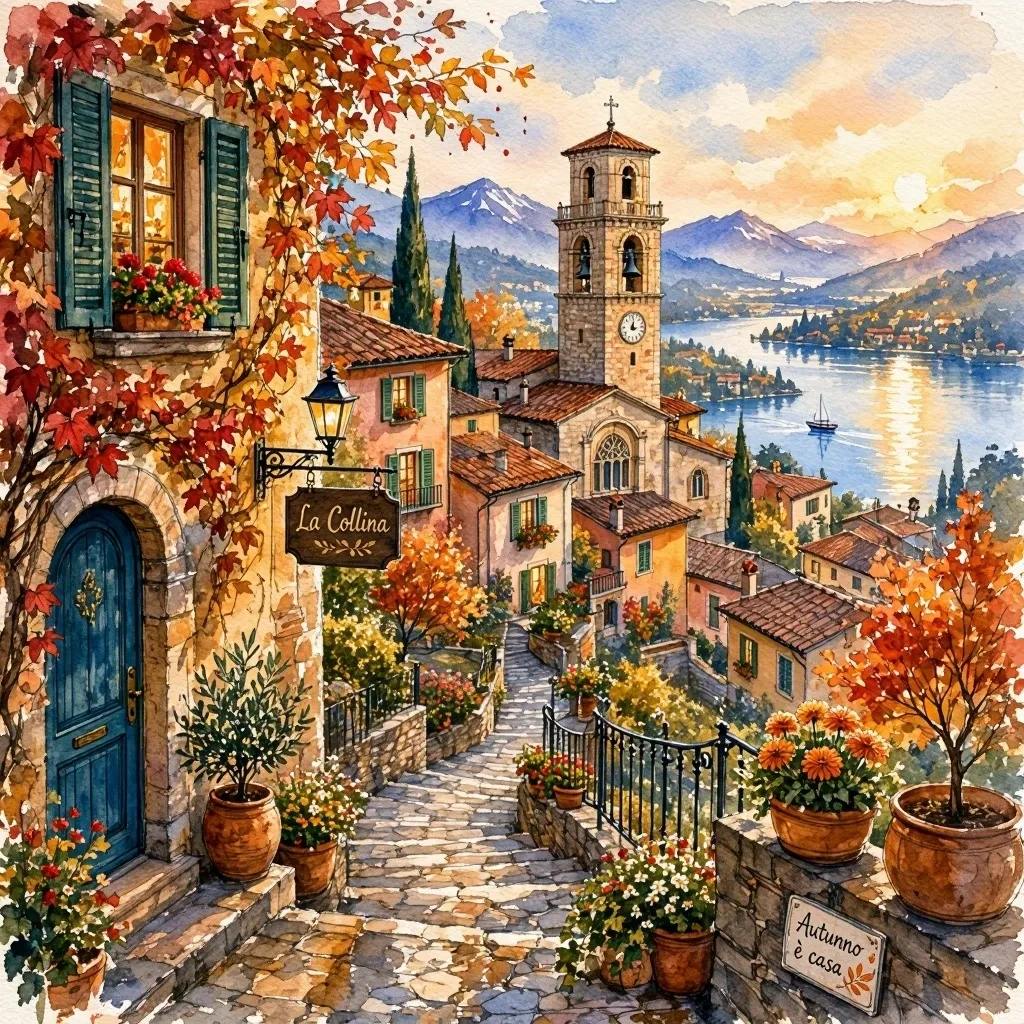
Cozy watercolor illustration of a hillside village in autumn, warm tones, soft paper texture
Alternatives
How it compares
| Model | Best for | Max resolution | Open weights | Price (Venice) |
|---|---|---|---|---|
| MAI Image 2.7 Flash | Fast, cheap iterative editing | 2K | No | from $0.02 / image |
| Chroma | Cheapest drafts, open weights | — | Yes | $0.01 / image |
| Flux 3 | Maximum-detail photorealism | 4K | No | from $0.12 / image |
| GPT Image 2.5 Flare | Instruction-following edits | 4K | No | from $0.07 / image |
| Krea 2 Turbo | Open-weights quality tier | 2K | Yes | from $0.04 / image |
MAI Image 2.7 Flash is the right pick when you need frontier-family edit quality at the lowest per-image price on Venice and speed beats resolution — go Flux 3 or GPT Image 2.5 Flare when you need 4K, or Chroma when open weights are non-negotiable.
API
Call it from your code
Venice exposes this model through the REST API. Queue a generation with the model id.
curl https://api.venice.ai/api/v1/image/generate \
  -H "Authorization: Bearer $VENICE_API_KEY" \
  -H "Content-Type: application/json" \
  -d '{
    "model": "mai-image-2-7-flash",
    "prompt": "A serene mountain lake at dawn, photorealistic"
  }' --output image.png
Pricing
What it costs on Venice
Pay per image on Venice — price scales with resolution, from $0.02.
New Venice accounts include a free daily allowance and 500 welcome credits — no credit card required.
FAQ
Frequently asked questions
MAI Image 2.7 Flash is Microsoft AI's fast, efficiency-focused image generation and editing model, released November 17, 2026 alongside the full MAI Image 2.7. It is a 20B-parameter diffusion model using flow-matching, built for low-latency text-to-image generation and controllable image-to-image editing, and it powers Microsoft's Canvas workspace.
Venice bills per image, scaling with resolution: $0.02 for a 1K render and $0.05 for 2K. There is no subscription requirement — you pay from your credit balance, so occasional use stays cheap.
No. MAI Image 2.7 Flash does not have open weights — it is proprietary to Microsoft and governed by the product terms of whichever service it runs on. It cannot be self-hosted or fine-tuned; Chroma or Krea 2 Turbo on Venice are the open-weights alternatives.
Yes. Image-to-image editing is a core mode: it accepts an input image (plus up to five references, per third-party API listings) and performs targeted edits — changing an object's color, material, or position — while preserving the rest of the picture and staying consistent across successive edit rounds.
On Venice it renders at 1K and 2K, across seven aspect ratios: 1:1, 16:9, 9:16, 4:3, 3:4, 3:2, and 2:3. The family's architecture caps total output at roughly 4.2 megapixels (~2048×2048), so there is no 4K tier.
Both are closed editing-capable image models on Venice. MAI Image 2.7 Flash is roughly three times cheaper per image and tuned for speed and local, surgical edits; GPT Image 2.5 Flare reaches 4K and tends to cost more per render. Choose Flash for high-volume iteration and product-style work, Flare when maximum resolution or heavier instruction-following matters.
Yes — transparent-background output is a documented capability of the MAI Image 2.7 family, aimed at ready-to-use product images, logos, icons, and illustrations without manual cutouts. Ask for it directly in the prompt.
Venice runs it under the anonymized privacy tier: prompts are not stored, and generations are not tied to a personal profile or training pipeline. You can use it in the Venice app or via the Venice API without building a searchable history of what you generated.
They share the same 20B diffusion architecture and editing features; Flash is the speed-and-cost tier while the full model is the quality tier. Microsoft positions both on the quality-cost Pareto frontier, with the full MAI Image 2.7 reportedly ranking higher on image-editing leaderboards — Flash is the pick when throughput and latency matter most.
Use MAI Image 2.7 Flash anonymously
Venice does not store your prompts. Chat history stays in your browser.