Muse Image
Meta's agentic image model — it plans the layout, searches for references, and edits conversationally, at a flat two cents per image.
curl https://api.venice.ai/api/v1/image/generate \
  -H "Authorization: Bearer $VENICE_API_KEY" \
  -H "Content-Type: application/json" \
  -d '{
    "model": "muse-image",
    "prompt": "A serene mountain lake at dawn, photorealistic"
}' --output image.pngOverview
What is Muse Image
Muse Image is Meta Superintelligence Labs' first image generation model, launched in July 2026. It works as an agent rather than a prompt box: it plans the layout before drawing, can search the web for visual references, writes code for precise elements like plots and QR codes, and edits images conversationally across multiple turns.
Using it anonymously on Venice
On Venice, Muse Image runs under the anonymized privacy tier — your prompts are not stored, profiled, or fed into a personal generation history, which matters given how eagerly Big Tech correlates everything you create. You pay per image with credits instead of a Meta account subscription, and you get it permissionless through the app or the Venice API. Note that Muse Image is a closed, proprietary model, so it cannot be self-hosted the way open-weight alternatives on Venice can.
Specifications
Datasheet
- Maker
- Meta Superintelligence Labs
- Modality
- Text-to-image, image editing, multi-reference composition
- Open weights
- No — proprietary
- License
- Proprietary
- Resolution
- Fixed at roughly 2.5 megapixels (e.g. 1792×1344 at 3:2, 2352×1008 at 21:9)
- Modes
- Not supported — no quality, seed, or size controls; single fixed output size
- Prompt limit
- 10,000 chars
- Input images
- Reference images accepted for editing and composition (reported counts range from 4 to 10 — see review flags)
- Released
- July 7, 2026 (Meta AI); developer API from August 25, 2026; on Venice since September 2026
- Aspect ratios
- 1:1, 3:2, 16:9, 21:9, 9:16, 2:3, 3:4
- Privacy on Venice
- Anonymized — prompts not stored
- Available on Venice since
- Sep 2026
Assessment
Strengths and limitations
- Agentic generation: it plans layout and composition before rendering, which produces structured, composed results instead of loose collages on complex prompts.
- Research-backed tool use: it can search the web for real-time visual references and write code to render exact elements like plots and QR codes.
- Anchored composition: a small set of reference images keeps character, style, and setting consistent across a whole series of generations.
- Precise, scoped edits: changes apply only to what you asked for, and you can decompose, annotate, and revise specific parts of an image in a single call.
- Flat, production-friendly pricing at $0.02 per image on Venice, with cheap 2× upscaling ($0.02) and 4× upscaling ($0.08).
- Closed and proprietary: no open weights, so no self-hosting or fine-tuning.
- Fixed output size of about 2.5 megapixels with no seed, size, or quality controls — less fine-grained than rivals offering 4K output.
- Independent tests found it slower than several rivals, with reported generation times ranging from under 30 seconds to over a minute.
- Reviewers characterize it as social-content-ready rather than studio-ready — it lacks the production pipeline controls (layers, batch automation, documented plugins) professional design workflows expect.
Use cases
What it is good for
- 01Social content and story visuals where composition and instruction-following matter more than 4K pixel counts.
- 02Series consistency — generating a character, product, or setting across many images from a fixed set of anchors.
- 03Scoped photo edits: background swaps, object changes, and annotations that leave the rest of the frame untouched.
- 04Infographics and diagrams where the model reasons over counts, positions, and layout before rendering.
- 05Images grounded in real places, products, logos, or current events via web-searched references.
Prompting
Getting better results
Pick the aspect ratio deliberately — Muse Image renders at a fixed ~2.5 megapixels, so the ratio you choose determines the final pixel dimensions.
Describe layout explicitly ("three apples bottom-left, label top-right") — the model plans composition before drawing, so spatial instructions land well.
Use reference images for anchored composition: a small set of anchors keeps character and style consistent across a whole series.
Iterate conversationally instead of re-rolling — each turn builds on the last, and edits stay scoped to what you ask for.
Put exact text in quotes for posters and infographics; the model reasons over lettering rather than painting approximate glyphs.
Generate at base size, then use the 2× ($0.02) or 4× ($0.08) upscale on the winner rather than re-generating.
Samples
Sample outputs
Generated on Venice with our standard prompt suite — the same prompts we run through every model of this type, so you can judge it like-for-like.
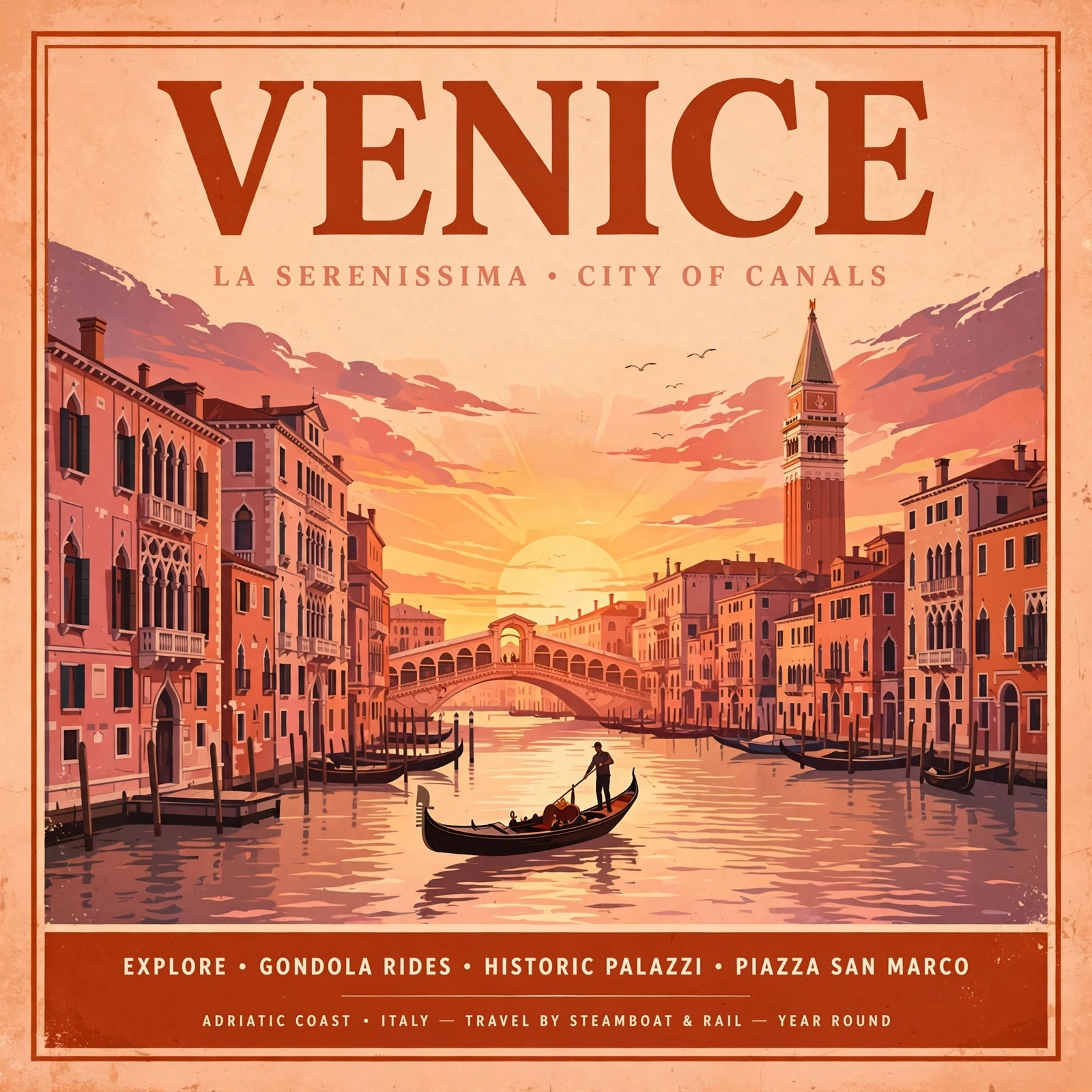
A retro travel poster with the bold headline "VENICE" in large condensed serif type, sunset color palette, clean layout
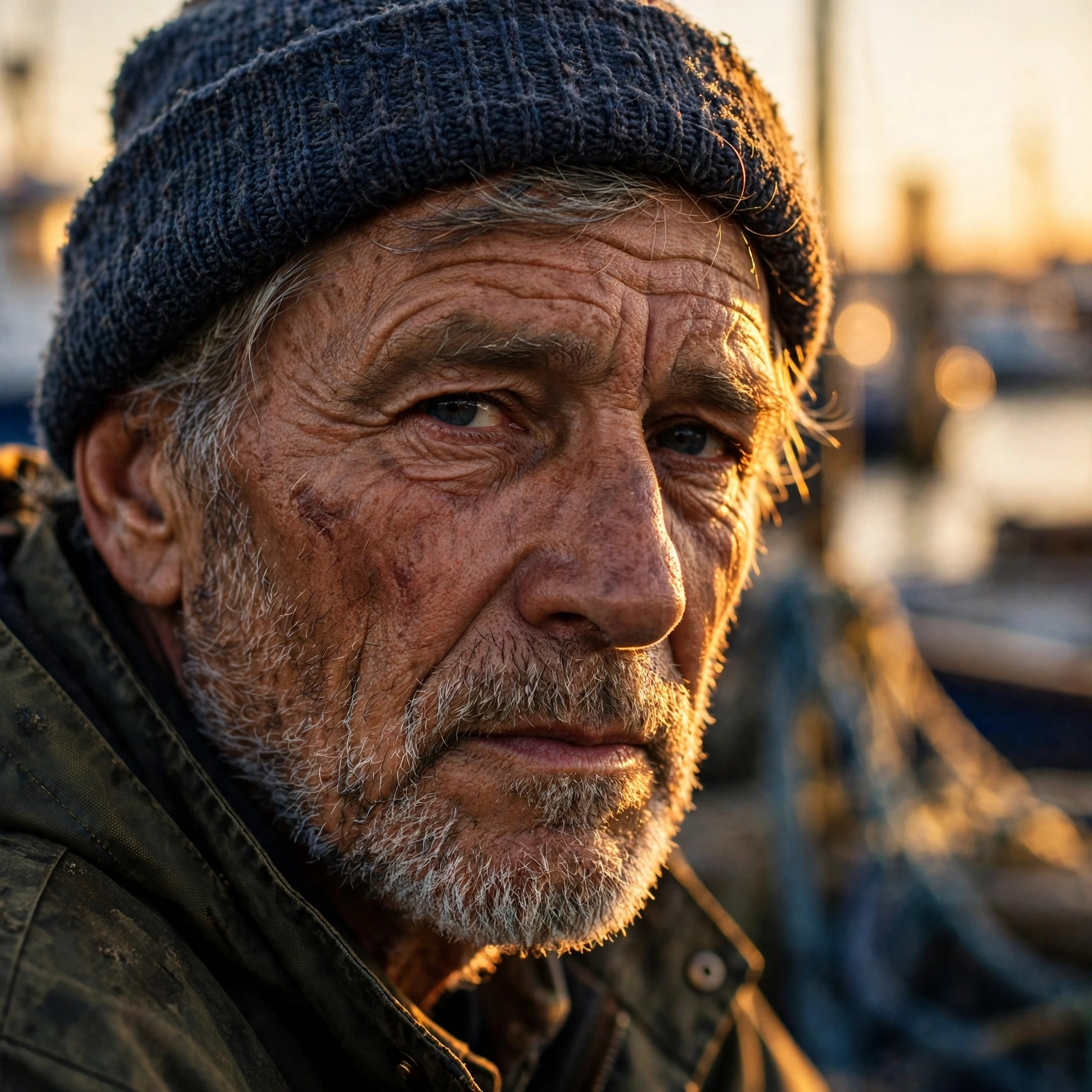
Photorealistic close-up portrait of a weathered fisherman at golden hour, 85mm lens, shallow depth of field, natural skin texture
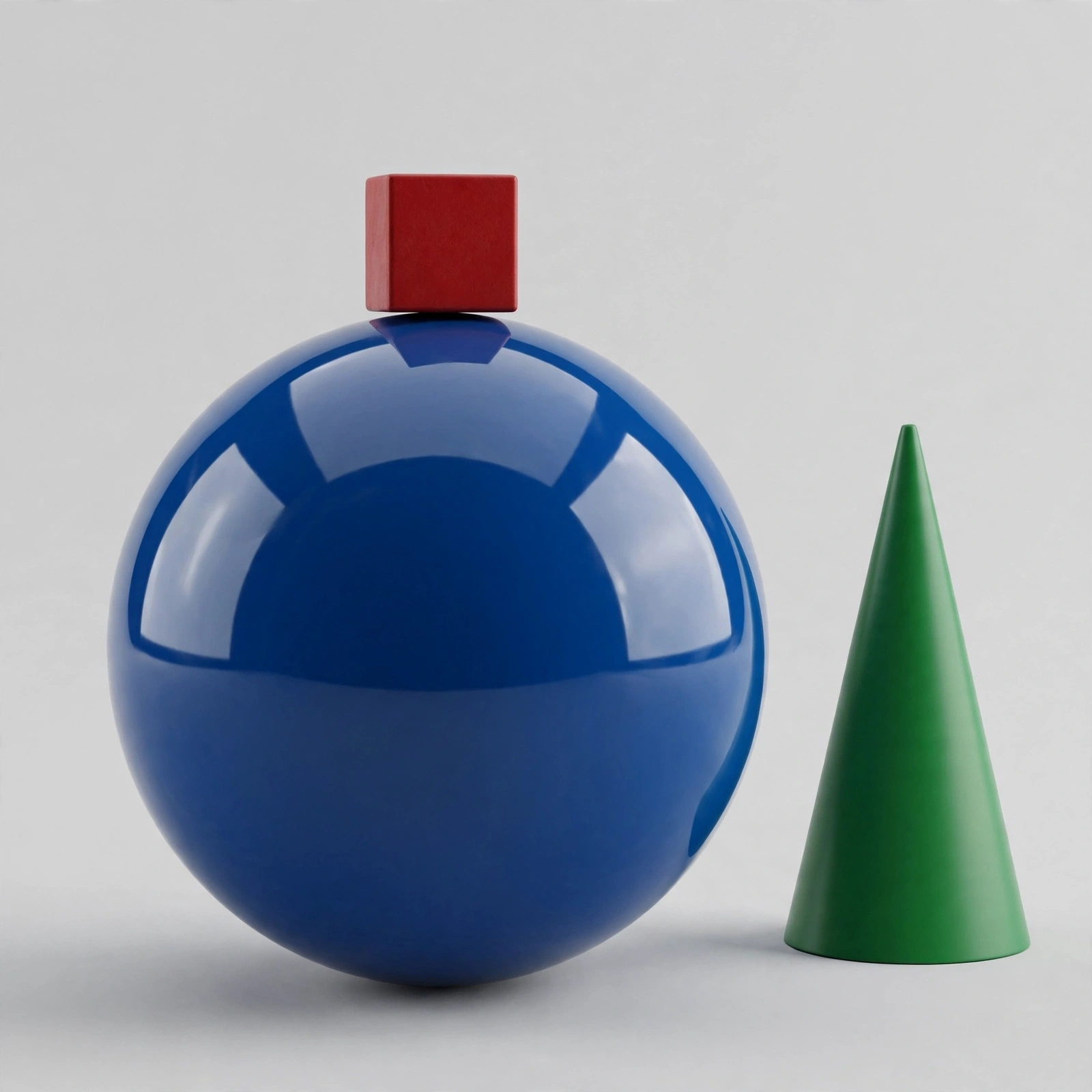
A small red cube balanced on top of a large glossy blue sphere, with a green cone to the right, plain light-grey studio background
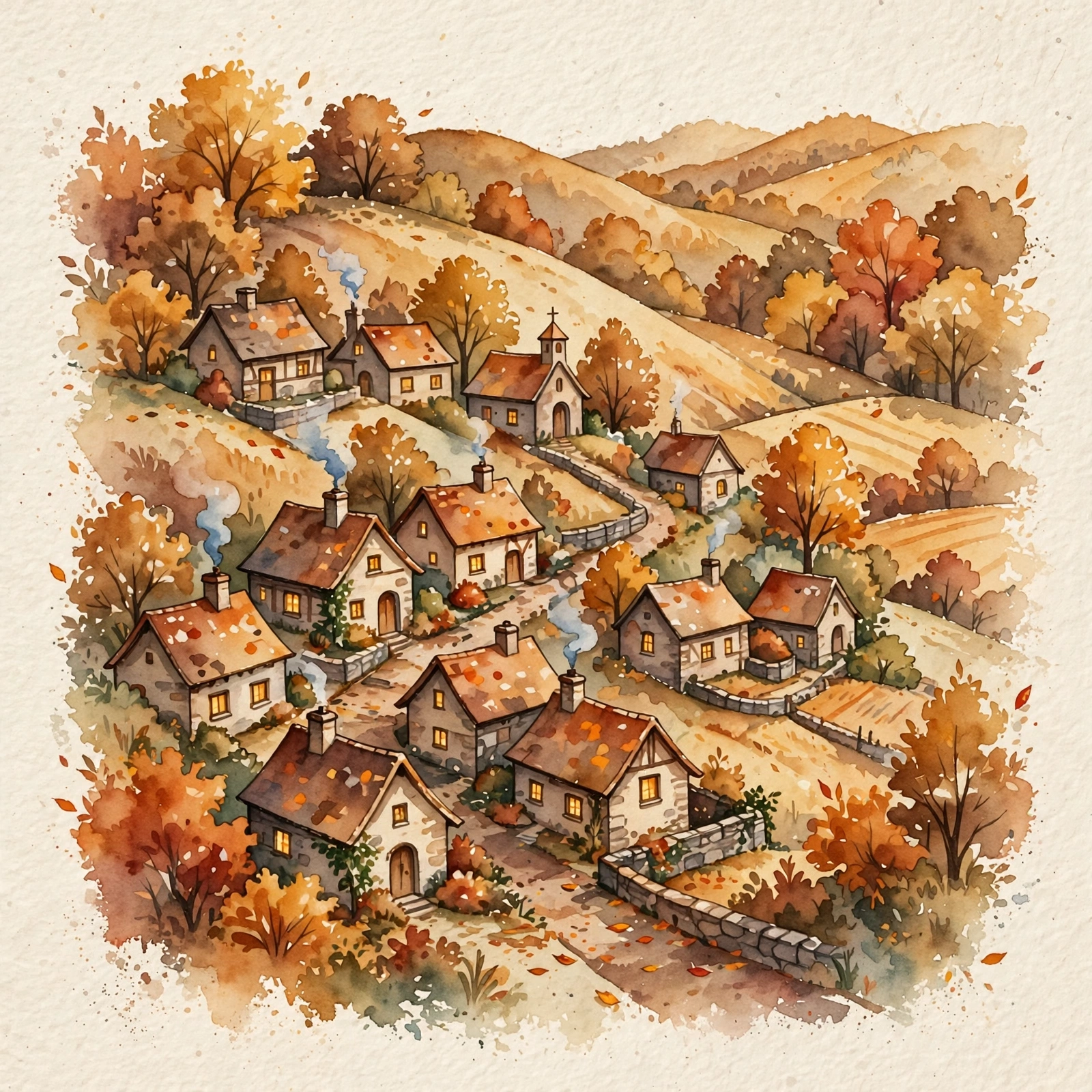
Cozy watercolor illustration of a hillside village in autumn, warm tones, soft paper texture
Alternatives
How it compares
| Model | Best for | Max resolution | Open weights | Price (Venice) |
|---|---|---|---|---|
| Muse Image | Agentic, reference-grounded generation | ~2.5 MP (fixed) | No | $0.02 / image |
| Flux 3 | Highest-fidelity renders | 4K | No | from $0.12 / image |
| GPT Image 2.5 Flare | Polished edits & text | 4K | No | from $0.07 / image |
| Chroma | Cheapest drafts | — | Yes | $0.01 / image |
| Krea 2 Turbo | Fast open-weight iteration | 2K | Yes | from $0.04 / image |
Muse Image is the right pick when you need an image model that thinks — multi-reference series, scoped edits, and web-grounded accuracy at a flat two cents. If you need 4K pixels or open weights instead, Flux 3 or Chroma are the better calls.
API
Call it from your code
Venice exposes this model through the REST API. Queue a generation with the model id.
curl https://api.venice.ai/api/v1/image/generate \
  -H "Authorization: Bearer $VENICE_API_KEY" \
  -H "Content-Type: application/json" \
  -d '{
    "model": "muse-image",
    "prompt": "A serene mountain lake at dawn, photorealistic"
  }' --output image.png
Pricing
What it costs on Venice
Flat per-image pricing on Venice: $0.02 per generation.
New Venice accounts include a free daily allowance and 500 welcome credits — no credit card required.
FAQ
Frequently asked questions
Muse Image is Meta Superintelligence Labs' first image generation model, launched in July 2026. It is agentic: it plans layout before rendering, can search the web for visual references, writes code for precise elements, and supports conversational multi-turn editing and multi-reference composition.
On Venice, Muse Image costs a flat $0.02 per generation, with 2× upscaling at $0.02 and 4× upscaling at $0.08. There is no subscription requirement — you pay per image in credits.
Muse Image is neither free-software nor open-source: Meta ships it as a closed, proprietary model with no published weights, so it cannot be self-hosted or fine-tuned. On Venice you can try it with free daily image prompts and welcome credits before paying per generation.
Venice runs Muse Image under its anonymized privacy tier: prompts are not stored, profiled, or tied to a personal generation history. You can use it in the Venice app or through the Venice API without building a data trail — a sharp contrast with using it inside Meta's own apps.
Yes. Meta built Muse Image as an agentic model: during generation it can search the web for real-time visual references and write and execute code to render exact elements such as plots and QR codes, and it self-refines its own output before returning it.
Muse Image renders at a single fixed size of roughly 2.5 megapixels — for example 1792×1344 at 3:2 or 2352×1008 at 21:9 — with your chosen aspect ratio determining the exact dimensions. There is no 4K mode; use Venice's 2× or 4× upscale if you need larger files.
Yes. Editing is a core strength: send an image with an instruction and it changes only what you asked for, and you can keep refining across multiple conversational turns. It also accepts several reference images for anchored composition, keeping character and style consistent across a series.
Muse Image wins on agentic behavior — web-grounded references, code-rendered elements, and anchored series composition — at roughly a third of the price. GPT Image 2.5 offers 4K output and is often rated the most polished at preserving faces and products through edits. Choose Muse for grounded, multi-image workflows; GPT Image 2.5 for maximum fidelity.
Muse Image is a closed Meta model and Venice does not list it among its uncensored options — its own safety behavior is Meta's, not Venice's. If uncensored generation is your priority, Venice's open-weight image models are the better place to look.
Use Muse Image anonymously
Venice does not store your prompts. Chat history stays in your browser.