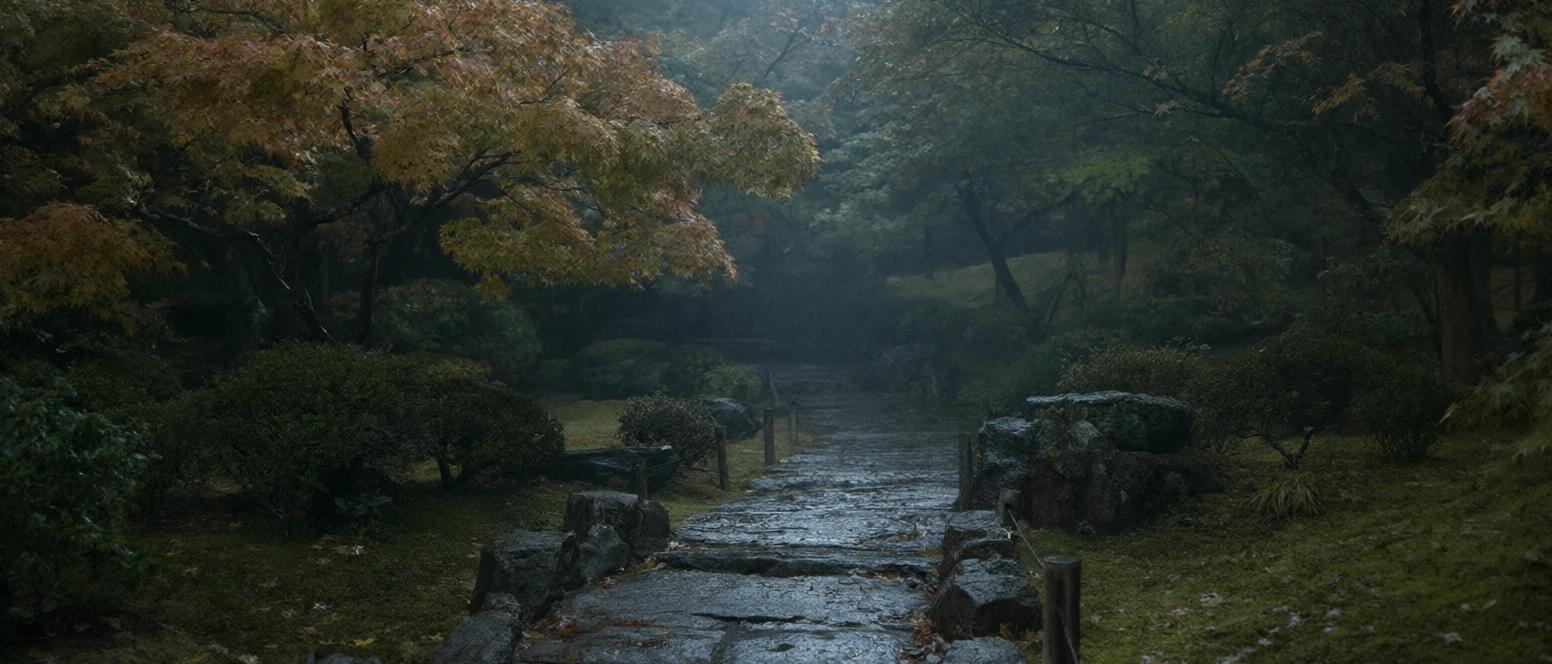
Qwen Image 2.1 Pro
Qwen's unified text-to-image and editing model — native RGBA transparency, up to 10 reference images, and efficient 7B DiT generation.
curl https://api.venice.ai/api/v1/image/generate \
  -H "Authorization: Bearer $VENICE_API_KEY" \
  -H "Content-Type: application/json" \
  -d '{
    "model": "qwen-image-2-1-pro",
    "prompt": "A serene mountain lake at dawn, photorealistic"
}' --output image.pngOverview
What is Qwen Image 2.1 Pro
Qwen Image 2.1 Pro is Alibaba's Qwen team's unified text-to-image and image-editing model, released September 20, 2026. Its 7B-parameter DiT generates regular or transparent (RGBA) images, accepts up to 10 reference images, and handles local edits via circles, annotations, or masks — balancing quality, speed, and cost.
Using it anonymously on Venice
On Venice, Qwen Image 2.1 Pro runs under the anonymized privacy tier — your prompts are not stored, profiled, or tied to a personal generation history. You pay per image from $0.05 instead of a subscription, so occasional use stays cheap. It is also the only model on Venice that generates and edits transparent layers natively, a genuine differentiator for asset work.
Specifications
Datasheet
- Maker
- Qwen (Alibaba)
- Modality
- Text-to-image generation and image editing in one unified model
- Open weights
- No
- License
- Qwen Research License (research-only, non-commercial)
- Resolutions
- 1K, 2K
- Modes
- Text-to-image, transparent (RGBA) generation, image editing, subject extraction
- Prompt limit
- 10,000 chars
- Input images
- Up to 10 reference images for editing and composition; accepted file formats and size limits are not documented on Venice
- Released
- September 20, 2026
- Architecture
- 7B-parameter visual generation component, 32 single-stream DiT layers, mixed-granularity attention with prefix KV cache reuse
- Aspect ratios
- 1:1, 3:2, 16:9, 21:9, 9:16, 2:3, 3:4, 4:5
- Privacy on Venice
- Anonymized — prompts not stored
- Available on Venice since
- Sep 2026
Assessment
Strengths and limitations
- Native transparency: it generates regular or RGBA images from text, edits transparent layers, and extracts subjects from photographs — a capability most rivals lack entirely.
- Versatile reference-guided editing: up to 10 reference images, with local edits specified via circles, painted annotations, or separate masks.
- Identity preservation for people and products across edits, which matters for consistent product and character work.
- Efficient 7B architecture with mixed-granularity attention keeps generation fast and inexpensive without a large quality trade-off.
- Improved typography, portrait lighting, and fine detail over the previous Qwen-Image generation.
- The Qwen Research License is research-only: commercial use of the open weights requires a separate grant from Qwen.
- Output on Venice tops out at 2K, while Flux 3 and the GPT Image 2.5 variants reach 4K.
- Independent testing (Quantslant, October 2026) found closed models clearly superior on complex in-image text, adherence to specified layouts, and surviving many consecutive edits.
- Venice does not list this model as uncensored, and it runs in the anonymized tier rather than a TEE or end-to-end-encrypted environment.
Use cases
What it is good for
- 01Transparent PNG assets — logos, stickers, overlays — generated directly from a prompt.
- 02Product photography edits that must preserve the exact product identity across variations.
- 03Extracting a subject from a photo onto a clean or transparent background.
- 04Multi-reference compositions that combine elements from several uploaded images.
- 05Character and portrait work where improved lighting and fine detail matter.
Prompting
Getting better results
Ask explicitly for a transparent background or RGBA output when you need an asset with no backdrop.
Upload up to 10 reference images and name which one contributes what ("take the jacket from image 2, the background from image 5").
Mark the region to change with a circle, painted annotation, or mask instead of describing the location in words.
State the aspect ratio you want — 9:16 for stories, 21:9 for cinematic banners — rather than leaving it to chance.
Iterate at 1K for $0.05 per render, then re-run the winning prompt at 2K.
Put any in-image text in quotes and keep strings short; long passages are where closed rivals still win.
Samples
Sample outputs
Generated on Venice with our standard prompt suite — the same prompts we run through every model of this type, so you can judge it like-for-like.
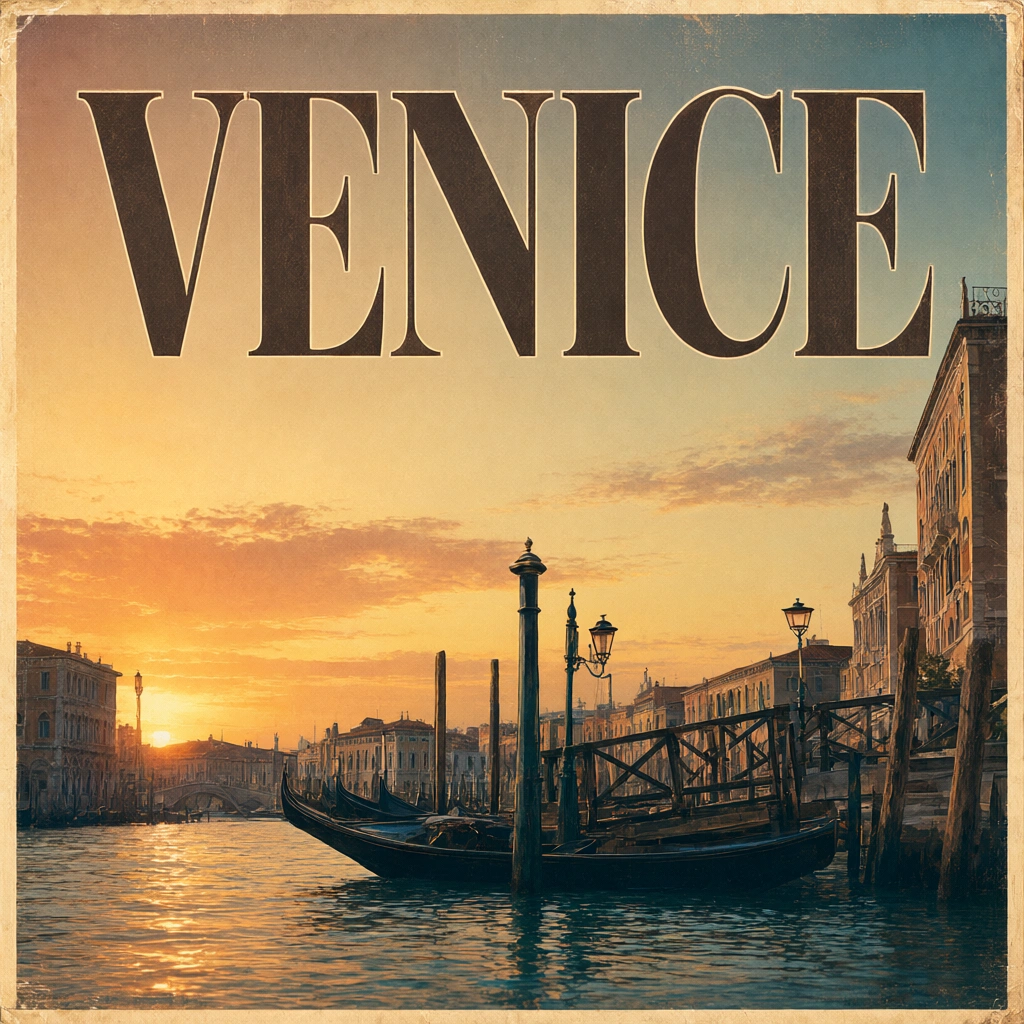
A retro travel poster with the bold headline "VENICE" in large condensed serif type, sunset color palette, clean layout
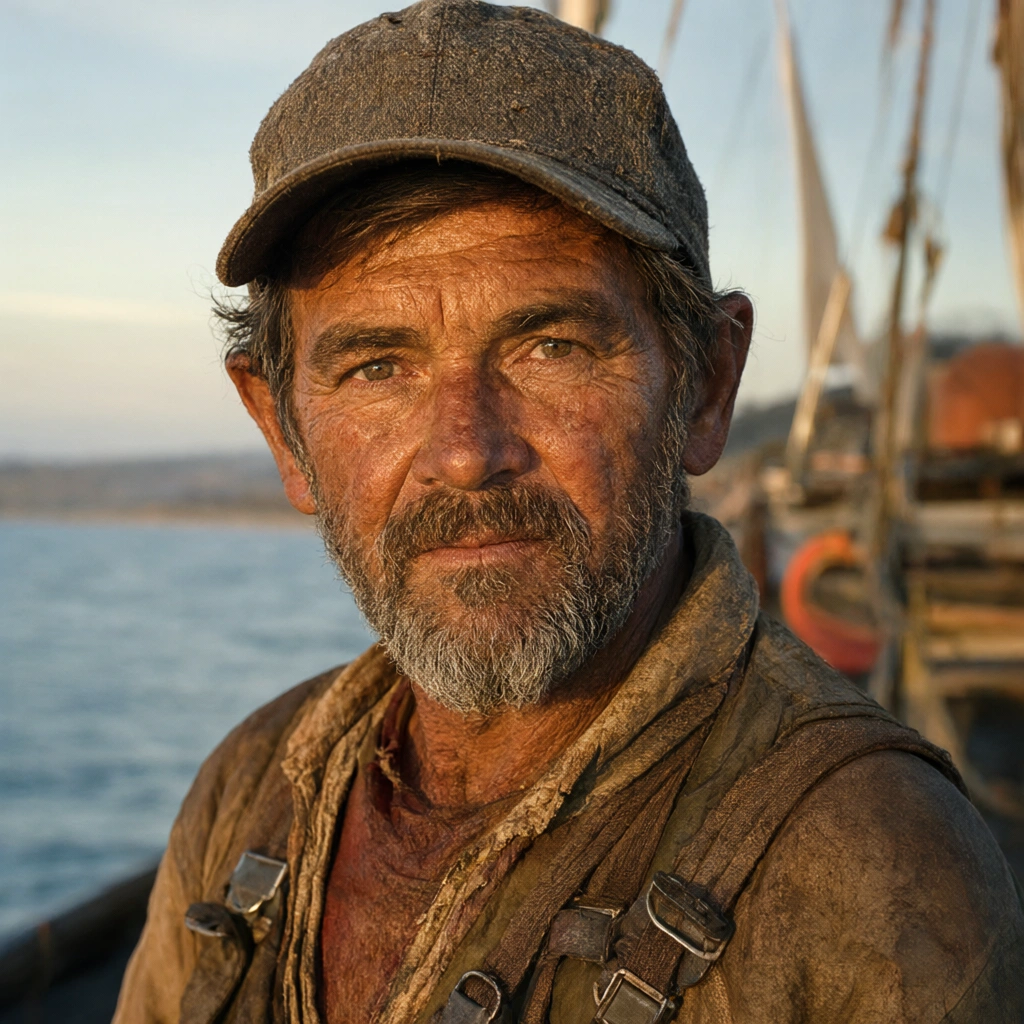
Photorealistic close-up portrait of a weathered fisherman at golden hour, 85mm lens, shallow depth of field, natural skin texture
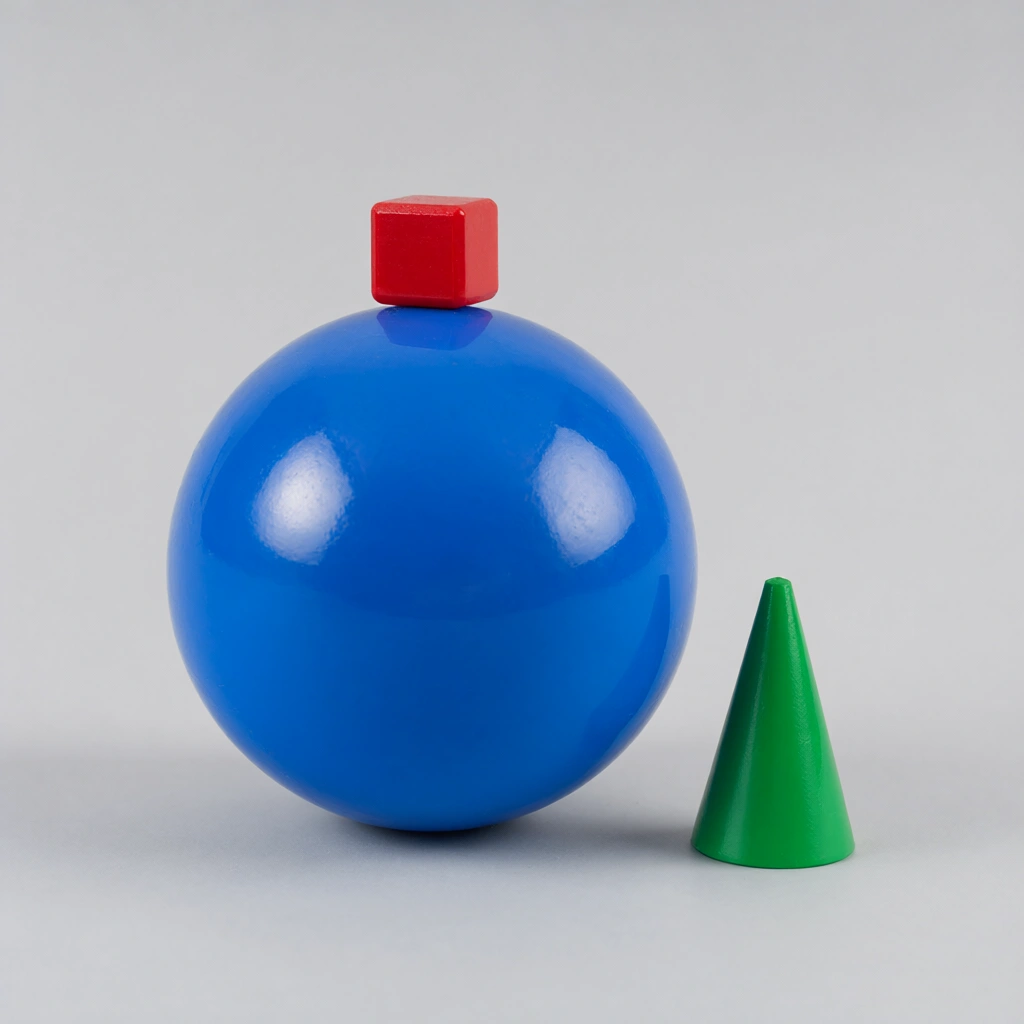
A small red cube balanced on top of a large glossy blue sphere, with a green cone to the right, plain light-grey studio background
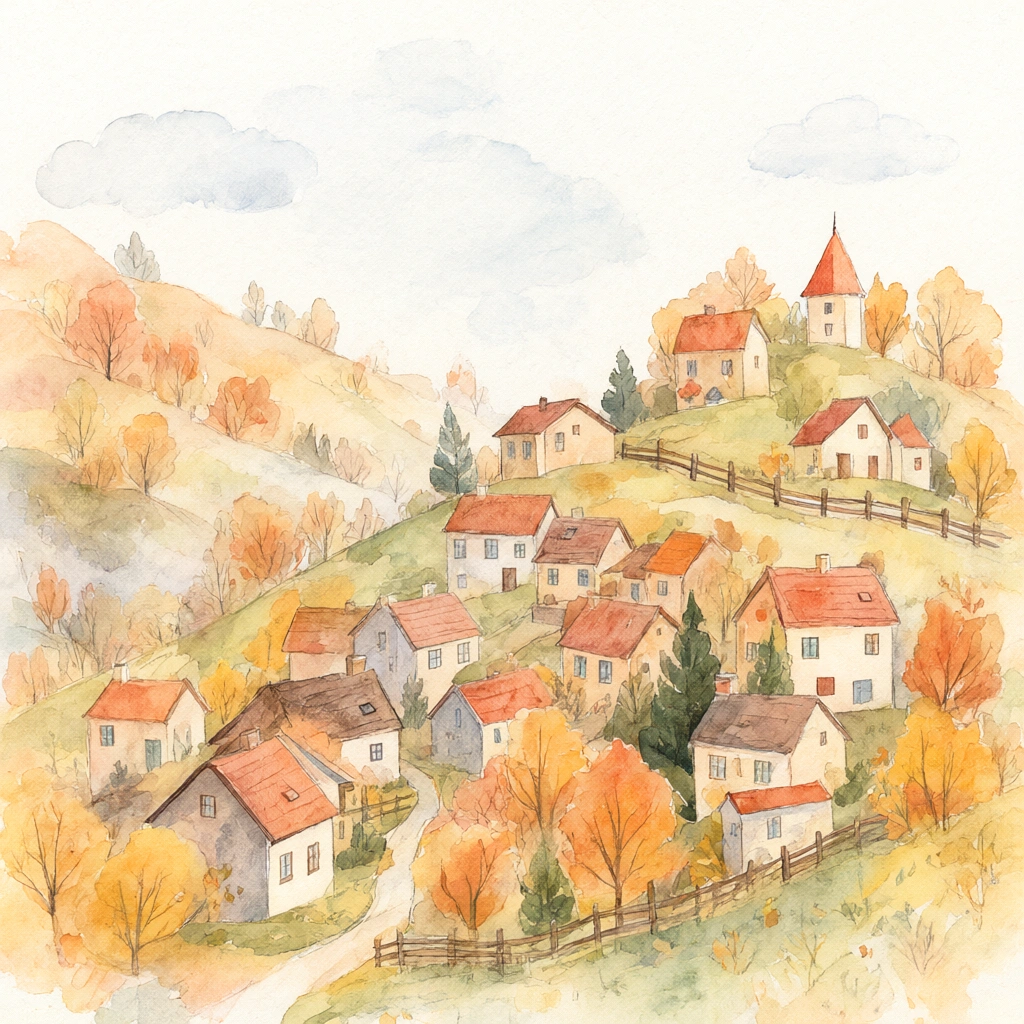
Cozy watercolor illustration of a hillside village in autumn, warm tones, soft paper texture
Alternatives
How it compares
| Model | Best for | Max resolution | Open weights | Price (Venice) |
|---|---|---|---|---|
| Qwen Image 2.1 Pro | RGBA transparency & reference editing | 2K | No | from $0.05 / image |
| Flux 3 | Photoreal 4K stills | 4K | No | from $0.12 / image |
| GPT Image 2.5 Flare | In-image text & layout | 4K | No | from $0.07 / image |
| Chroma | Cheapest open-weights drafts | — | Yes | $0.01 / image |
Pick Qwen Image 2.1 Pro when you need transparent RGBA output, multi-reference editing, or the cheapest route to a top open-weights architecture — and hand text-heavy 4K work to Flux 3 or GPT Image 2.5 Flare.
API
Call it from your code
Venice exposes this model through the REST API. Queue a generation with the model id.
curl https://api.venice.ai/api/v1/image/generate \
  -H "Authorization: Bearer $VENICE_API_KEY" \
  -H "Content-Type: application/json" \
  -d '{
    "model": "qwen-image-2-1-pro",
    "prompt": "A serene mountain lake at dawn, photorealistic"
  }' --output image.png
Pricing
What it costs on Venice
Pay per image on Venice — price scales with resolution, from $0.05.
New Venice accounts include a free daily allowance and 500 welcome credits — no credit card required.
FAQ
Frequently asked questions
Qwen Image 2.1 Pro is Alibaba's Qwen team's unified text-to-image and image-editing model, released on September 20, 2026. It uses a 7B-parameter DiT architecture and stands out for native transparent (RGBA) image generation, support for up to 10 reference images, and local edits specified with circles, annotations, or masks.
On Venice you pay per image with no subscription: $0.05 at 1K resolution and $0.05 at 2K. The price does not scale between those two tiers, so 2K renders cost the same as 1K drafts.
The underlying Qwen-Image-2.1 weights are openly published on Hugging Face and ModelScope, but under the Qwen Research License, which permits research use only — commercial use needs a separate grant from Qwen. On Venice, using the Pro variant is pay-per-image at $0.05, with no way to self-host the Pro endpoint itself.
Yes — native transparency is its signature feature. It can generate regular or RGBA images straight from a text prompt, edit the transparent layers of an existing image, and extract a subject from a photograph, all within the same model.
On Venice it outputs at 1K and 2K, across eight aspect ratios: 1:1, 3:2, 16:9, 21:9, 9:16, 2:3, 3:4, and 4:5. It does not offer 4K output — Flux 3 and the GPT Image 2.5 variants on Venice go higher.
Yes. It accepts up to 10 reference images, preserves the identity of people and products across edits, and lets you target local changes by drawing circles or painted annotations or by supplying a separate mask, rather than re-describing the whole image.
Choose Qwen Image 2.1 Pro for transparent assets, multi-reference editing, and the lower per-image price; choose Flux 3 when you need 4K photoreal output and don't require transparency. Independent testing has also found closed models like Flux stronger on complex in-image text and long edit chains.
The open weights carry the Qwen Research License, which is research-only — shipping commercial work on self-hosted weights requires a separate grant from Qwen. Using the Pro variant through Venice's paid API is a practical route for commercial projects without touching the licence yourself.
Venice runs it under the anonymized privacy tier: prompts are not stored, profiled, or used for training, and generations aren't tied to a personal history. Note this is anonymization rather than TEE or end-to-end encryption, and you can use it in the Venice app or via the Venice API.
Use Qwen Image 2.1 Pro anonymously
Venice does not store your prompts. Chat history stays in your browser.