Rechtliche Hinweise zur KI

Stellen Sie rechtliche Fragen und erhalten Sie in Sekundenschnelle KI-generierte Antworten.

Why use Venice for legal prompts?

Lawyers and operators already paste clauses into chatbots. The risk is a company archive of your deal terms.

Venice does not use what you type to train AI models. On Kimi K2.5, Venice does not save your chat on its computers. Your draft stays in your browser.

That's still not attorney-client privilege. An AI model is not your lawyer. Privilege is a relationship with a licensed human.

Use Kimi K2.5 for private issue-spotting. Use Claude when you want denser markup of a clause, knowing Anthropic will see the text.

Venice runs more than 230 AI models. None of them is a licensed attorney. None of them knows your state or country until you say it.

Free use is 10 text requests per day. A real contract review will need Pro or a human. Often both.

Prompting tips for asking legal questions with AI

  • Say the place, the roles, and the governing law in the first sentence. “Is this legal?” is not a prompt.

  • Paste the clause, not a summary of how it feels. Ask the AI model not to invent statute numbers.

  • Ask for a table of risks, not a yes. Columns: issue, why it might matter, what a lawyer should confirm.

  • Tell it to label uncertainty. If a point is not in the text you pasted, it must say so.

  • Never ask it to hide where the draft came from.

  • For employment, medical, immigration, or criminal questions, stop after an outline and call a lawyer.

  • If you generate a template NDA, remove party names before you send it to a third-party AI model.

  • Compare two drafts by pasting both and asking for the differences.

  • Start from your company's form if you have one. Ask for a change list against your facts.

  • Watch defined terms. Ask it not to redefine words halfway through.

  • For international deals, name the language of the contract and whether a translation is binding.

  • This is drafting help, not legal advice. Say that in your prompt if someone else will read the output.

  • Date the draft in the filename you ask it to suggest. Teams often argue from the wrong version.

  • If the AI model offers a statute number, ask it to quote only from text you pasted. Then search the official site yourself.

  • Never paste privileged client email into a third-party AI model. Stay on Kimi K2.5 until counsel says the matter is not confidential.

  • Ask for a short list of questions a human lawyer should still answer.

  • If the deal has a deadline, say the date. Ask for a checklist of what must be confirmed before that day.

  • Ask the AI model to list assumptions it made. Anything it guessed should come out of the draft.

So verwenden Sie Venice AI

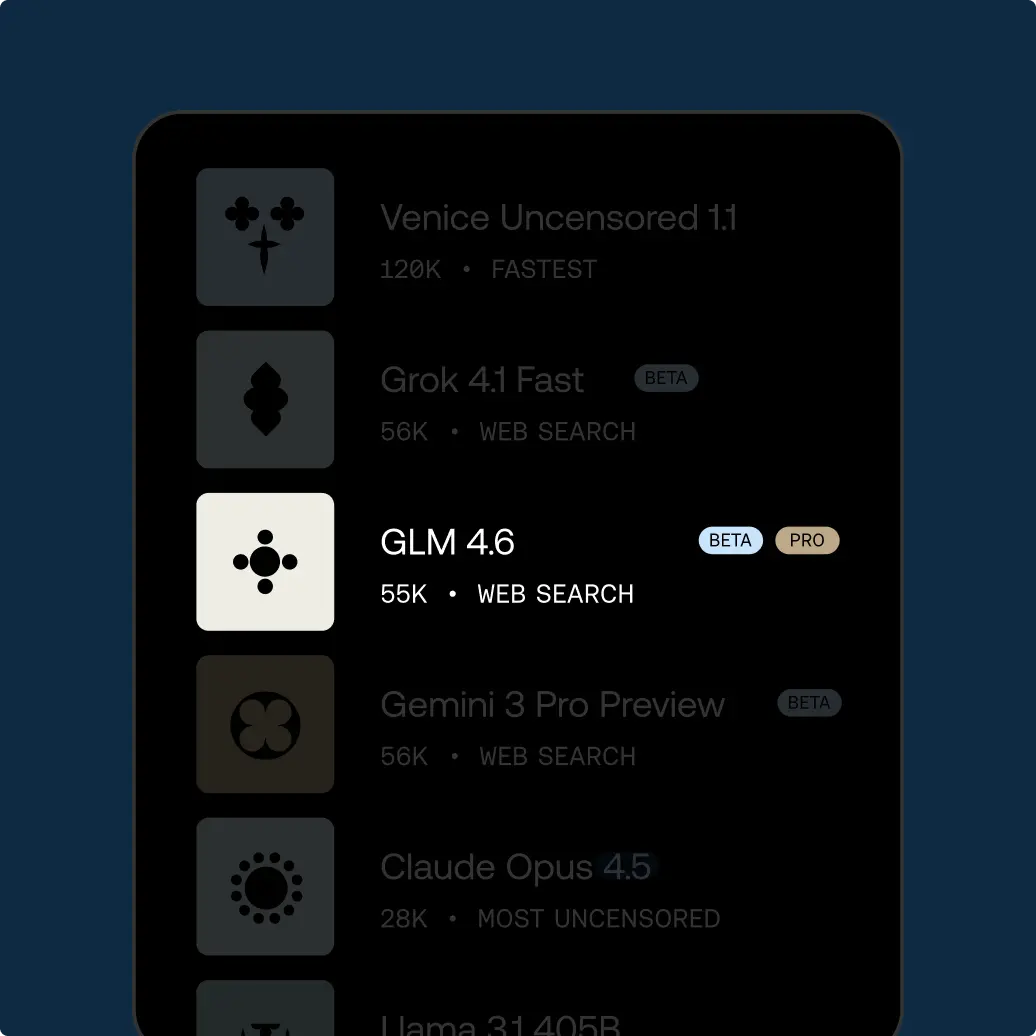
Select your model

Try unrestricted AI today

Free

$0/mo

Entdecke Venice mit grundlegenden KI-Modellen

✓Grundlegende KI-Modelle
✓10 Text-Prompts pro Tag
✓15 Bild-Prompts pro Tag
✓API-Zugang (Bezahlung mit Credits)
✓Privat und unzensiert

Pro

$18/mo

Dein privates KI-Studio: jedes Modell, jedes Medium, ohne Grenzen.

✓Zugriff auf alle Pro-Modelle
✓Unbegrenzte Text-Prompts und 1.000 Bilder pro Tag
✓Erstelle Videos und Musik und nutze Frontier-Bild- und Textmodelle mit Credits
✓Bild-Superkräfte: hochskalieren, Hintergründe entfernen, Varianten erstellen und mehr
✓Erstelle und teile benutzerdefinierte Charaktere
✓Erweiterte Kontextfenster für tiefes Arbeiten und längere Gespräche
✓Verschlüsselte Chat-Sicherung und -Wiederherstellung
✓100 Credits pro Monat für Video, Musik, Premium-Modelle und API

Most Popular

Pro Plus

$68/mo

Alles aus Pro, skaliert für ambitionierte Creator und Power-User

✓Alles aus Pro
✓Höhere Limits für die Bildgenerierung bei Venice-Pro-Modellen
✓7.500 Credits pro Monat für Video, Musik, Frontier-Bildgenerierung, LLMs und API
✓2-monatiges Credit-Banking: ungenutzte Credits werden übertragen

Max

$200/mo

Alles aus Plus, für den ultimativen Zugang für Venice-Power-User

✓Alles aus Plus
✓Die höchsten Limits für die Bildgenerierung bei Venice-Pro-Modellen
✓22.500 Credits pro Monat für Video, Musik, Frontier-Bildgenerierung, Frontier-LLMs und API
✓3-monatiges Credit-Banking

API-Tarife

Nutze die API nach Verbrauch oder wähle Pro Plus mit 75 $ monatlicher Nutzung und zweimonatigem Banking beziehungsweise Max mit 225 $ und dreimonatigem Banking. Beide Pläne enthalten alle Pro-Funktionen der Plattform.

Modellpreise ansehen