Chat de IA gratuito
Why use Venice for AI chat?
A generic chatbot is a box that answers. Venice chat is a private default plus a big library of AI models, including one that can pick tools for you.
Agent mode at venice.ai/chat/agent chooses tools and AI models for you. It can write text, make images, and make video in the same conversation. Classic Chat at venice.ai/chat lets you pin one AI model yourself.
Venice's default AI model is called Deepseek v4.1 Uncensored. Venice does not save your chats on its computers. Your history stays in your browser. Venice does not use what you type to train AI models.
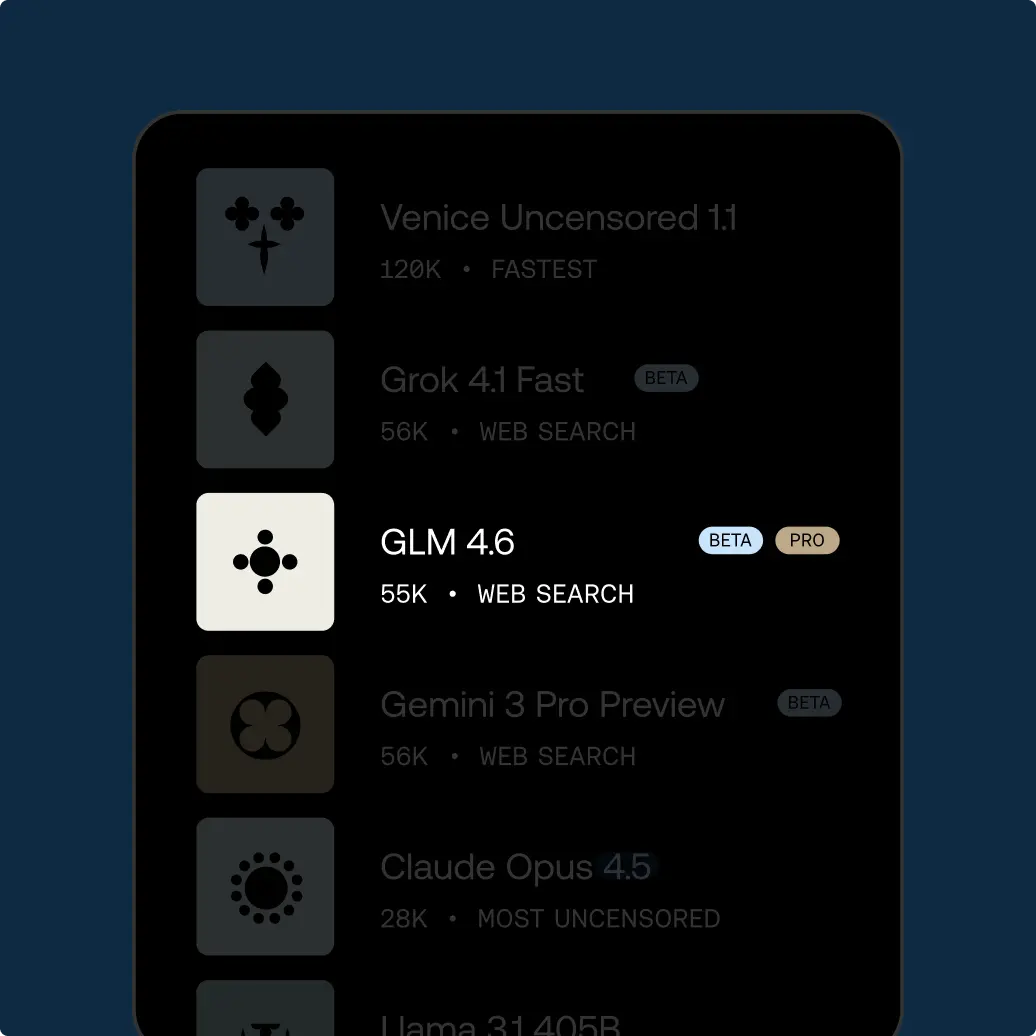
Need a famous name? Claude, GPT, and Grok are in the library. Venice hides who you are. The other company still sees the words.
You do not need a separate writer app for a follow-up picture or clip. Stay in agent mode, or open Studio at venice.ai/studio if you want extra control over the still.
Free chat is 10 text requests per day. Treat that as a trial loop, not a full workday. Pro is $18 a month for unlimited text on Pro AI models.
Prompting tips for chatting with AI
Start with the outcome and the format. “Brief me” is weaker than a length, a shape, and a reader. For example: “two paragraphs, no bullet list, for a finance lead who hates hype.”
Name the output in the first line: memo, joke, checklist, or email. If the AI model does not know, it will invent a third thing.
Paste source text you trust. Then say “Quote this, or say you do not know.”
If you need current events, say so. Otherwise the answer may sound fresh when it is not.
Give three facts and a list of things it must not say. That works for blogs and emails.
For stories, give the ending you will not let it dodge.
If a reply is vague, ask it to mark claims as seen, guessed, or inferred.
Keep secrets on Deepseek v4.1 Uncensored. Move to Claude only after you remove names you cannot send to Anthropic.
Use agentic chat when the job has steps, for example research, then a draft, then an image or a short video.
Use Classic Chat when you already know which AI model you want, such as Grok 4.7.
If a reply cites a paper, search the title yourself.
Start a new chat when the task changes. For example, a 40-turn thread mixes old instructions with new ones.
Ask it to show its steps for math, then redo the last bit of arithmetic yourself.
When the agent offers a web link, open the page. Summaries skip the sentence that changes the advice.
For email, say whether the reader already knows you, and what you want them to do next.
If it sounds like a press release, ask for plainer words.
Ask for one example of a good answer and one of a bad answer before the real draft. That sets the bar.
If you want a list, say how many items. “A few ideas” will wander.
Cómo utilizar Venice AI
Try unrestricted AI today
Free
Gratis
Explora Venice con modelos base de IA
Pro
$18/mes
Tu estudio privado de IA: todos los modelos, todos los medios, sin límites.
Más popular
Pro Plus
$68/mes
Todo lo de Pro, ampliado para creadores y usuarios exigentes
Max
$200/mes
Todo lo de Plus, para el acceso definitivo de los usuarios avanzados de Venice
Planes de API
Usa la API con pago por uso, elige Pro Plus con $75 de uso mensual y acumulación durante dos meses, o Max con $225 y acumulación durante tres meses. Ambos planes incluyen todas las funciones Pro de la plataforma.
Ver precios por modelo