Uncensored AI Art Generator
What “uncensored” means for art on Venice
Many hosts add a second filter that refuses legal adult work, political satire, or medical illustration. The AI model could do it. The product will not.
Venice's default is adjustable safety within the law. Anything that harms children, and plans for real-world violence, stay blocked. A lot of other adult and satirical work does not.
Venice does not use your prompts to train AI models. You are not donating a political collage to a vendor dataset.
Z-Image Turbo and Chroma cover photo and art on the free tier. Wai Illu is Pro when you need illustration anatomy that photo models fudge.
Third-party image AI models can still carry the maker's own refusals. Uncensored on Venice is not a promise that every option is equally open.
Free image generations are 15 per day. That's enough to test a concept, not to dump a whole series in one sitting.
Prompting tips for generating uncensored art with AI
Say the medium first: photo, oil, ink, or collage. Then describe the scene.
Be clear about the audience. A gallery wall and a private sketchbook need different levels of detail.
For satire, describe invented signs and crowds. Do not ask for a real person's face in a fake crime.
For figure work, say the people are consenting fictional adults. If the prompt is unclear, rewrite it until it is clearly adult.
Name what must not appear if a filter might crop the picture. Switching models is better than stuffing the prompt with insults.
Keep a short “do not add” list: extra text, logos you do not own.
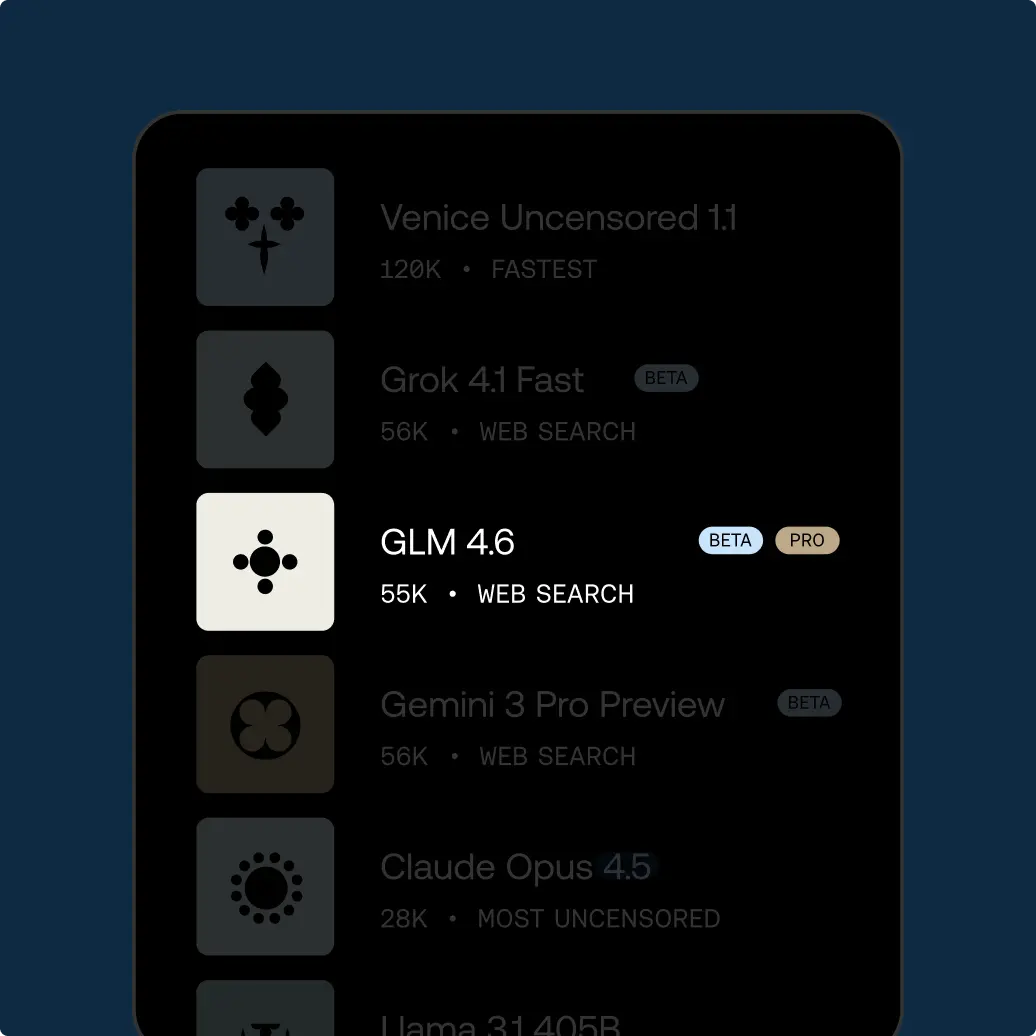
If you need private words to go with the art, write those on GLM 5.2 in the same account.
Check which image model actually ran in Studio. Do not assume this page picked your favorite.
When you publish, read the rules of the site you post to. For example, Venice being open does not change Instagram's rules.
If you are angry, wait before putting a real person's face in a scene.
Illegal prompts are still blocked. “Uncensored” does not mean “against the law.”
Name the time of day and the weather once. Mixed settings make a scene look fake.
If you want a photo, say photograph. If you want a painting, name the paint.
Change one thing per try. A new medium and a new scene at once teaches you nothing.
Write the intended size: poster, phone wallpaper, or small print. Shape follows that.
If a result comes back cropped, switch image models and try the same prompt once.
If you need a series, number the frames and repeat the room description so the setting does not drift.
If the scene is adult, say fictional adults in the first line so the prompt cannot be read two ways.
Name one light source. Mixed noon and neon in the same still usually looks fake.
How to use Venice AI
Try unrestricted AI today
Free
Free
Explore Venice with base AI models
Pro
$18/mo
Your private AI studio - every model, every medium, no limits.
Most Popular
Pro Plus
$68/mo
Everything in Pro, scaled for serious creators and users
Max
$200/mo
Everything in Plus - for the ultimate access to Venice power users
API Plans
Pay as you go at published model rates, or choose Pro Plus with $75 in monthly API spend and two-month banking, or Max with $225 and three-month banking. Both subscriptions include every Pro feature.
View model pricing